


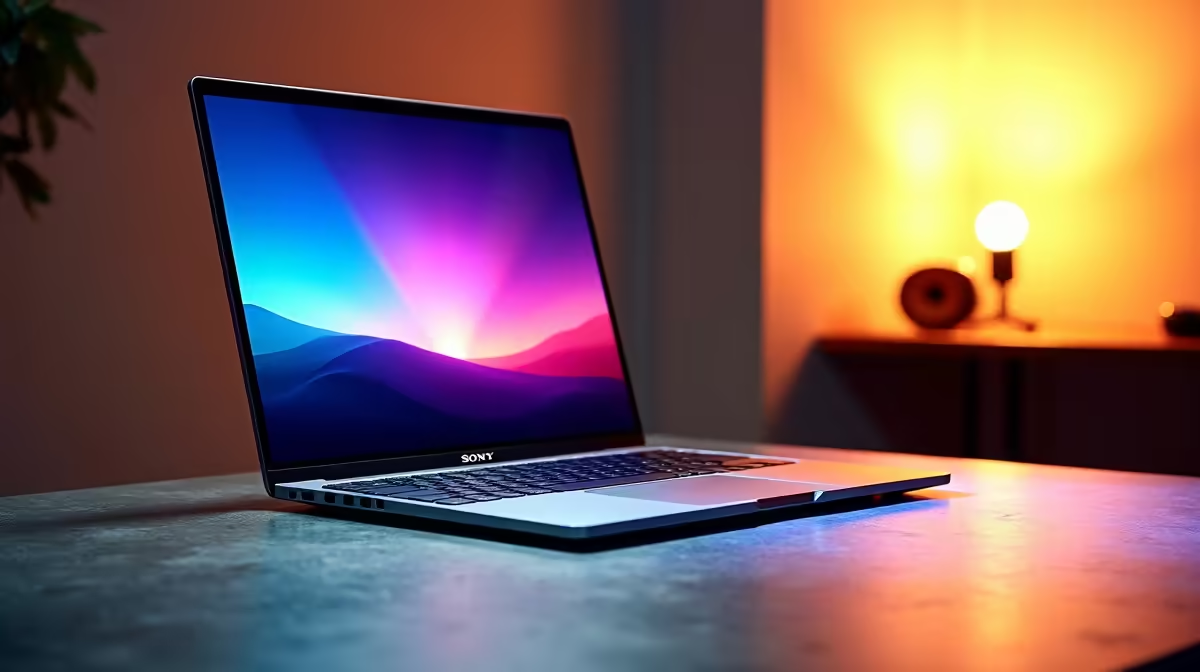
Staring at a render bar that moves slower than rush-hour traffic on the N1? We get it. Choppy playback and endless export times can kill any creative vibe. Finding the perfect laptop for video editing in ZA often feels like a compromise between power, portability, and price. But what if you could have it all? A machine that slices through 4K timelines and lets you focus on creating, not waiting. Let's find your perfect match. 🎬
Core Components for a Smooth Editing Experience
Before you even look at a brand or a price tag, understanding the hardware inside is crucial. The right combination of components is what separates a frustrating experience from a seamless one. When searching for a laptop for video editing in ZA, these are the non-negotiables.
CPU: The Brain of the Operation
The Central Processing Unit (CPU) handles almost everything... from running your software to processing complex logic. For video editing, more cores and higher clock speeds mean faster encoding and smoother performance. The debate between Intel and AMD is fierce, but both offer incredible options. Whether you lean towards the multi-core dominance of Team Red, found in our range of AMD laptops on special, or the single-core strength of Team Blue, seen in our powerful Intel laptops on special, aim for at least a Core i7 or Ryzen 7 for serious work.
GPU, RAM, and Storage: The Power Trio
While the CPU is the brain, these three are the muscle:
- Graphics Card (GPU): Your GPU accelerates visual tasks like rendering, applying effects, and colour grading. A dedicated NVIDIA GeForce RTX card (like the 3060, 4060, or higher) is essential for modern editing software like DaVinci Resolve and Adobe Premiere Pro.
- RAM: Think of RAM as your laptop's short-term memory. For editing high-resolution video, 16GB is the absolute minimum. If you work with 4K footage or complex motion graphics, 32GB or more will ensure buttery-smooth playback.
- Storage: A Solid State Drive (SSD) is non-negotiable. The speed difference compared to an old hard drive is massive, drastically cutting down project load times. Look for an NVMe SSD for the best possible performance.
Why a Gaming Laptop is Your Secret Weapon 🚀
Here’s a tip many pros in South Africa have caught onto: gaming laptops are often the best-value machines for video editing. Think about it... they are built with powerful GPUs, top-tier CPUs, and advanced cooling systems designed to handle intense, prolonged workloads. What's good for running a demanding game at high frame rates is also perfect for rendering a 4K video project.
This is precisely why many creators browse the best gaming laptop deals when hunting for their next editing rig. You get raw performance, excellent cooling, and often a high-quality, colour-accurate display without paying the premium for a specialised "workstation" brand.
Editing Pro Tip ⚡
If your laptop struggles with 4K or 6K playback, use proxies! Most editing software (like Premiere Pro and DaVinci Resolve) can create low-resolution copies of your files for smooth editing. When you're ready to export, the software automatically links back to the original high-quality files for a perfect final render. It's a lifesaver.
Finding Your Perfect Creative Laptop in South Africa
Choosing the right laptop for video editing in ZA comes down to balancing your specific needs with your budget. Do you need something lightweight for editing on the go, or is maximum power for your home studio the priority? Answering that question will guide you to the perfect screen size, weight, and component configuration.
Ultimately, the best creative laptop is the one that removes technical barriers and lets you bring your vision to life without friction. With the right hardware, you can spend less time watching progress bars and more time creating amazing content. You can explore a massive variety of options in our full catalogue of laptop specials for sale in South Africa to find a machine that fits your workflow and your wallet. ✨
Ready to Find Your Perfect Match? The Mac vs Windows debate is complex, but for maximum power, choice, and value in South Africa, Windows is hard to beat. Explore our massive range of laptop specials and find the perfect machine to conquer your world.










