


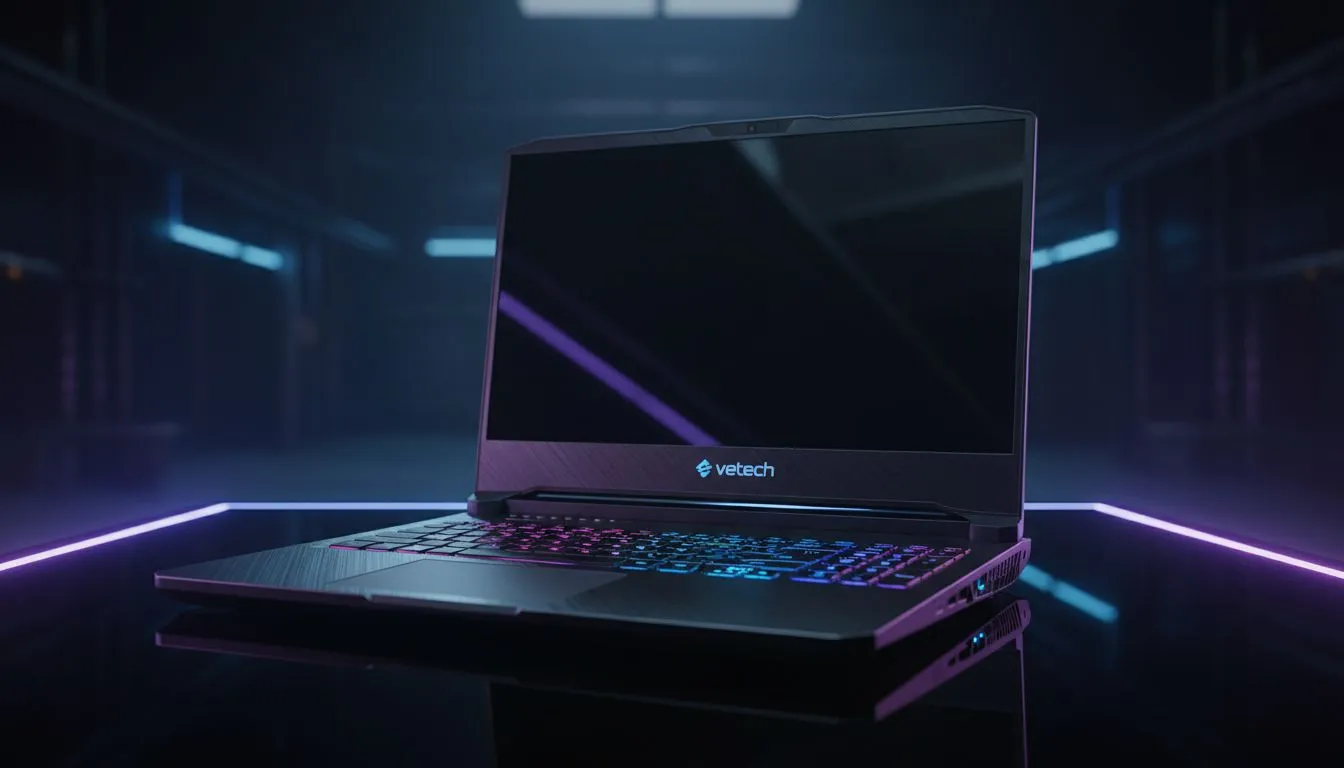
Finding the Best Laptop for WoW: Your Azeroth Adventure Starts Here
World of Warcraft remains a staple for South African gamers. Whether you are leading a 40-man raid in Orgrimmar or exploring the lush Dragon Isles, performance matters. A sudden frame drop during a boss fight can mean the difference between victory and a long run back from the graveyard. This Best Laptop for WoW guide helps you choose the right gear for a smooth experience. ⚡
Prioritise Your Processor for Stable Frame Rates
Unlike many modern titles that rely heavily on the graphics card, World of Warcraft is notoriously CPU-bound. This means your processor does the heavy lifting, especially in crowded cities like Valdrakken. For the best results, you want high single-core clock speeds. You can find a massive range of intel laptops on special that offer the high frequency needed to keep those minimum frame rates stable during intense combat.
If you prefer efficiency and multi-threaded performance for streaming your raids, looking into Ryzen laptop deals is a smart move. These chips handle the game and background tasks like Discord or Spotify without breaking a sweat.
Graphics and Visuals: Seeing Every Detail in Azeroth
While the CPU handles the logic, the GPU makes the world look beautiful. Blizzard has added modern features like ray-traced shadows and high-fidelity textures to the game over the years. To see these effects without turning your laptop into a space heater, check out the GeForce RTX gaming laptops on special. An RTX card allows you to use DLSS or FSR to boost your frame rates while keeping the resolution crisp.
WoW Performance Tip ⚡
Always ensure you have at least 16GB of RAM for the modern WoW expansions. While the game can run on 8GB, the latest zones and high-resolution textures will quickly fill up your memory, leading to stuttering. Installing the game on an NVMe SSD is also essential for fast loading screens when hearthstoning.
Balancing Performance and Your Budget
We understand that every gold-farmer has a different budget. You do not need to spend a fortune to enjoy the game at high settings. There are fantastic options for gaming laptops under R20k that will easily crush 1080p gaming. These machines provide the perfect entry point for students or casual players who want to explore Azeroth on the go.
If you are looking for the absolute peak of performance-to-price, keep an eye on our best gaming laptop deals. We frequently update our stock to ensure South African gamers get the latest tech at the most competitive prices. Finding the best laptop for WoW is about matching your playstyle to the right hardware... and we are here to help you make that choice. 🚀
Ready to Find Your Perfect Match? The World of Warcraft experience is only as good as the hardware running it. For maximum power, choice, and value in South Africa, Evetech has you covered. Explore our massive range of laptop specials and find the perfect machine to conquer Azeroth today.











