


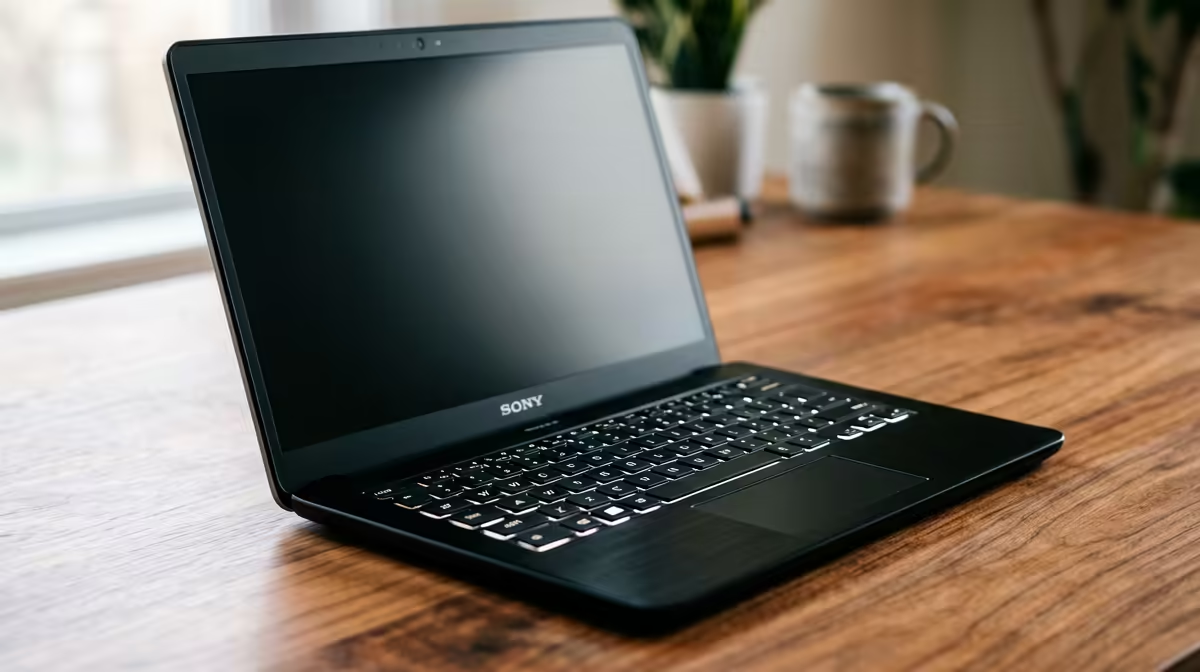
So, you’ve got beats bouncing around in your head, inspired by everything from Amapiano to local rock anthems. The urge to create is real, but your old laptop groans just opening a browser. Where do you even start? Finding the best laptops for beginner music production in SA can feel daunting, especially when you're trying to balance power with price. Don't stress... we're here to help you find the perfect machine to launch your music journey. 🎵
Core Specs for a Smooth Music Production Laptop
Before you even look at brands, you need to understand the engine under the hood. For making music, three components are non-negotiable. Getting these right means less time watching loading bars and more time in a creative flow. Think of your laptop as the central nervous system of your future studio; it needs to be fast, responsive, and reliable.
### CPU: The Brains of the Operation
Your Central Processing Unit (CPU) does all the heavy lifting. It processes every track, every effect, and every virtual instrument (VST) in your Digital Audio Workstation (DAW). For music production, strong single-core performance is crucial for handling individual audio channels, while multiple cores help when you start layering dozens of tracks.
Whether you go for one of the latest Intel laptops on special or a powerful machine from the range of AMD laptops on special, aim for at least a modern Core i5 or Ryzen 5 to start. This gives you enough headroom to experiment without your system crackling under pressure.
### RAM: Your Creative Workspace
Think of RAM (Random Access Memory) as your short-term memory. It holds all the samples, plugins, and audio files you're currently using. 8GB is the absolute minimum, but 16GB is the real sweet spot for a beginner music production laptop. It allows you to run your DAW, a few VSTs, and maybe a browser for tutorials simultaneously without your machine slowing to a crawl.
### Storage: Speed is Everything
Your storage drive, or hard drive, is where your operating system, software, and massive sample libraries live. A Solid State Drive (SSD) is essential. The speed difference between an SSD and an old-school mechanical hard drive is night and day. Projects and samples will load in seconds, not minutes. Aim for at least a 512GB NVMe SSD. You'll be grateful for the speed every single time you open a project. ✨
DAW Performance Boost ⚡
In Windows, go to Power Options and select the 'High Performance' plan. This prevents your CPU from throttling down during intense sessions, reducing audio dropouts and latency. Also, consider using a tool like LatencyMon to check if any drivers are causing issues with real-time audio processing.
What to Look For in a Beginner Music Production Laptop
With the core specs sorted, let's talk about the practical side of choosing from the many laptops for making music in SA. It's not just about raw power; it's about finding a machine that fits your workflow and budget.
One of the best-kept secrets? A gaming laptop is often one of the best laptops for music production beginners. Why? Because they are built for performance. They typically feature powerful CPUs, dedicated graphics (which can help with plugin GUIs), plenty of RAM, fast SSDs, and, most importantly, robust cooling systems designed to handle sustained workloads. This means your laptop stays cool and quiet during long recording or mixing sessions. Exploring the best gaming laptop deals can often uncover a powerhouse machine for a fantastic price.
Consider screen size and connectivity too. A 15-inch screen offers a good balance of workspace and portability, while a few USB-A and USB-C ports are vital for connecting an audio interface, MIDI keyboard, and external drives. Don't let the "gaming" label fool you; these machines are versatile creative workhorses. 💻
Ready to Drop Your First Beat? The journey from bedroom producer to mainstage artist starts with the right gear. In South Africa, finding a powerful, value-packed laptop is easier than ever. Explore our massive range of laptop specials and find the perfect machine to build your sound.










