


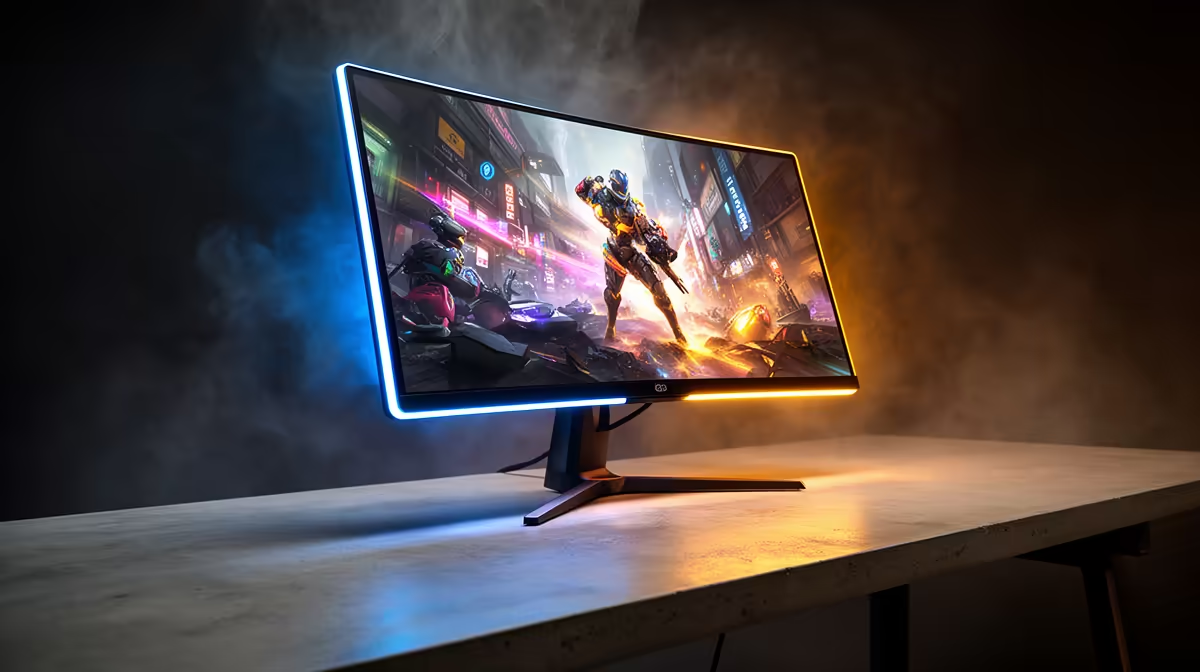
Ever missed a crucial headshot in Valorant? Or lost a 1v1 in the final Warzone circle, swearing you fired first? It might not be your reflexes... it could be your monitor. That tiny, invisible delay between your mouse click and the action on-screen is called input lag, and in the high-stakes world of competitive gaming, it’s the difference between victory and defeat. Finding the best low input lag monitors isn't just an upgrade; it’s a necessity.
Understanding Gaming Monitor Input Lag
So, what exactly is this ghost in the machine? Input lag, measured in milliseconds (ms), is the total time it takes for a signal from your PC or console to be processed and displayed on your screen. This is different from response time, which measures how quickly a pixel can change colour. A monitor can have a fast response time but still suffer from high input lag, creating a sluggish, unresponsive feeling that can sabotage your performance.
For competitive gamers in South Africa, minimising this delay is everything. When every frame counts, a low input lag monitor ensures that what you see is happening in near-real-time, giving you the split-second advantage needed to outplay your opponents. It’s the closest you can get to a direct connection between your brain and the game.
Key Features of the Best Low Input Lag Monitors
When you're hunting for a display that can keep up with your skills, a few key specifications are non-negotiable. While the market is flooded with various PC monitors, competitive players need to look beyond just the screen size.
Refresh Rate (Hz) & Response Time (ms)
These two specs are the bread and butter of a responsive gaming experience.
- Refresh Rate (Hz): This is how many times your monitor updates the image per second. The standard is 60Hz, but for competitive gaming, 144Hz is the baseline. Pros often use 240Hz or even 360Hz monitors for the smoothest possible motion and the most up-to-date visual information. 🚀
- Response Time (ms): This is how fast pixels can shift from one colour to another. A low response time (ideally 1ms GTG - Grey-to-Grey) reduces motion blur and ghosting, keeping your targets crisp and clear during fast movement.
While crystal-clear visuals from premium 5K and 4K monitors are incredible for cinematic single-player games, most competitive players prioritise refresh rate over resolution, often choosing a 1080p or 1440p monitor to guarantee higher frame rates.
Pro Tip: Enable Game Mode ⚡
Almost all modern gaming monitors have a dedicated 'Game Mode' or 'Low Latency Mode' in their on-screen display (OSD) settings. Always make sure this is turned on! It bypasses extra image processing to significantly reduce input lag. Also, use a DisplayPort cable over HDMI where possible for the best performance.
Beyond the Basics: What Else Matters?
A truly great competitive gaming monitor isn't just about speed. Other features can enhance your focus and overall experience. For many, the immersion offered by curved monitors helps fill their peripheral vision, making it easier to spot enemies at the edge of the screen.
Adaptive Sync technology (NVIDIA G-Sync or AMD FreeSync) is another crucial feature. It synchronises your monitor's refresh rate with your graphics card's frame rate, eliminating ugly screen tearing and stuttering without adding significant input lag. And for the dedicated LAN party-goer, the rise of high-performance portable monitors means you no longer have to compromise your setup when you're away from your main battle station.
Optimising Your Setup for Peak Performance ✨
Getting one of the best low input lag monitors is a huge step, but it's part of a bigger ecosystem. To get the most out of your new screen, ensure you have the right gear supporting it. A high-quality DisplayPort 1.4 cable, an ergonomic monitor arm for perfect positioning, and a screen cleaning kit are small investments that pay off. Exploring the right monitor accessories can complete your setup and ensure you're ready for any challenge.
Ultimately, the goal is to remove every possible barrier between you and your in-game performance. A responsive, high-refresh-rate monitor is arguably the most impactful upgrade a competitive gamer can make.
Ready to Eliminate Lag and Dominate the Leaderboard? Your skill deserves a screen that can keep up. A low input lag monitor is an investment in your performance, giving you the competitive edge you need. Explore our winning range of competitive gaming monitors and find the perfect display to climb the ranks.










