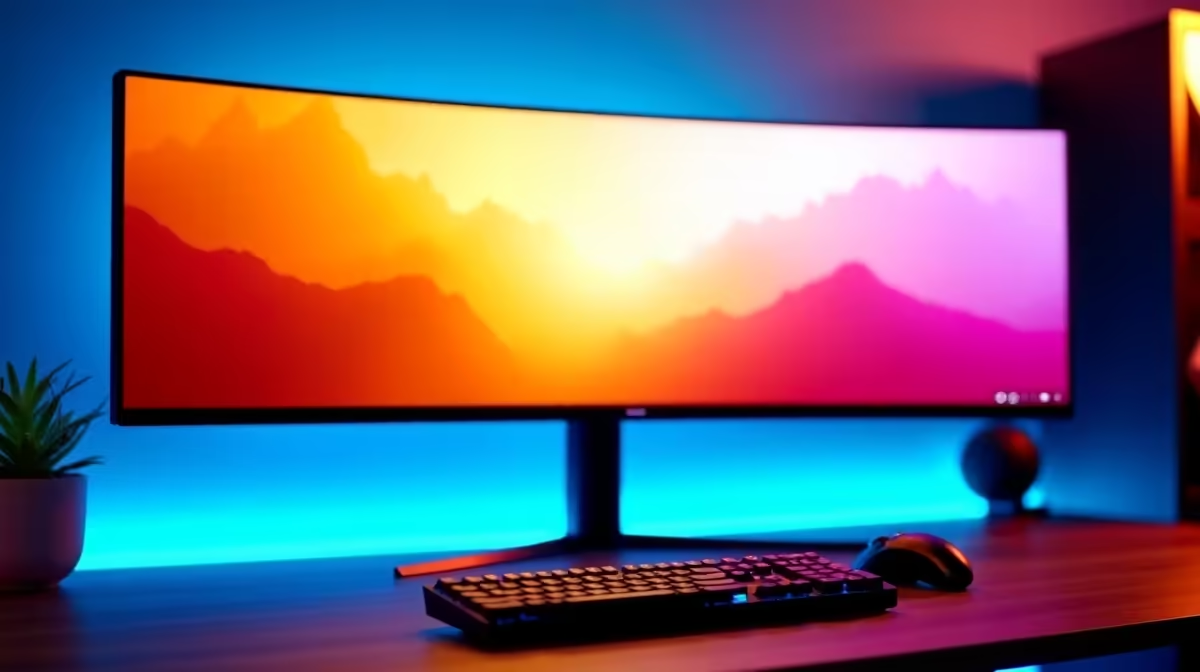
Building that perfect Goth family mansion or a quirky tiny home in The Sims 4 is an art form. You spend hours meticulously placing every item, agonising over wallpaper colours, and perfecting the landscaping. But what if your monitor isn't showing your creation in its full glory? With the next generation, Project Rene, on the horizon, now is the perfect time to find the best monitor for The Sims 4 and future-proof your setup for years of creative bliss. ✨
Why Your Monitor is the Most Important Tool for The Sims
For many games, it's all about refresh rates and response times. But for a life simulator like The Sims, your priorities shift. You're a digital architect, an interior designer, and a storyteller. Your monitor is your window into that world, and its quality directly impacts your creative experience.
Think about it… the subtle textures in a velvet sofa, the vibrant hues of a sunset over Sulani, the crisp lines of a modern build. These details can get lost on a washed-out, low-resolution screen. A great monitor for The Sims 4 makes your custom content pop and your builds feel more tangible. It's not just about playing the game; it's about seeing your vision come to life. Upgrading is one of the best investments you can make, and there's a huge variety of PC monitors available in South Africa to fit any budget.
Key Specs for the Perfect Sims 4 & Project Rene Monitor
When searching for the best monitor for The Sims 4 & Project Rene, it's easy to get lost in technical jargon. Let's break down what truly matters for a Simmer.
Colour Accuracy & Resolution: See Every Swatch
This is your number one priority. You need a monitor that displays colours accurately and vibrantly.
- Panel Type: Look for an IPS (In-Plane Switching) panel. They offer the best colour reproduction and viewing angles, ensuring your carefully chosen colour schemes look exactly as intended.
- Resolution: While 1080p (Full HD) is perfectly fine, stepping up to 1440p (QHD) is a massive leap in clarity. You'll notice sharper details in furniture, clothing, and the world itself. It makes the user interface cleaner and gives you more space to build.
Refresh Rate & Adaptive Sync: Smooth Scrolling Guaranteed
The Sims isn't a fast-paced shooter, so you don't need a 240Hz screen. However, a smoother experience is always better.
- Refresh Rate: A monitor with a 75Hz or higher refresh rate will make panning the camera and navigating menus feel much more fluid than a standard 60Hz display.
- Adaptive Sync: This technology prevents ugly "screen tearing" by synchronising your monitor's refresh rate with your graphics card's output. Whether it's AMD's FreeSync technology or NVIDIA's G-Sync compatible displays, it's a must-have for a seamless visual experience. Many modern screens also support the VESA Adaptive Sync standard, offering broad compatibility.
Quick Tip: Enable Your Sync! 🔧
Just because your monitor supports FreeSync or G-Sync doesn't mean it's on by default! Dive into your graphics card's control panel (NVIDIA Control Panel or AMD Radeon Software) and make sure the feature is enabled for your display. It's a simple toggle that ensures a tear-free building session.
Our Top Monitor Picks for Every Simmer
Finding the single best monitor for The Sims depends on your budget and playstyle. Here’s a breakdown of what to look for, from budget-friendly options to premium creative canvases.
The Budget-Friendly Builder: 1080p IPS
You don't need to spend a fortune to get a fantastic experience. A 24-inch or 27-inch 1080p IPS monitor offers a significant upgrade over older screens without breaking the bank. Brands like Dahua offer incredible value, providing vibrant colours and solid performance for a surprisingly low price in ZAR.
The Design Enthusiast: 1440p QHD
This is the sweet spot for most Simmers. A 27-inch 1440p monitor provides a perfect blend of screen real estate and pixel density. You'll see a remarkable difference in detail, making it easier to fine-tune your interior designs. You can find excellent options from brands like AOC that balance performance and price perfectly.
The Ultimate Creator: Ultrawide & 4K
If you're a serious builder who streams or creates content... or you simply want the best possible canvas for the upcoming Project Rene... an ultrawide or 4K monitor is the ultimate goal. An ultrawide gives you an expansive, cinematic view of your neighbourhoods, while a 4K display offers unparalleled sharpness. Premium brands like HP have professional-grade monitors that deliver exceptional colour accuracy for the most demanding creators. 🚀
Ready to Build Your Dream World?
Finding the best monitor for The Sims 4 can transform your gameplay from fun to fully immersive. With Project Rene on the horizon, now is the perfect time to upgrade. Explore our massive range of PC monitors and find the perfect display to bring your creations to life.