


Best Laptop with Core Ultra 9 + RTX 4070 Laptop: SA Picks 2026
Top Laptop with Core Ultra 9 + RTX 4070 Laptop: Picks picks evaluated on performance, value & SA availability with current Rand pricing from Evetech.
Read moreChoosing the best streaming camera is easy with our expert guide. From high-end content creation to professional video calls, find your perfect match today! 🎥🚀
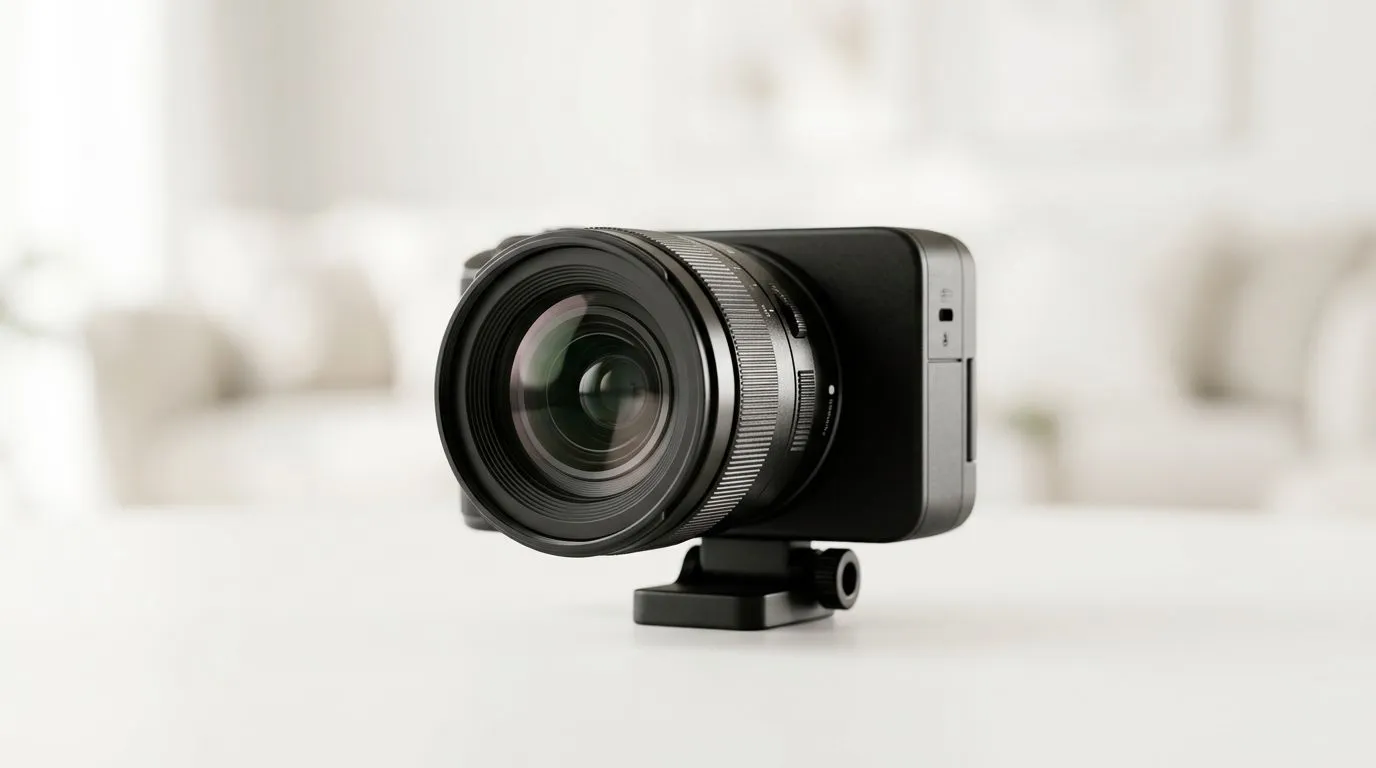
So you want to stream, record, or game on camera… and your viewers can’t stop noticing your blurry face or grainy audio. Fair. In South Africa, where load shedding, varying internet, and budget choices are real, you need a setup that just holds up.
This guide is here to help you choose the right gear from the Best Streaming Camera Guide: Choosing the Right Gear for Your Setup mindset. We’ll cover what matters, what to skip, and how to avoid the common “I bought a camera… but nothing looks better” trap. 🔧
Before you look at specs, decide what you’re actually doing:
A quick truth gamers learn fast: lighting and positioning beat raw resolution. A cheap camera with decent light often looks better than an expensive one placed in a dark room. ✨
Most home streamers start with a USB webcam because it’s plug-and-play. Then they upgrade to a “real” camera later. If you’re shopping webcams right now, start here on Evetech:
(Those lists make it easier to compare what fits your budget today.) ⚡
Here are the specs that actually affect what your audience sees. Use them as a checklist, not a shopping checklist fantasy.
Many webcams advertise 1080p, which is plenty for most streams. What matters more:
If the camera keeps “pumping brightness,” your face will look washed out. Viewers feel that instantly, even if they can’t explain it.
Higher frame rates can make motion feel smoother, especially for games where you’re constantly moving. Still, don’t chase numbers if your lighting is weak. If your room is dark, extra frames just capture more noise.
Built-in mics vary a lot. If you game with mechanical keyboard clacks or controller clicks, a basic webcam mic can turn into a distraction machine. If audio clarity is important, plan to upgrade your mic or at least manage sound placement.
Want a tighter, streamer-style frame? Look for a suitable field of view and place the camera at the right distance. Over-wide lenses can distort your face, especially up close. Nerdy? Yes. Noticeable to viewers? Also yes. 🙂
If you only take one thing from this guide, take this: light your face, not your ceiling.
Practical wins:
Try this simple rule: camera at about eye level. If you’re looking slightly downward from above, viewers will feel like you’re “in a bathtub” frame. Not great for concentration or vibes.
Place your webcam so it’s level with your eyes, then test with a game scene you play often. If your face looks sharp during quick movement, you’re set. If not, adjust lighting first before you blame the camera.
Not everyone upgrades the same way. Here are two realistic paths.
If you want fast results without extra gear, choose a webcam in your budget bracket and focus on lighting and positioning. Start from Evetech’s webcam selection page(s) above and filter by the price you can actually spend in ZAR today.
When you’re consistent with streaming or content, you’ll start caring about:
That’s when it makes sense to move beyond “good enough webcam” territory.
If you’re unsure what to pick, browse in your budget tiers first. It removes decision fatigue and helps you compare like-for-like.
Ready to Find Your Perfect Match? If you’re ready to upgrade your streaming setup the smart way, start with the right camera within your budget and get the gear that fits your room and your goals. Browse webcams and creator-ready options on Evetech here: Shop Evetech webcams and choose your perfect match.
For beginners, a high-quality USB webcam or a versatile mirrorless camera is best, as they offer plug-and-play functionality with excellent 1080p or 4K resolution.
While 1080p is sufficient for most platforms, a 4K streaming camera provides sharper clarity, which helps students see your whiteboard or materials more clearly.
Yes, mirrorless cameras provide superior depth of field, better low-light performance, and interchangeable lenses, making them ideal for professional content creation.
Depending on your choice, you may need a USB cable for webcams or a capture card and micro-HDMI cable to connect a mirrorless camera for high-quality video input.
A consistent 30fps is standard for calls, but 60fps is recommended if you want smoother motion during fast-paced streaming or high-end presentations.
Yes, using apps like Camo or Iriun allows you to use your phone's high-quality lenses as a streaming camera, which is a great budget-friendly upgrade.
Top Laptop with Core Ultra 9 + RTX 4070 Laptop: Picks picks evaluated on performance, value & SA availability with current Rand pricing from Evetech.
Read more
RTX 4090 Laptop GPU Starfield Performance: Laptop. Real-world benchmark data, FPS numbers & performance analysis. What SA gamers can actually expect.
Read more
RTX 4070 Laptop GPU Baldurs Gate 3 Performance. Real-world benchmark data, FPS numbers & performance analysis. What SA gamers can actually expect.
Read more
RTX 4060 Laptop GPU Call of Duty Performance. Real-world benchmark data, FPS numbers & performance analysis. What SA gamers can actually expect.
Read more
the CPU Pairing for the RTX 4060 Ti. Optimal CPU matches ranked by performance balance & SA value. Avoid bottlenecks with the right pairing.
Read more
Top Gaming GPU Between R30,000 and R50,000 picks evaluated on performance, value & SA availability with current Rand pricing from Evetech.
Read more
Snapdragon X2 NPU Explained: How 80 TOPS Changes. Plain-English explanation of what it means, why it matters & how it affects your buying decisions in SA.

HBM? High Bandwidth Memory Used in GPUs and AI. Plain-English explanation of what it means, why it matters & how it affects your buying decisions in SA.

How much should you spend on sim racing accessories in South Africa for a realistic setup? We break down budgets by quality tiers, so you buy smart gear and avoid overspending 🎮💸

G-Sync and FreeSync? Variable Refresh Rate. Plain-English explanation of what it means, why it matters & how it affects your buying decisions in SA.

AMD Laptop: Value. SA-focused analysis with local pricing data, real-world insights & actionable buying advice.

How MacBook Neo Handles 30+ Chrome Tabs with Only. SA-focused analysis with local pricing data, real-world insights & actionable buying advice.

Why Apple Put 8GB RAM in MacBook Neo: The A18 Pro. SA-focused analysis with local pricing data, real-world insights & actionable buying advice.

Upgrade your work laptop with a New Motherboard. Step-by-step instructions with SA-specific tips, common pitfalls to avoid & expert recommendations.

Maintain wired headset — Checklist: • inspect cables • clean earpads • store properly 🔧🎧 Practical steps to preserve sound quality and avoid premature replacements.

Fix crackling headset fast: step-by-step checks for cables, connectors, drivers, and settings to remove static or distorted audio on wired headsets 🎧⚙️

Stereo vs mono headsets: learn which delivers clearer calls, better spatial music, or simpler mono voice performance — pick the right headset for meetings, music, or gaming 🎧💬

- Compare gaming headset vs studio headphones; - Assess comfort, mic and sound; - Recommend best daily picks. Gaming headset vs studio headphones: learn which suits work, music and casual gaming. 🎧⚖️