


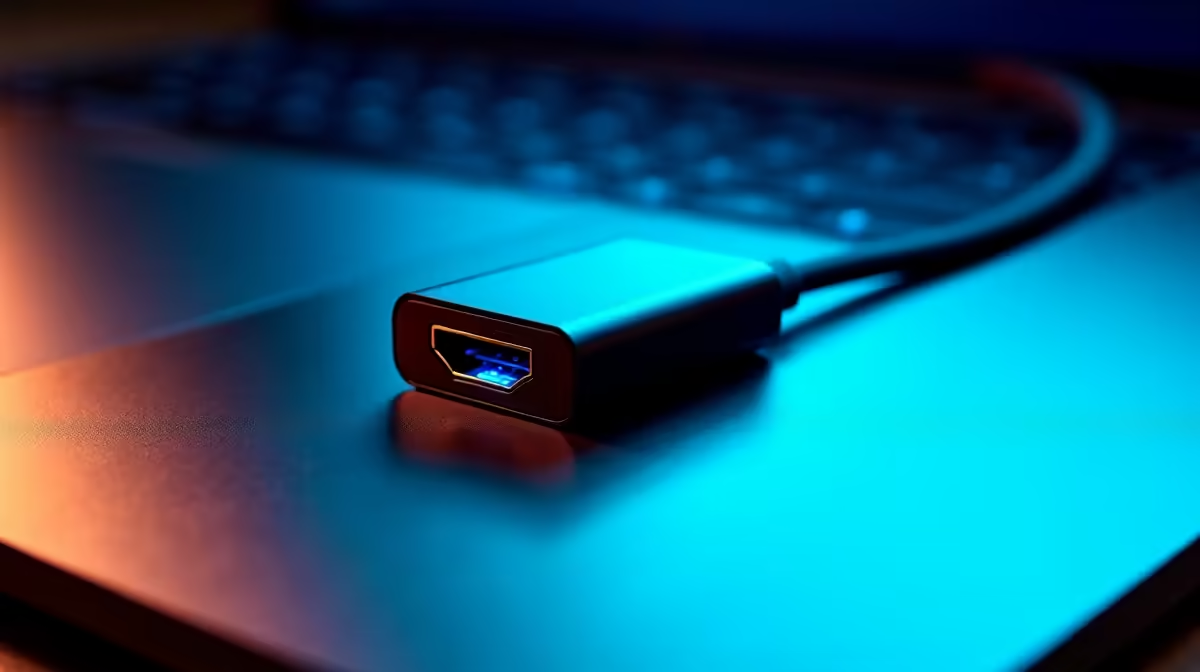
Why the Best USB-C to HDMI Adapter for MacBook in SA Matters to You
South African gamers and tech buyers know the pain of limited ports on sleek MacBooks 🖥️. Whether you’re streaming your latest gaming session or giving a slick presentation, connecting your MacBook to an external display is essential. Finding the best USB-C to HDMI adapter for MacBook in SA lets you unlock 4K visuals without fiddling with cables or bulky hubs. Ready for a smoother, sharper display experience?
What Makes a Top USB-C to HDMI Adapter for MacBook in SA
When searching for the best USB-C to HDMI adapter for your MacBook, there are key features to consider. Look for 4K@60Hz support to enjoy crisp, fluid gameplay and presentations. A sturdy aluminium build means durability 🇿🇦, while plug-and-play ease stops technical headaches. Avoid dongles with lag or flickering — priority one for serious gamers and creative pros alike!
Compatibility and Resolution – Don’t Settle for Less
MacBooks vary, but the best adapters handle broad compatibility across M1, M2, and Intel-based models. That means no headaches about whether your device is supported. Bonus points if the adapter supports HDR and delivers stable transmission. This ensures you enjoy the vivid colours and low latency serious users demand. Check specs carefully on Evetech’s selection pages — they list tested adapters built for local SA conditions and connectivity.
Where to Upgrade: Accessories for Your Setup
If you’re upgrading your MacBook’s display, you might also want to explore other gear upgrades. Evetech’s notebooks for sale in South Africa offer powerful machines ready to pair with your new adapter. For gamers craving more power, explore best gaming PC deals tailored to South African gamers. These rigs handle high-res streaming and multi-display setups with ease.
Pro MacBook Connection Tip
Want to reduce input lag during gaming or video calls? Use a high-quality USB-C to HDMI cable with gold-plated connectors and keep your adapters firmware updated for optimal speed and stability.
Setting Up Your External Display: Quick Guide 🔧
Setting up is easy: plug your USB-C to HDMI adapter into your MacBook, connect the HDMI cable to your monitor or TV, and voila — you have extended or mirrored your display. In macOS, customise display settings from System Preferences to tweak resolution and arrangement to your liking. For stability, connect via a quality HDMI cable from Evetech’s PC Components graphics cards section; superior hardware complements your adapter perfectly.
Price and Deals on USB-C to HDMI Adapters in SA
South African buyers appreciate value without compromise. Evetech’s specials often feature heavily discounted adapters and essential accessories. These deals make it easy to upgrade without blowing your budget. Still unsure? Discover pre-tested, pre-built PC deals at Evetech’s pre-built PC deals page to find machines already optimised for multi-display setups — including the adapters you need.
Upgrade Your MacBook Display Today Don’t settle for a cramped screen—expand your viewing horizons with the best USB-C to HDMI adapter for MacBook in SA. Shop now at Evetech for performance that leaves lag in the dust.











