


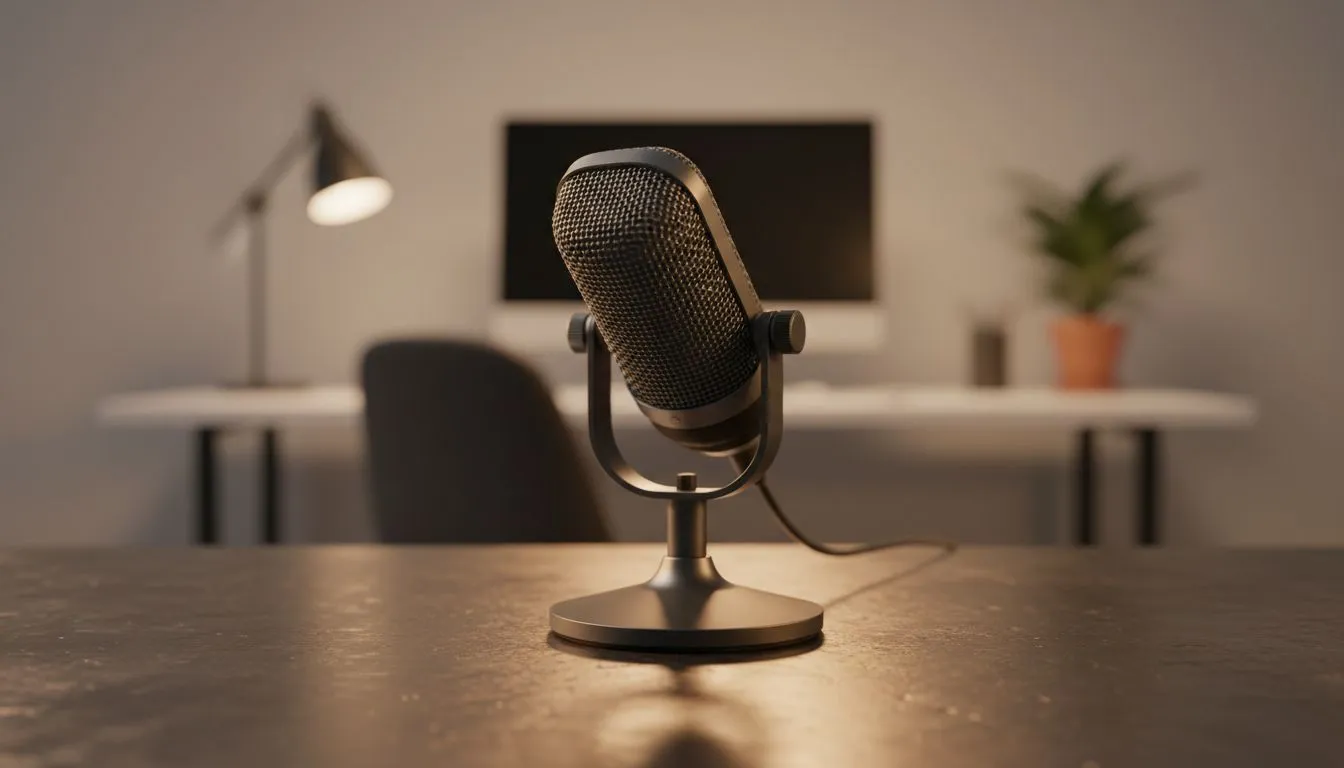
Tired of sounding like you are broadcasting from a tin can during important client meetings? In South Africa's busy remote work landscape, clear audio is no longer optional. Pitching a new project or sync'ing with your team? An external microphone for Zoom and Teams can boost call audio instantly. Stop relying on subpar laptop mics that pick up every passing taxi or barking dog.
Why High-Quality Call Audio Matters
If you want to look professional, you need to sound professional. Most built-in laptop microphones are small and poorly positioned. They often capture more keyboard clicking than actual voice. By switching to a dedicated microphone for Zoom, you isolate your voice. This ensures your message remains crisp and clear for everyone on the call.
Creating a Complete Audio Environment
While a good mic captures your voice, a solid set of speakers allows you to hear colleagues without ear fatigue. For many South Africans, space is at a premium on the desk. A compact 2.0 speaker configuration fits perfectly next to your monitor. These provide clear stereo sound without taking up too much room or cluttering your workspace.
Productivity Pro Tip ⚡
To reduce echo in your room, try placing soft materials like a rug or acoustic foam nearby. Even a few cushions on a chair behind your microphone can absorb sound reflections. This simple trick makes a budget microphone sound significantly more expensive during your next Teams session.
Choosing Between Connectivity and Power
If you prefer a cleaner look, wireless connectivity is the way to go. It removes the clutter of cables across your workspace. However, for those who never want to worry about battery life during a long meeting, wired audio options remain the gold standard. They offer a stable connection that never drops out when things get busy.
For users looking for a balance between price and performance, Promate audio gear offers fantastic value in ZAR. Their equipment is designed for durability and ease of use. If you need a bit more punch for media consumption after work, a 2.1 speaker setup adds a dedicated subwoofer. This provides the depth needed for both video calls and relaxing with music later.
Final Thoughts on Call Clarity
Investing in your audio setup shows you value the time of your colleagues. It reduces the 'pardon?' and 'can you repeat that?' moments that derail productivity. Whether you are in Joburg or Cape Town, a professional audio presence makes a lasting impression. 🔧 ⚡ 🚀 ✨
Ready to Boost Your Call Audio? Clear communication is the backbone of every successful project. Explore our range of high-quality audio solutions and find the perfect gear to upgrade your home office at Evetech.











