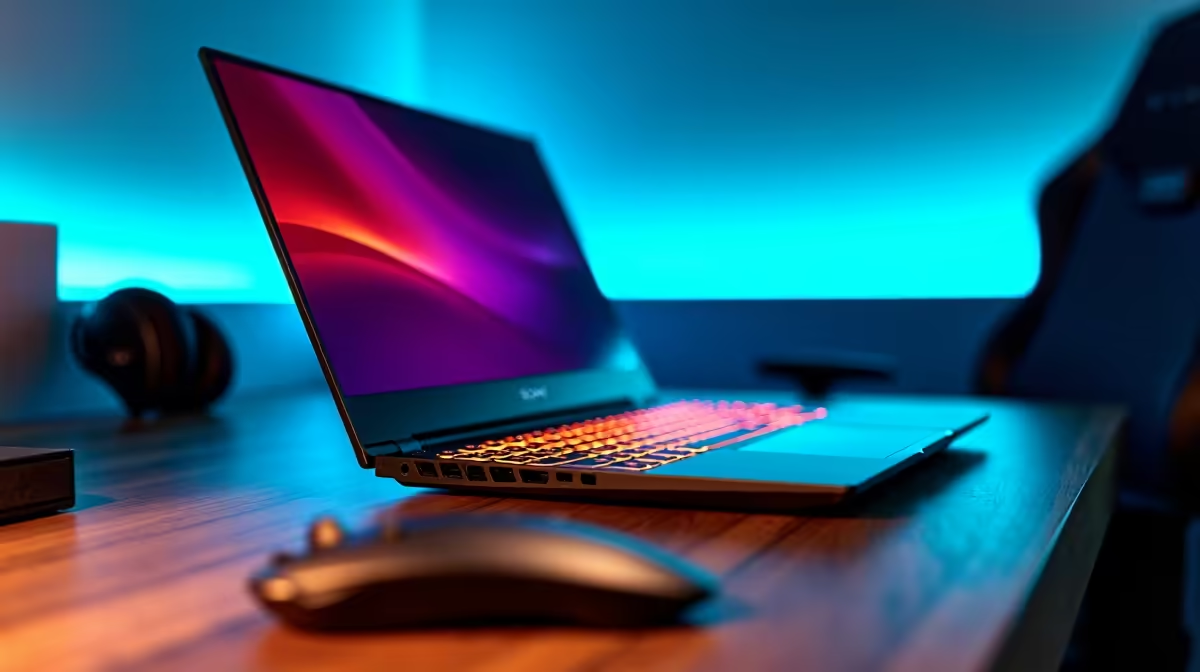
You’re mid-raid, the final boss is at 10% health... and your screen goes black. The dream of portable PC gaming in South Africa often feels chained to the nearest wall socket. But what if it didn't have to be? Finding gaming laptops with the best battery life is no longer a myth. Modern machines can now genuinely last a full day of work or study, and still have enough juice for a session afterwards. 🚀
What Gives a Gaming Laptop the Best Battery Life?
It’s not just about cramming a massive battery inside. True unplugged freedom comes from a smart combination of efficient hardware and clever software. The secret to finding a gaming laptop with the best battery life in 2025 lies in understanding these key components.
CPU and GPU Efficiency
Modern processors are incredibly intelligent. The latest Intel laptops on special use a mix of powerful Performance-cores for gaming and efficient Efficiency-cores for background tasks, saving power when you're not pushing frames. Similarly, AMD’s mobile chips are renowned for their low power draw, and you can find some fantastic Ryzen laptop deals that sip battery when you're just browsing or watching lectures.
The graphics card is the biggest power user. That's why many modern GeForce RTX gaming laptops feature a MUX switch or NVIDIA Advanced Optimus. This tech lets the laptop completely turn off the power-hungry RTX GPU and use the processor's integrated graphics for simple tasks, massively extending its unplugged runtime.
Beyond the Internals
The screen also plays a huge role. A 4K 165Hz panel will drain your battery far quicker than a 1080p 120Hz one. Setting your screen to 60Hz when on battery is a simple trick that can add hours to your usage. It’s all about finding the right balance for your needs.
Pro Tips for Squeezing Out More Power 🔋
Owning a laptop with a big battery is one thing; knowing how to optimise it is another. These simple tweaks can turn a 6-hour battery into an 8-hour one.
- Use the Right Power Profile: Don't run on "Turbo" or "Performance" mode when you're just typing an email. Switch to "Silent" or "Eco" mode in your laptop's control software (like Armoury Crate or PredatorSense).
- Dim the Lights: Lower your screen brightness to a comfortable level and turn off that flashy RGB keyboard backlight. It all adds up.
- Close Background Apps: Check your system tray for apps running in the background. Things like Discord, Steam, and Spotify can quietly drain power.
Windows Battery Saver Pro Tip ⚡
Activate Windows' built-in 'Battery saver' mode. You can set it to turn on automatically when your battery hits a certain percentage (e.g., 30%). It limits background activity and push notifications, giving you that crucial extra time to find a plug point or finish your work. Just search 'Battery saver settings' in the Start Menu to configure it.
Finding Your Unplugged Champion in 2025
The market for long-lasting gaming laptops has exploded, meaning there are more choices than ever. Whether you're a student needing a device for class and casual gaming, or a professional who wants a powerful machine that isn't always tethered to a desk, there's a perfect fit for you.
You don't always need to spend a fortune to get great endurance. Many manufacturers are now focusing on efficiency, meaning you can find excellent gaming laptops under R20k that balance performance with impressive battery life. The key is to look for models with the latest generation CPUs and a battery capacity of at least 75Whr. When you're ready to explore, checking out the best gaming laptop deals is a great place to start your search for a machine that can truly keep up with you.
The ultimate goal is a laptop that lets you work, create, and game on your own terms. A gaming laptop with long battery life gives you the freedom to do just that, whether you're at a coffee shop, a LAN party, or just on the couch during another power cut.