


Tired of juggling remotes? You power on your PS5, then hunt for the monitor remote to switch inputs, and finally grab the soundbar remote for volume. It’s a small hassle, but it breaks the magic. What if one button did it all? That's the promise of a gaming monitor with HDMI CEC. This simple tech streamlines your entire console setup, letting you get into the game faster. Let's find the right one for you.
What is HDMI-CEC and Why Should Console Gamers Care?
HDMI-CEC stands for Consumer Electronics Control. Think of it as a universal language that your devices speak over their HDMI cables. When your console, monitor, and soundbar all support it, they can send commands to each other. For a console gamer, this is brilliant. ✨
Here’s what a gaming monitor with HDMI CEC can do for you:
- One-Touch Play: Turning on your PlayStation or Xbox can automatically power on your monitor and switch it to the correct HDMI input. No more menu-diving.
- System Standby: Putting your console into rest mode can also put your monitor to sleep. It’s seamless and saves power.
- Volume Control: In some setups, your console's media remote can control the volume of a connected soundbar or even the monitor's built-in speakers.
This feature has been standard on TVs for years, but it's less common on dedicated displays. Thankfully, more and more modern PC monitors are including it, recognising that many of us hook up our consoles to a desk setup.
What's in a Name? 🧐
HDMI-CEC is the official name, but brands love their own marketing terms. When checking specs, look for names like Samsung Anynet+, LG SimpLink, Sony BRAVIA Sync, or AOC E-saver. They all refer to the same HDMI-CEC functionality. Always check the monitor's manual or settings to confirm and enable it!
Key Features for a Console Gaming Monitor with CEC
Finding a great gaming monitor with HDMI CEC isn't just about that one feature. To truly make your PS5 or Xbox Series X sing, you need the right panel to back it up. The goal is to combine the convenience of CEC with the performance that TVs often lack.
Resolution and Refresh Rate
For the latest consoles, 4K (3840x2160) resolution is the sweet spot. It delivers incredibly sharp visuals that bring games to life. Pairing this with a 120Hz refresh rate allows you to play supported titles in performance mode, giving you ultra-smooth motion that's a massive advantage in fast-paced games. Many of today's crisp 4K monitors are built specifically with these console specs in mind.
Panel Type and Colour
Look for monitors with IPS (In-Plane Switching) or VA (Vertical Alignment) panels. IPS panels offer the best colour accuracy and viewing angles, making your games look vibrant from any position. VA panels provide superior contrast, with deeper blacks that make dark scenes in games like Alan Wake 2 incredibly atmospheric.
Our Top Picks: Finding Your Perfect Match
While specific models change, the best gaming monitor with HDMI CEC for you depends on your playstyle and budget. We've tested countless screens, and they generally fall into these categories. You can browse our entire range of gaming monitors to see the latest models in stock.
The 4K/120Hz Champion
This is the go-to for most PS5 and Xbox Series X owners. A flat 27-inch to 32-inch monitor with 4K resolution, a 120Hz+ refresh rate, and, of course, HDMI-CEC support. It’s the perfect all-rounder, delivering both stunning visual fidelity and high-performance smoothness.
The Immersion Seeker
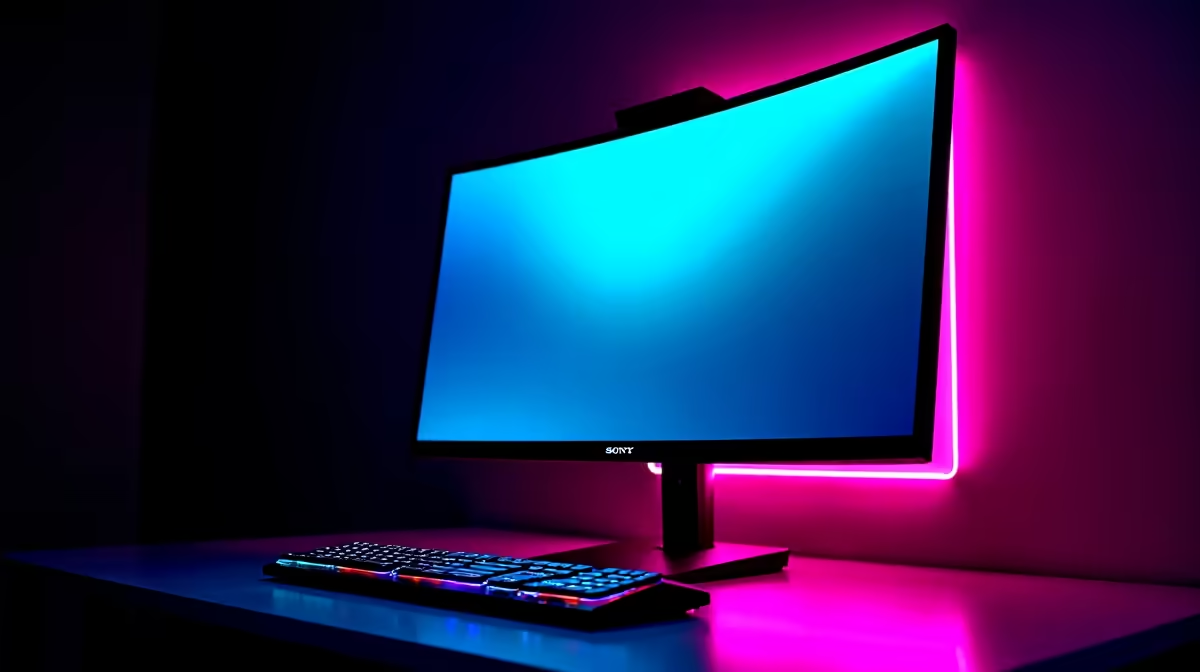
If you love single-player epics and want to feel completely absorbed, an ultrawide or one of the many immersive curved monitors could be for you. The gentle curve fills your peripheral vision, making the game world feel larger and more engaging. Just ensure your console supports the monitor's specific resolution.
The Compact Powerhouse 🚀
Don't have a massive desk or need a screen for your dorm room? A 24-inch 1080p or 1440p monitor can still be a huge upgrade over a standard TV, offering much lower input lag. And for true flexibility, there are even some surprisingly powerful portable monitors that let you take your console setup on the road.
Don't Forget the Finishing Touches 🔧
To get the most out of your new setup, make sure you're using a certified Ultra High-Speed HDMI 2.1 cable to handle the 4K@120Hz signal. A good monitor arm can also help you position your screen perfectly for ergonomic comfort during those long gaming sessions. Investing in quality monitor accessories ensures you're not leaving any performance on the table.
Choosing a gaming monitor with HDMI CEC is a smart move that declutters your space and streamlines your routine. It’s a small feature that makes a massive difference, letting you focus less on your hardware and more on the game.
Ready to Streamline Your Setup? A gaming monitor with HDMI CEC is more than a convenience… it's a quality-of-life upgrade for any serious console gamer. Stop juggling remotes and start playing. Explore our incredible PC monitor deals and find the perfect screen to conquer your living room.










