


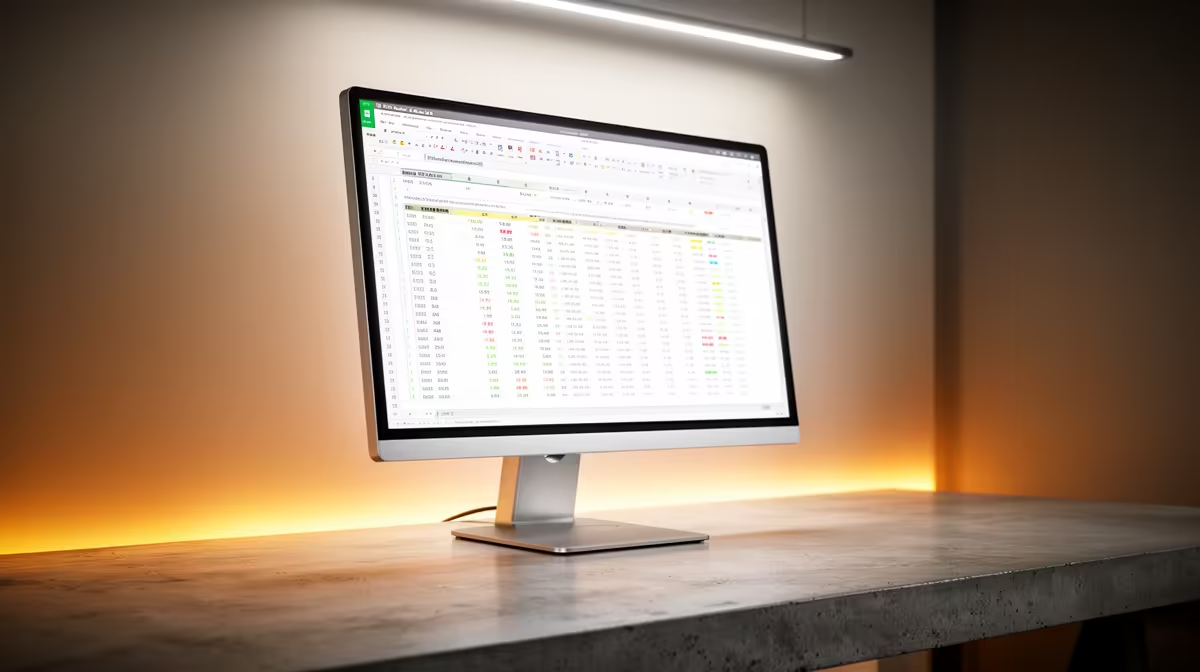
High brightness monitor for spreadsheets matters — and here’s why
South African gamers and tech buyers: ever had a spreadsheet look washed out under your office lights? A high brightness monitor for spreadsheets can cut glare, boost readability, and keep long sessions from frying your eyes — whether you're auditing numbers or streaming between tabs. Think clearer columns, faster spotting of errors, and fewer squints... all of which matter when deadlines (and boss expectations) loom. ⚡
High brightness monitor for spreadsheets: real benefits for work and play
When columns and conditional formatting are mission critical, brightness isn't just a spec — it's a productivity tool. Brighter displays improve contrast between cells and gridlines, so you spot anomalies faster. For gamers who also do data-heavy side work, a brighter panel helps when ambient light varies between your study and the living room. Want to test the difference on a larger scale? See Evetech's projector selection to compare screen-size brightness options for shared presentations: Evetech projectors. 🚀
How panel type, HDR and anti‑glare coatings affect spreadsheets
Not all bright screens are equal. IPS panels keep colours and text uniform across angles. VA panels boost contrast for darker themes. HDR can help with contrast but doesn't automatically mean better text crispness. If you want a brand-focused starting point, check out specific ViewSonic projector models and their brightness handling: ViewSonic options. Keep in mind: pairing brightness with an anti-glare finish and good tilt adjust can reduce reflections from windows or office lights.
Practical buying tips for South Africans choosing bright displays
- Match brightness to environment: brighter rooms demand higher nits. If you're in a sunny Cape Town office, aim higher.
- Balance brightness with eye comfort: use adaptive brightness and blue light filters during long sessions.
- Consider ergonomics: height, tilt and VESA mountability matter as much as nits. For compact, portable bright solutions that still handle spreadsheets, you can compare Promate’s portable projector line here: Promate options.
Productivity Pro Tip ⚡
On Windows, use the PowerToys FancyZones utility to create custom snap layouts for your windows. It's a lifesaver for managing multiple apps on an ultrawide monitor, letting you organise your timeline, preview window, and asset folders perfectly for video editing.
Finding value without overspending
You don't need top-tier studio monitors to get usable brightness. If budget matters, there are good options under a sensible price cap. Browse budget-friendly bright display and projector alternatives under R7,000 to find a practical fit for home offices and small studios: sub‑R7,000 options. ✨
Quick checklist before you buy
- Test readability of tiny text at different brightness settings.
- Check warranty and local support through Evetech.
- Compare display controls: local dimming, presets, and an easily accessible brightness slider.
Ready to Find Your Perfect Match? The Mac vs Windows debate is complex, but for maximum power, choice, and value in South Africa, Windows is hard to beat. Explore our massive range of laptop specials and find the perfect machine to conquer your world.











