


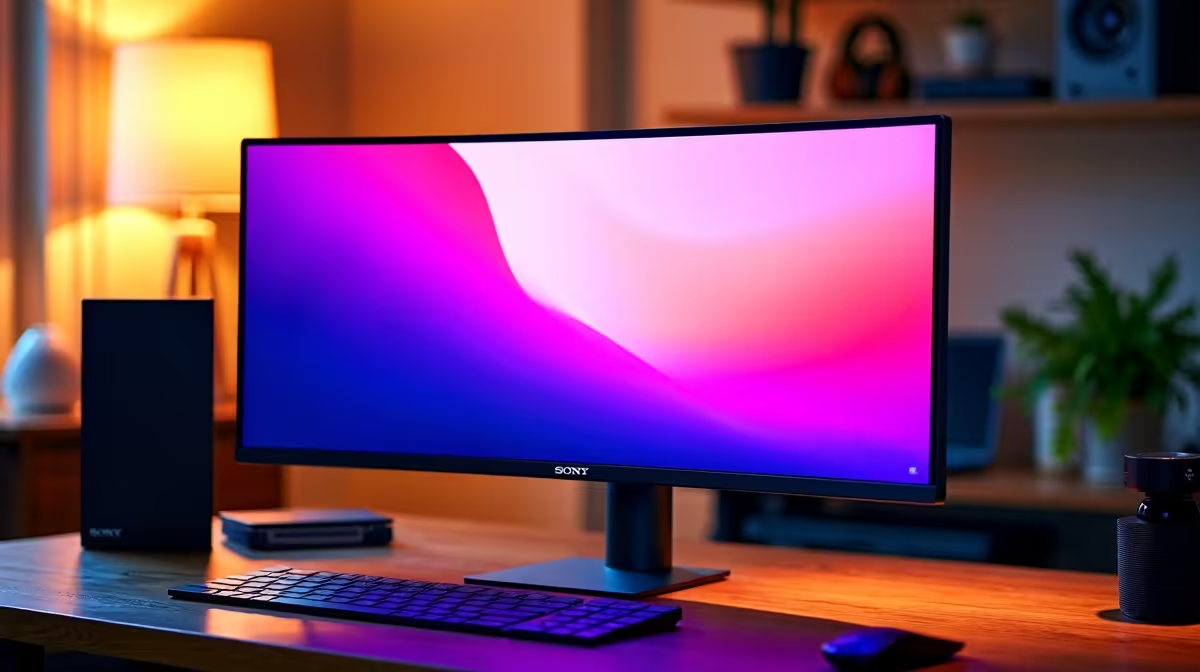
Why Upgrading Your Work Laptop with a New Monitor Is a Must in SA
Working from your laptop screen all day can strain your eyes and cramp your productivity — any South African professional knows the struggle. Upgrading your work setup with a new monitor instantly gives you more screen real estate for multitasking and reduces neck strain. Whether you're designing, analysing data, or handling emails, this simple upgrade boosts comfort and efficiency. Let’s explore how you can easily upgrade your work laptop with a new monitor in South Africa’s tech scene. 🚀
Choosing the Right Monitor for Your Work Laptop Upgrade
Not all monitors are built equal — some are better suited for intensive multitasking, others for colour accuracy or sharper text. Look for screens with at least Full HD (1920x1080) resolution for crisp visuals and IPS panels for better colour viewing angles. SA users balancing work with light creative tasks should consider size carefully — a 24 to 27-inch monitor hits the sweet spot for most desks.
A solid place to browse a range of monitors tailored for your needs is Evetech’s monitor selection. Their range covers budget to specialist displays that excel for office productivity or gaming breaks.
Connecting Your Laptop to Your New Monitor
Most modern laptops come with HDMI or USB-C ports to connect external monitors. Check your laptop’s available ports, then pick a monitor with compatible inputs. If your laptop lacks a direct port, a USB-C or HDMI adapter easily sorts that out — no need for a full rig overhaul.
This upgrade works well even if you're currently using one of Evetech's well-priced notebooks for sale in South Africa. With an external display, your laptop becomes part of a flexible, hybrid workstation.
Enhance Your Desktop Setup for Ultimate Productivity
A dual-screen or extended desktop setup improves your workflow by letting you keep reference material, communication apps, and your main window visible simultaneously. If you often refer to spreadsheets or research documents, this means fewer toggles and less distraction.
Boost Productivity with Simple Ergonomics
Position your new monitor so the top edge aligns with your eye level. This reduces neck strain even during long workdays.
Getting More Out of Your Work Setup — Gaming and Performance
If you’re a South African who enjoys gaming after hours, your upgraded monitor can double as a quality gaming display. For example, if you plan to pair a monitor with your gaming PC, Evetech has excellent gaming PC deals that complement your dual-purpose setup perfectly.
Want to streamline further? Consider pre-built options for hassle-free performance with pre-built PC deals in SA that suit both work and play.
Keep an Eye on Specials for the Best Price in South Africa
Shop smart by catching specials on monitors and peripherals. Evetech frequently updates their specials section, so you can optimise your workspace without overspending.
Upgrading your work laptop with a new monitor is a step every SA professional can take to improve comfort and productivity. The extra screen space will quickly become a desktop essential. ✨🔧
Upgrade Your Work Setup Today Don't settle for cramped laptop viewing—Shop now at Evetech for monitors that fit your work and lifestyle perfectly.









