


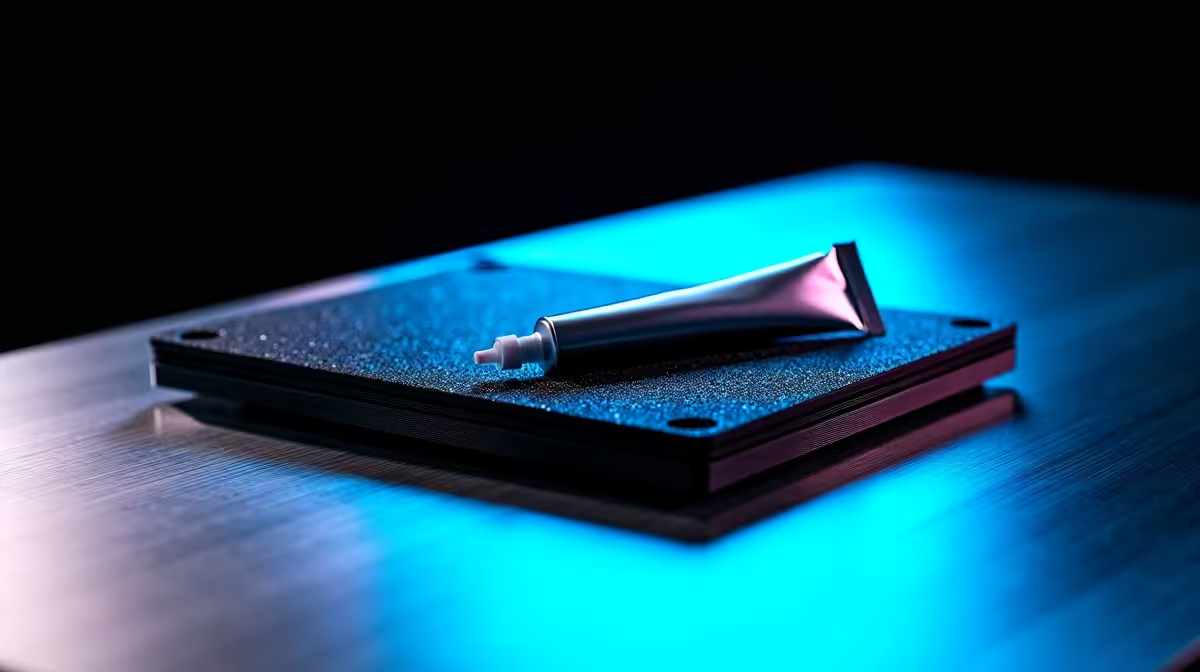
Is Your Laptop Thermal Paste Dried?
Your fans sound like a Boeing 737 taking off from OR Tambo. Your framerates in Apex Legends are suddenly tanking. What is going on? If your gaming rig is a few years old, you might be facing a silent killer. Your laptop thermal paste dried out. South African summers are unforgiving on hardware. Ambient room temperatures rise quickly. Let us look at why a laptop thermal paste replacement saves machines.
When thermal paste ages, it turns into a crusty substance. Factory thermal compounds are often mass-produced and applied thickly. Over time, constant heating and cooling cycles bake this paste. It eventually cracks and turns to dust. Heat gets trapped inside the silicon.
This leads to severe thermal throttling. If your laptop thermal paste dried completely, your CPU will aggressively downclock itself. It does this to prevent melting. Before you panic, check your temperatures.
Temperature Check Pro Tip 🔧
Download free software like HWMonitor or Core Temp. If your CPU hits 90°C or higher while simply browsing, your cooling system is failing. A thermal paste replacement is likely your next step.
Sometimes, repasting an ancient machine is not worth the hassle. If your hardware is severely outdated, it might be time to browse a modern range of laptops. Modern notebooks run far more efficiently. They also feature vastly improved cooling designs.
Desktops Handle Heat Differently
Laptops cram powerful components into tiny spaces. This makes them highly prone to overheating. Desktops have a massive advantage here. They use large CPU coolers to dissipate heat effortlessly. If you are tired of thermal limits, moving to a desktop ecosystem makes perfect sense.
You do not even need to build it yourself. You can easily find the best gaming PC deals that offer incredible value in ZAR. If you want a plug-and-play solution without the stress of assembly, our pre-built PC deals deliver massive cooling potential right out of the box. ⚡
Doing a Laptop Thermal Paste Replacement
If you decide to keep your current machine, repasting is a brilliant weekend project. You will need premium paste and isopropyl alcohol. Open the chassis carefully. Always disconnect the battery first. Remove the heatsink screws in a star pattern. Gently clean the old paste from the dies. Apply a fresh pea-sized drop. Reassemble everything.
Choosing the right thermal compound is vital. Avoid liquid metal unless you are a seasoned professional. Liquid metal is conductive and will short-circuit your motherboard if it spills. Stick to high-quality non-conductive pastes. They offer excellent thermal conductivity without the massive risk. Take your time during the application process. Rushing leads to stripped screws and broken plastic clips.
Warning... doing this usually voids warranties. If your machine is still under warranty, send it to the manufacturer. If you break a ribbon cable during a DIY repair, you might be forced to upgrade. Keep an eye on our daily specials just in case a DIY disaster strikes. 🚀
A proper laptop thermal paste replacement can drop your temperatures significantly. Your fans will quiet down. Your framerates will stabilise. Your gaming sessions will finally feel smooth again. Do not let dried paste ruin your hardware.
Ready to Find Your Perfect Match? The Mac vs Windows debate is complex, but for maximum power, choice, and value in South Africa, Windows is hard to beat. Explore our massive range of laptop specials and find the perfect machine to conquer your world.











