

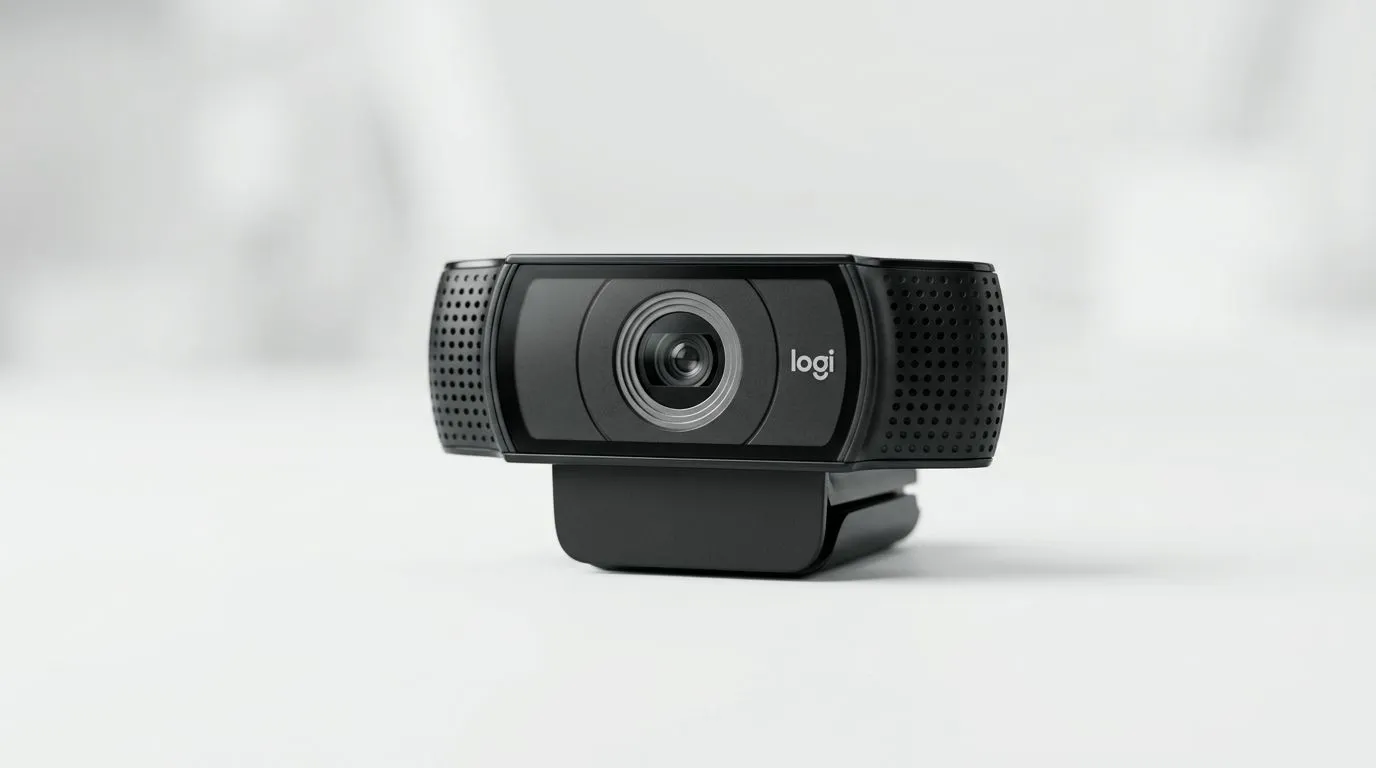
Logitech C922 Pro HD Review: Streamer Specs Explained (Real-World Setup for South African Streamers) ✨
If your streams keep getting that “it sounds like I’m in a tunnel” vibe, the right webcam can fix a lot. South African gamers are streaming from everything… spare rooms, busy living areas, even inside small bedrooms where background noise is non-negotiable. The Logitech C922 Pro HD is one of the most popular options for a reason. In this review, we’ll break down what its specs really mean for your quality, your setup, and your upgrade path.
Before you buy, it helps to know exactly what you’re getting… and what you’ll need to make it look great.
Logitech C922 Pro HD Review: Streamer Specs Explained (What the Specs Actually Do) 🔧
The C922 Pro HD is built for plug-and-stream simplicity: you connect it, set your framing, and focus on getting clean audio and stable image quality. Here’s how the key streamer-facing features translate in practice.
Logitech C922 Pro HD image and clarity for streams
When people talk about “HD”, they’re usually thinking about resolution and frame rate. For streaming, your effective quality depends on both. Higher resolution helps with detail in face cam and product-style shots. Smooth motion helps gameplay feel natural, especially during fast menus or camera pans.
That said… webcams rarely work alone. Lighting is the difference between “clear” and “soft”. If your room lighting is weak or mixed (warm lamp + bright monitor), your camera will struggle even if the sensor is capable.
Logitech C922 Pro HD autofocus: helpful, but not magic
Autofocus is a big deal for streamers because it means you don’t have to keep tapping the focus ring. But autofocus can hunt if you move quickly or if your background has lots of high-contrast patterns.
Practical streamer move: lock in a stable seat and keep your camera angle consistent. Even with autofocus, predictable distance gives you better results.
Logitech C922 Pro HD mic performance: plan for noise
Most gamers try to rely on the built-in mic at first. Sometimes it’s fine. Often, it’s where the “why does my audio sound off?” mystery begins.
In a typical home environment, keyboard clicks, desk vibrations, and background TV audio can creep in. If you already have a headset or USB mic, the webcam mic becomes optional. Use the camera for video, and let your audio do the heavy lifting. 🎧
Compatibility: where buyers in SA should pay attention
The C922 Pro HD is widely used on common streaming setups, and its popularity comes from broad compatibility. Still, always match your connection and software to your workflow. If you’re streaming from a laptop with limited USB bandwidth, keep cables tidy and avoid running everything through cheap hubs.
If you’re building a full creator setup, browse Evetech’s webcam selection first so you can compare what’s available in your budget range:
- Check out webcams on Evetech here: buy web cams
- If you’re aiming for entry-level streamer upgrades under R1000, compare options here: webcams under R1000
- Considering a mid-range upgrade under R2000? This filter is a good shortcut: webcams under R2000
- Want to go higher for sharper imaging and better overall bundles? Look here: webcams under R3000
Logitech C922 Pro HD Review: Streamer Specs Explained (Setup That Makes It Look Expensive) ⚡
You can buy the best webcam in the world… and still get blurry or washed-out footage if your setup is off. Here’s a quick approach that works in real South African homes.
Step 1: Fix lighting before you touch any settings
Use one main light source in front of you. A simple desk lamp with a white bulb helps more than most people expect. Avoid lighting from behind you (like a TV behind your shoulder). That can cause your face to darken and the background to glow.
Aim for “even face lighting”, not “spotlight”.
Step 2: Frame like a pro (without moving the camera every day)
Place the webcam at eye level. If your camera is too high, you’ll get that “looking down” effect. Too low, and you’ll feel like you’re about to narrate a horror game… not stream Valorant.
If you can, use a stable mount so the framing stays consistent.
Productivity Pro Tip ⚡
On Windows, use the PowerToys FancyZones utility to create custom snap layouts for your windows. It's a lifesaver for managing multiple apps on an ultrawide monitor, letting you organise your timeline, preview window, and asset folders perfectly for video editing.
Step 3: Calibrate your expectations for compression
Streaming platforms compress video. That means small camera improvements might look bigger in a local recording than they do live. So test with a short “stress session”: 10 minutes of gameplay, a face cam break, then a quiet moment. If the image holds steady and your face looks natural, you’re on track.
Logitech C922 Pro HD Review: Streamer Specs Explained (Who It’s For, and Who Should Look Elsewhere) 🚀
The Logitech C922 Pro HD is a smart choice if you want a well-known webcam, easy setup, and solid baseline video quality. It’s especially useful for:
- Twitch and YouTube streamers who want a reliable face cam
- Gamers upgrading from a laptop webcam
- Budget-conscious buyers who want “good enough” without turning setup into a part-time job
You should consider alternatives if:
- You need professional audio capture and won’t use an external mic
- Your room lighting is consistently poor
- You stream for long hours in a space with lots of movement behind you
If you’re unsure, start with what matters most: clean framing and lighting. Then choose audio. The webcam is only one part of the experience.
Logitech C922 Pro HD Review: Streamer Specs Explained (Final Verdict) ✨
Overall, the Logitech C922 Pro HD earns its reputation because it’s approachable. It gives you the tools to look clear on stream, as long as you do the boring-but-important work: lighting, framing, and audio strategy.
If you’re buying today, use Evetech’s webcam range to compare within your budget and match your setup goals. And if your goal is maximum clarity for the lowest fuss, prioritise lighting and stability first… then let the camera do the rest.
Ready to Find Your Perfect Match? The Mac vs Windows debate is complex, but for maximum power, choice, and value in South Africa, Windows is hard to beat. Explore our massive range of laptop specials and find the perfect machine to conquer your world.











