


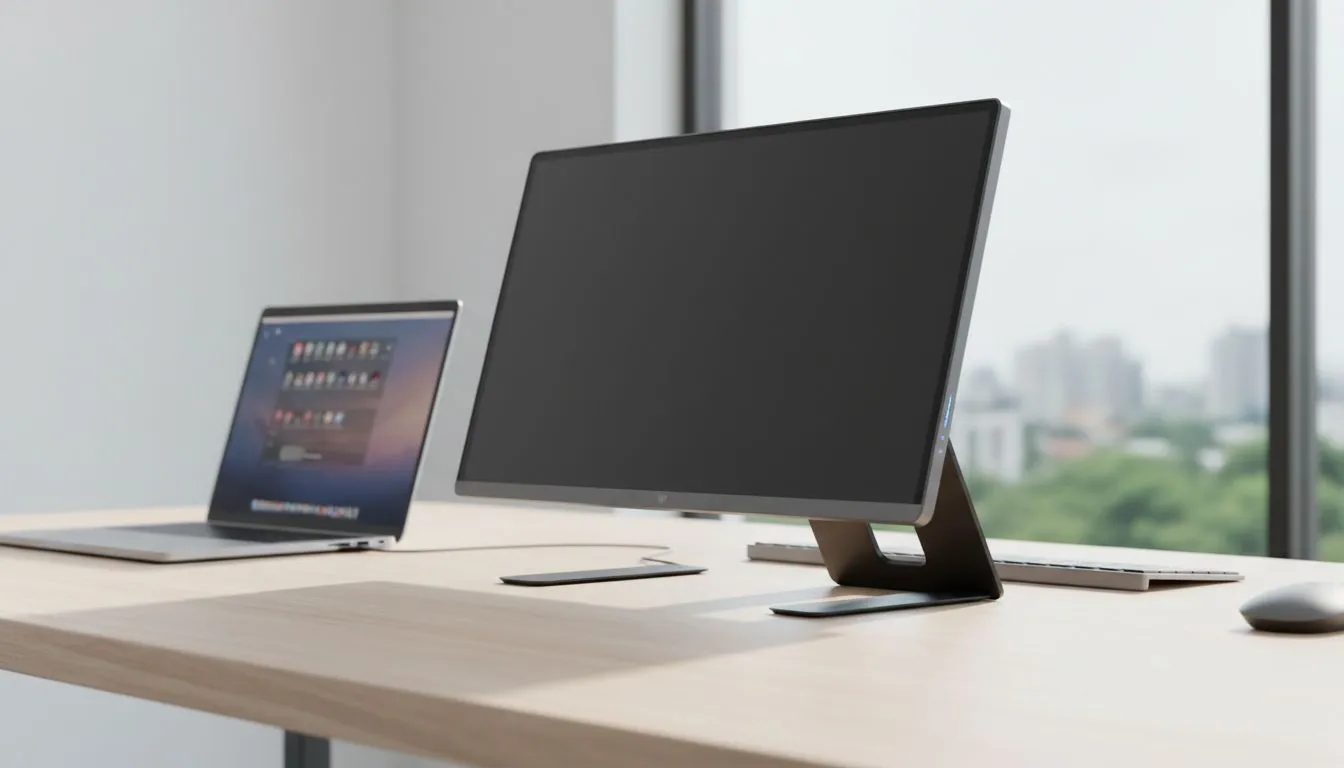
Maximise Your Workflow with a Mobile Monitor as a Second Screen
Working from a local coffee shop or a small home office in South Africa often means sacrificing screen space. A mobile monitor as a second screen changes that dynamic instantly. It gives you the productivity of a desktop with the portability of a tablet... perfect for busy professionals. Whether you are coding in Sandton or gaming in Durban, extra pixels make everything easier 🚀.
Wireless vs Wired: Managing Latency and Performance
Wireless options like Miracast are convenient for basic office tasks. However, they often suffer from noticeable input lag. If you want a smooth, tear-free experience, look for displays that support FreeSync (AMD). This technology ensures your portable screen stays in sync with your laptop. It eliminates the stuttering that often plagues wireless connections.
When browsing the latest PC monitors for your setup, consider your connection ports. USB-C is the best choice for mobile screens because it handles power and video. Many high-end portable models now include Adaptive Sync. This feature is vital if you plan to use your secondary display for fast-paced media or light gaming during your lunch break.
Panel Types and Portability Tips
For those using powerful Nvidia laptops, finding a mobile screen with G-Sync (NVIDIA) is the ultimate upgrade. While most portable panels are Flat to fit easily into a backpack, they still offer incredible visual quality. A flat design ensures the screen remains lightweight and durable for daily travel 🔧.
Productivity Pro Tip ⚡
On Windows, use the PowerToys FancyZones utility to create custom snap layouts for your windows. It's a lifesaver for managing multiple apps on a mobile monitor, letting you organise your timeline, preview window, and asset folders perfectly for video editing.
If you prefer an immersive experience at your main desk, you might choose Curved monitors for your primary display. However, for a secondary mobile screen, viewing angles are the priority. We recommend choosing an IPS panel. These screens provide consistent colours even when you aren't looking at the display head-on. This is essential when the monitor is angled to the side of your laptop ✨.
Ready to Find Your Perfect Match? Setting up a mobile monitor as a second screen is the fastest way to upgrade your productivity in South Africa. Explore our massive range of monitor specials and find the perfect display to conquer your workload.











