


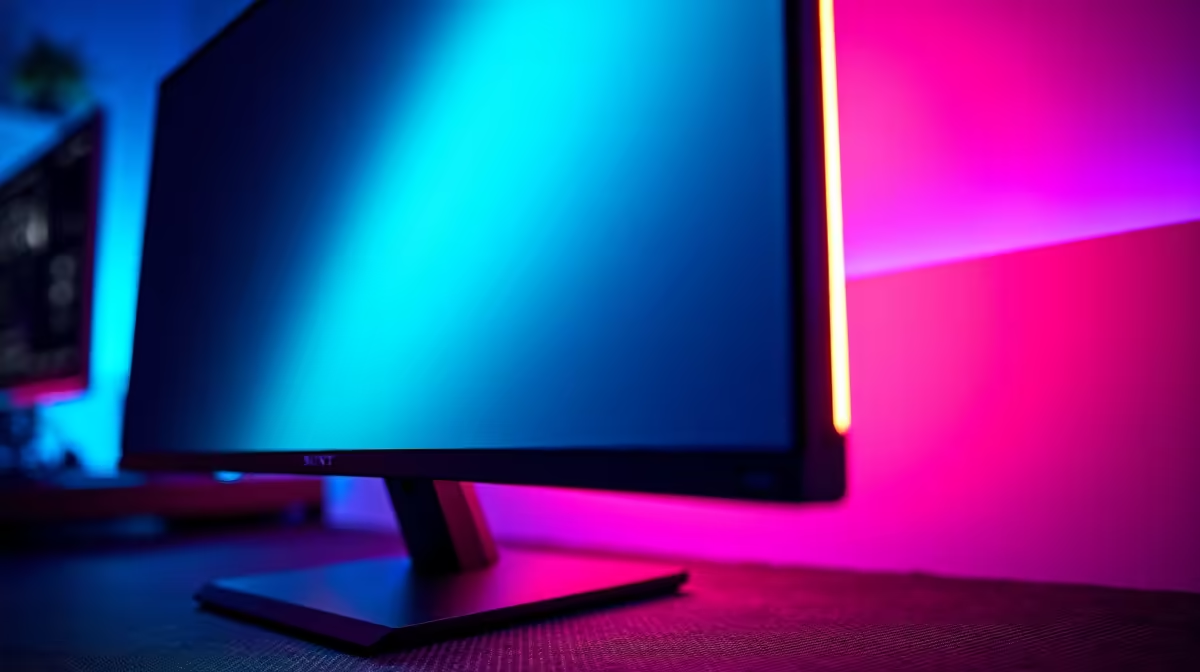
Is the RGB lighting on the back of a gaming monitor just a flashy gimmick, or does it actually level up your experience? We’ve all seen those slick, glowing setups on YouTube and wondered if it’s worth the hype. Here in the Evetech lab, we decided to stop wondering and start testing. We dove deep into the world of monitor RGB back panels to see which lighting effects genuinely boost immersion and which are just for show. Let's find out.
What is a Monitor RGB Back Panel, Anyway?
Before we get into the cool effects, let's quickly cover the basics. A monitor RGB back panel is a set of built-in, customisable LED lights on the rear of your screen. Unlike simple bias lighting (a static white light that reduces eye strain), this tech offers a full spectrum of colours and dynamic effects that can sync with your games and other peripherals. It’s about creating an atmosphere that pulls you deeper into the action. This feature is becoming a staple across many modern PC monitors, turning your wall into an extension of your screen.
We Tested The Top RGB Lighting Effects
Not all RGB is created equal. The software controlling your monitor's lighting is key, but the effects generally fall into a few distinct categories. We ran them through their paces in games like Helldivers 2 and Apex Legends to see how they perform under pressure. 🚀
Static Colour: The Clean & Simple Vibe
This is the most straightforward effect: you pick a single, solid colour that stays on. It sounds basic, but it’s incredibly effective for creating a specific theme for your battlestation. Imagine an all-white setup with a cool, icy-blue glow washing the wall behind it... clean, stylish, and zero distraction. It’s a popular feature across all gaming monitors, from entry-level to the top tier.
Breathing & Pulsing: The Dynamic Duo
A step up from static, "breathing" or "pulsing" effects cause the light to gently fade in and out. It adds a subtle sense of life to your setup without being chaotic. We found this works brilliantly on curved monitors, where the wrap-around screen and pulsing backlight combine to create a seriously immersive cockpit-like feel, especially in racing sims or flight games.
Ambient & Reactive: The Ultimate Immersion ✨
This is where a monitor RGB back panel truly shines. In ambient or reactive mode, the LEDs mirror the colours happening on the edges of your screen in real-time. Creeping through a lush green jungle in Tomb Raider? The wall behind your monitor glows with the same vibrant greens. A massive explosion erupts on screen? Your whole room flashes orange and red. This effect is most profound on high-resolution displays, turning a session on one of the latest 5K & 4K monitors into a cinematic experience.
Sync Your Setup 💡
Most major brands (like ASUS Aura Sync, MSI Mystic Light) offer software that syncs your monitor's RGB backlighting with your keyboard, mouse, and even PC case lighting. Take a few minutes to install the right software and group your devices. The result is a unified, harmonious lighting scheme that makes your entire setup feel like a single, cohesive unit.
Is RGB Backlighting Worth The Extra ZAR?
So, the big question: should you pay more for a monitor with these features? It depends. If you're a competitive esports player focused purely on performance, probably not. But if you value aesthetics and a deep, immersive single-player experience, a good monitor RGB back panel is absolutely worth it. It transforms gaming from something you just see to something you feel. And you don't always have to break the bank; keep an eye on the best PC monitor deals to find a great screen with all the bells and whistles for a solid price.
Adding RGB To Your Existing Setup
What if your current monitor is perfect but lacks that RGB flair? You're not out of luck. You can retrofit your setup with third-party LED strips and other monitor accessories to mimic the effect. While these DIY kits are a great option, they often lack the seamless software integration and perfect colour-matching of a built-in monitor RGB back panel. It's a premium feature you typically won't find on more function-focused screens like portable monitors, making it a sought-after spec for dedicated gaming rigs.
Ready to Light Up Your Battlestation? From subtle glows to full-blown reactive immersion, the right monitor lighting transforms your setup. Explore our massive range of gaming monitors and find the perfect screen to match your style and conquer your world.







