


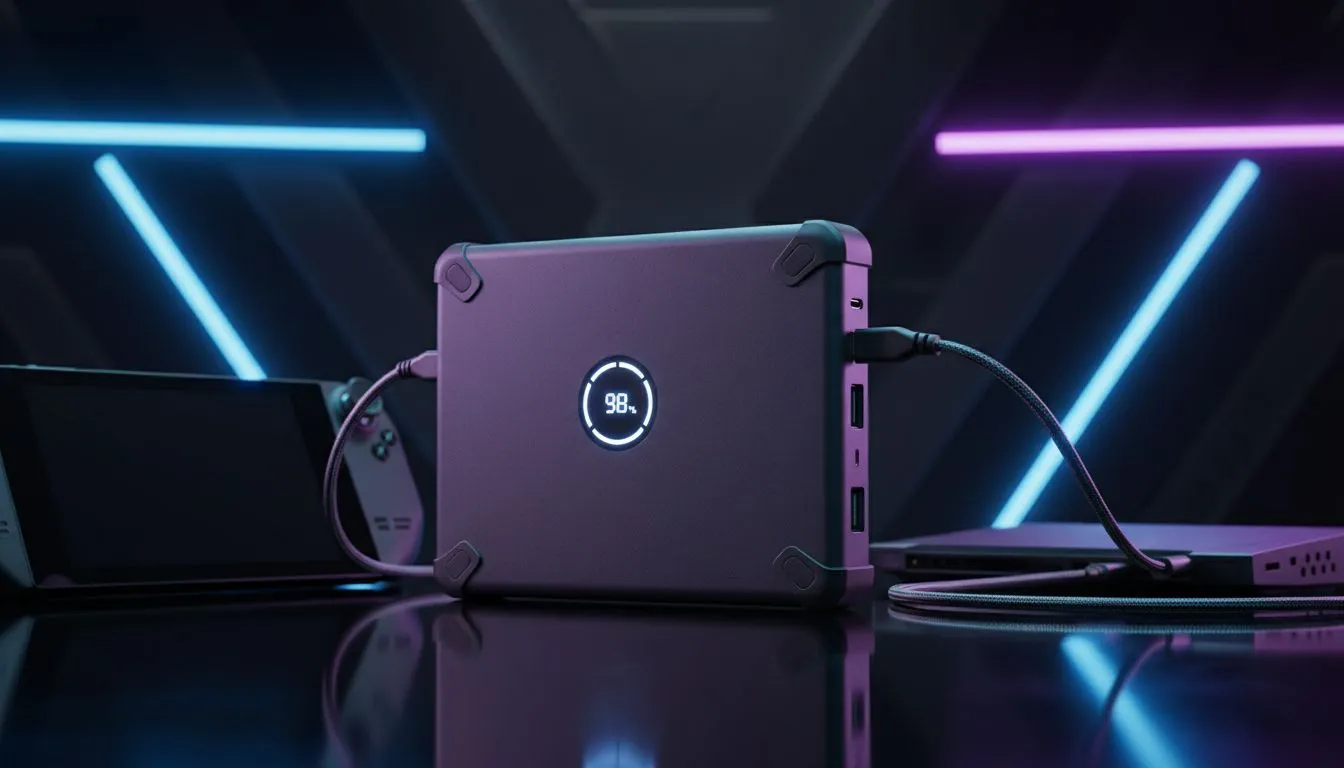
Essential Portable Power for Steam Deck and ROG Ally
There is nothing worse than being mid-boss fight when your handheld dies. Whether you are facing Stage 6 load shedding or a long flight from Jozi to London... battery life is the ultimate enemy. Keeping your ROG Ally or Steam Deck powered up requires more than just a standard phone charger. You need serious juice to keep ROG Ally playing longer and ensure your Steam Deck survives the journey.
High Wattage Matters for Handheld PCs
Standard wall plugs and generic batteries often fail to provide enough current. The ROG Ally ideally needs 65W of delivery to charge while you play in Turbo mode. The Steam Deck is slightly less demanding but still requires at least 45W. Using a weak source might result in the battery draining even while it is plugged in. Brands like Promate power banks offer the high-wattage output needed for these demanding mobile consoles.
Finding the Right Fit for Your Budget
You do not always need to spend a fortune to stay powered up. If you just need a small top-up for your smartphone or basic peripherals... you can find power banks under R500 that handle lighter tasks. However... for the best results with high-end handheld PCs, you should look at units with Power Delivery (PD) protocols. For a great balance of performance and cost... check out power banks under R1200 that provide the necessary voltage for gaming.
Handheld Battery Pro Tip ⚡
To maximise your total playtime, plug in your power bank as soon as your handheld hits 50 percent. This prevents the device from generating excess heat by trying to fast-charge a nearly empty battery while you are still gaming. It keeps your internal components cooler and ensures your frame rates remain stable during intense sessions.
Why Capacity and Portability Balance is Key
A 20,000mAh bank is usually the sweet spot for South African gamers. It provides roughly one to two full charges for most handhelds... which is perfect for a long evening without electricity. Anything larger might become too heavy to fit comfortably in your carrying case. Browse our full selection of power banks to find the right capacity for your next road trip or local tournament. 🔧
Ready to Keep the Game Going? Don't let a low battery warning ruin your killstreak or reset your progress. Explore our massive range of power bank specials and find the perfect portable partner for your Steam Deck or ROG Ally.











