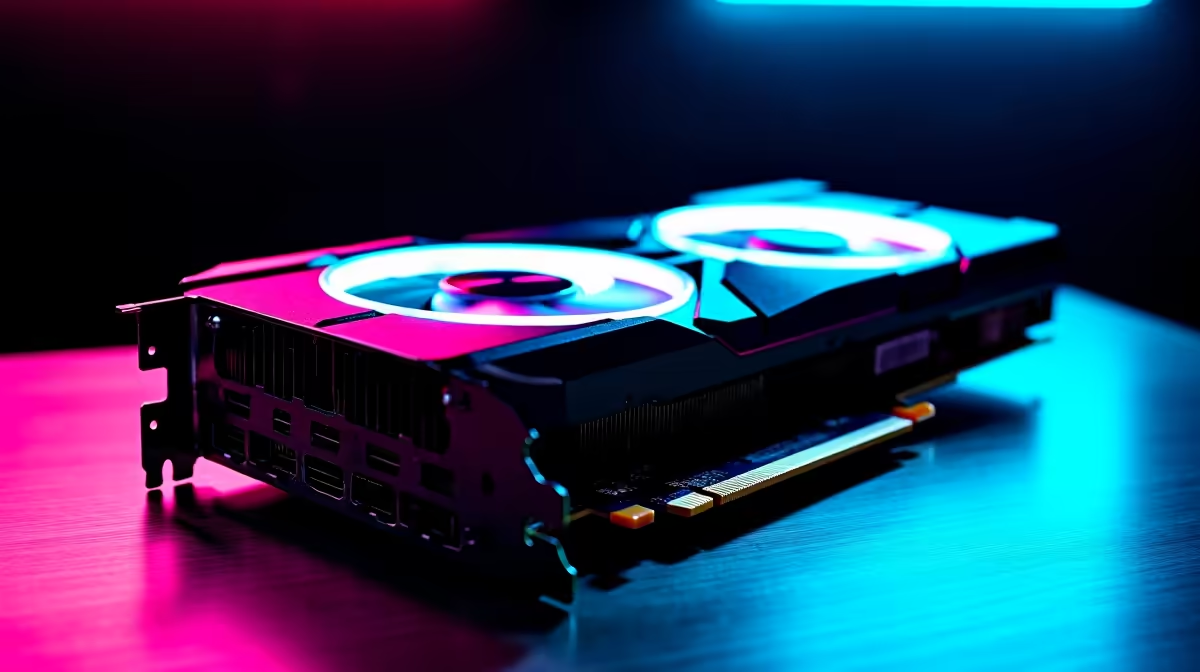
So, you’ve heard the buzz. Powerful AI models like DeepSeek are no longer just for massive data centres. They can run right here, on your desktop in Jozi or Cape Town. But there’s a catch: you need serious GPU muscle. The question on every local developer and AI enthusiast’s mind is whether NVIDIA’s flagship, the RTX 4090, is the key to unlocking this power. Let's find out. 🚀
This isn't just about gaming anymore. We're diving deep into whether the RTX 4090 for DeepSeek is the ultimate prosumer choice for running large language models (LLMs) locally, giving you privacy, speed, and freedom from API fees.
The RTX 4090: More Than Just a Gaming Beast
While the RTX 4090 has earned its reputation by delivering mind-blowing 4K gaming frame rates, its true potential for AI lies in its core architecture. For AI workloads, three specs matter more than anything: VRAM, CUDA Cores, and Tensor Cores.
The RTX 4090 packs a whopping 24GB of GDDR6X VRAM. Why is this critical? Large models like DeepSeek's 67B version need a massive amount of memory to load their parameters. With 24GB, you have enough headroom to run surprisingly large models without hitting a VRAM bottleneck. It's this generous memory buffer that sets it apart from most other consumer cards and makes it a powerhouse for local AI. This level of performance is why it's the heart of many top-tier NVIDIA gaming PCs that double as creative workstations.
Putting the RTX 4090 for DeepSeek to the Test
Let's get practical. Imagine you’ve just downloaded the DeepSeek-Coder-33B-instruct model. On a lesser GPU, you’d be waiting ages for it to load, if it loads at all. With the RTX 4090, the experience is… different. ✨
Thanks to its 16,384 CUDA cores, the card chews through the parallel processing tasks that AI relies on. When running a quantized (compressed) version of a large model, users report impressive token-per-second speeds, making interactions feel responsive and fluid, not sluggish. This is the difference between a frustrating experiment and a genuinely useful local AI assistant. While NVIDIA's CUDA technology currently dominates the AI space, it's worth noting that for pure gaming, Team Red offers incredible value in their latest powerful AMD Radeon gaming PCs.
Pro Tip for Local AI 🔧
To get the most out of your GPU for AI, use Windows Subsystem for Linux (WSL2). It provides a native Linux environment directly within Windows, making it much easier to install and manage popular AI frameworks like PyTorch and TensorFlow with full CUDA support. It's the best of both worlds!
The performance of the RTX 4090 for DeepSeek and similar models proves it’s a serious tool. It effectively bridges the gap between high-end consumer hardware and dedicated enterprise solutions, offering a tangible path for South Africans to experiment with and build on foundational AI models.
Is the RTX 4090 the Only Option for AI in SA?
Let's be real: the RTX 4090 is a significant investment, often costing north of R40,000. So, is it the only choice? Not necessarily, but it is about trade-offs.
An older RTX 3090 also offers 24GB of VRAM and can be a fantastic, more budget-friendly alternative if you can find one. However, you'll sacrifice the raw speed and efficiency of the 40-series architecture. Cards like the RTX 4080 Super are potent, but its 16GB of VRAM will limit the size of the models you can run comfortably.
For those doing professional machine learning, data science, or AI development for a living, the conversation shifts slightly. While the 4090 is incredible, professionals may need the certified drivers, stability, and support that come with dedicated custom-built workstation PCs featuring NVIDIA's professional-grade GPUs. For the serious hobbyist or independent developer, however, the RTX 4090 remains the undisputed king.
The verdict? If you're serious about running large AI models locally and want the best performance available without commissioning a server, the RTX 4090 for DeepSeek is the ultimate AI GPU on the consumer market today. It’s an investment in future-proofing your capabilities.
Ready to Unleash Your AI Potential?
The right hardware is the key to unlocking next-level performance in AI and gaming. The RTX 4090 is a beast for both. Explore our range of NVIDIA GeForce PCs and build the ultimate machine to conquer your world.