


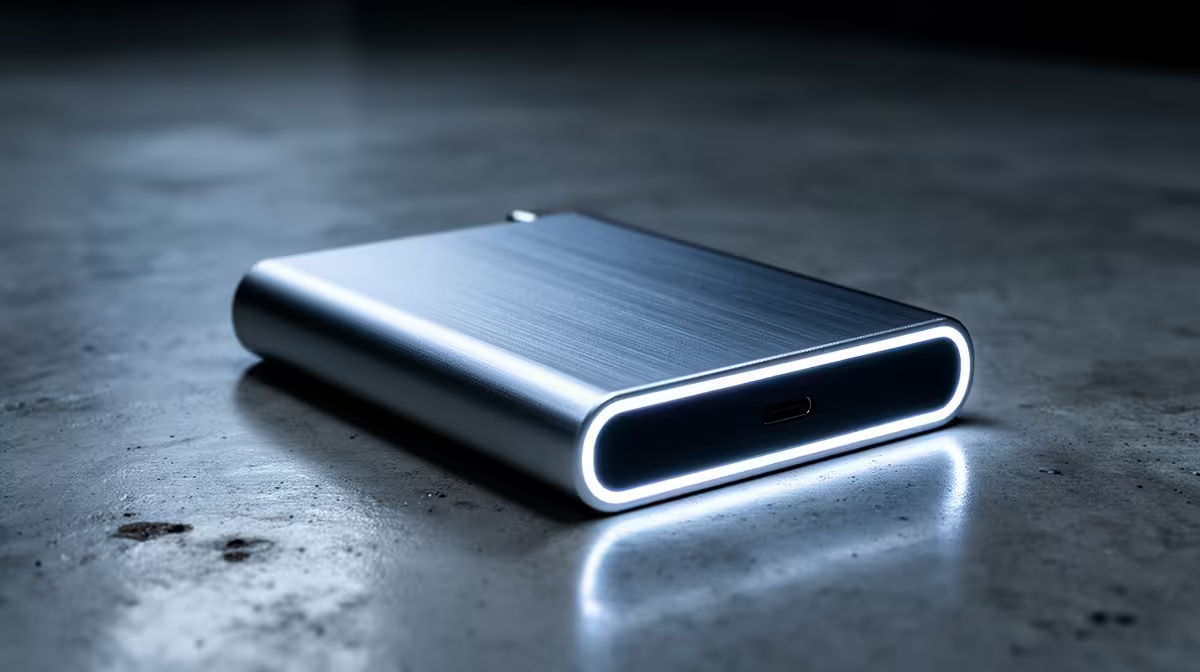
USB-C hard drive enclosure: why it matters for South African gamers 🔧
If you keep a Steam library, record gameplay, or shuttle projects between rigs, a smart USB-C hard drive enclosure saves hours and preserves your drives. In South Africa, where bandwidth and storage costs matter, picking the right enclosure changes how fast you back up, play, and upgrade. Read on for practical features and local buying tips that actually help. 🚀
USB-C hard drive enclosure: core connectivity and speed to prioritise
Look for an enclosure that supports USB 3.2 Gen 2 or Thunderbolt where possible — USB 3.2 Gen 2 runs up to 10 Gbps, which matters for NVMe SSDs and large game installs (see USB-IF for specification details) (https://www.usb.org/). If you’re using SATA HDDs, USB 3.1 Gen 1 (5 Gbps) is often enough and cheaper. For compatibility and product listings, check Evetech’s enclosure category to compare interfaces and supported drives: shop Evetech enclosures.
(https://www.evetech.co.za/PC-Components/buy-enclosures-372)
USB-C hard drive enclosure: build, cooling and drive types
Materials and cooling affect sustained performance. Aluminium cases dissipate heat better than plastic for NVMe SSDs, reducing throttling during long recording sessions. If you plan to run a 2.5" SSD for portability, a plastic shell with good thermal pads is fine; for M.2 NVMe in heavy workloads, choose metal or active-cooled enclosures. Evetech’s Orico range includes compact aluminium options worth checking out: Orico enclosures at Evetech.
(https://www.evetech.co.za/PC-Components/buy-enclosures-372?brands=Orico)
USB-C hard drive enclosure: practical features gamers overlook
- Tool-free trays make hot-swapping drives simple.
- UASP support improves small-file performance for games and game installs.
- Backward compatibility with USB-A via included cables keeps older PCs supported.
When shopping, confirm UASP and supported U.2/M.2 sizes in product specs — Evetech’s product pages list these details per model so you can compare apples with apples.
Storage Tip ⚡
If you use one enclosure for both backups and gameplay, dedicate a partition for regular backups. That avoids accidental overwrites when swapping drives mid-session.
USB-C hard drive enclosure: budget and local buying tips (prices in ZAR)
If price matters, you can find solid USB-C enclosures from around R499 upwards on Evetech — good for SATA 2.5" SSDs and casual use (filter listings from R499 here). Buying locally avoids long import waits and warranty headaches.
(https://www.evetech.co.za/PC-Components/buy-enclosures-372?min-price=499)
Quick checklist before you buy
- Interface speed (USB 3.2 Gen 2 / Thunderbolt) — faster for NVMe (https://www.usb.org/).
- Drive form factor (2.5", 3.5", M.2 NVMe) and physical size limits.
- Cooling and material for sustained speeds.
- UASP support and included cables/adapters.
- Local warranty and price in ZAR on Evetech product pages (compare models at Evetech enclosures).
(https://www.evetech.co.za/PC-Components/buy-enclosures-372)
Final thought
A carefully chosen USB-C hard drive enclosure keeps your library portable, your backups reliable, and your workflow smooth. Spend a little time matching interface speed to drive type and you’ll avoid performance bottlenecks.
Ready to Find Your Perfect Match? The Mac vs Windows debate is complex, but for maximum power, choice, and value in South Africa, Windows is hard to beat. Explore our massive range of laptop specials and find the perfect machine to conquer your world.











