


University life is demanding enough without your PC crashing mid-assignment. The modern syllabus requires serious digital horsepower. A sluggish system is the last thing you need. As tech requirements evolve for coding and design, choosing the right foundation is crucial.
If you are wondering what is the best motherboard for student in South Africa 2026, you are not alone. Balancing heavy workloads with a tight ZAR budget means you need smart hardware choices. Sometimes, high-performance laptops make sense for portability. However, a custom desktop offers unmatched value and upgrade paths. Let us explore how to build the perfect study station.
Building the Ultimate Campus Desktop 🎓
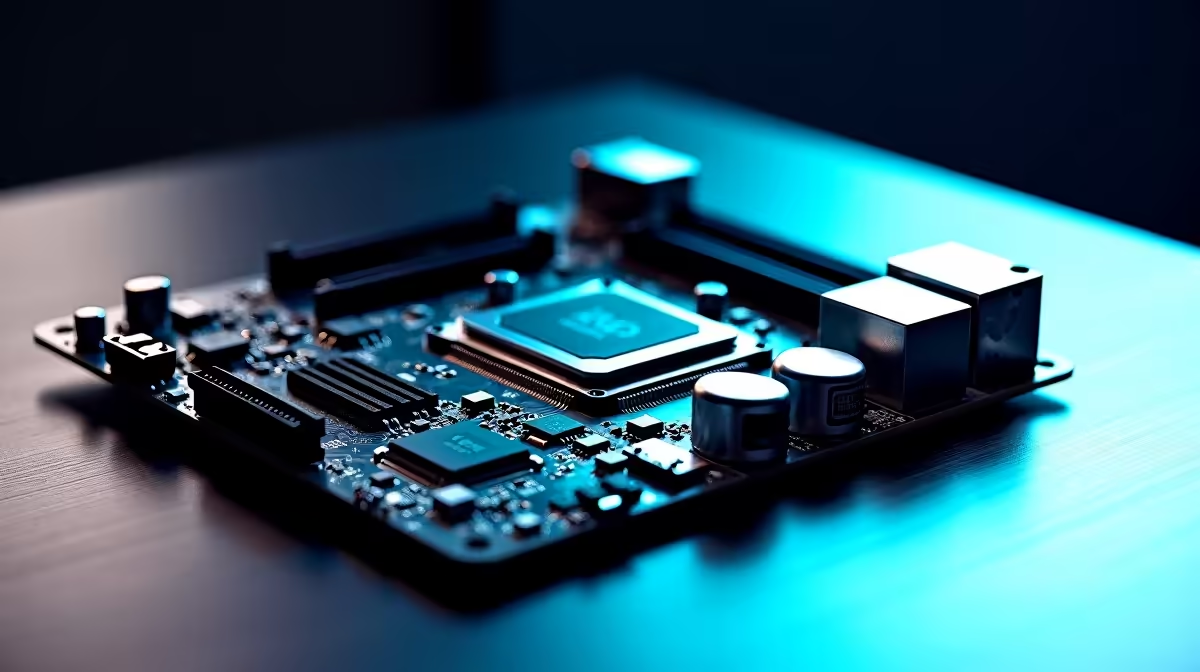
Your motherboard dictates everything from your processor to your storage speed. For students, reliability and future-proofing are absolutely essential. You do not need extreme overclocking features that cost thousands of Rands.
Instead, focus on solid mid-range chipsets like the Intel B760 or AMD B650. These boards offer incredible performance without breaking the bank. You can easily find great options for under R3,500. Look for features like reinforced PCIe slots. These protect your investment if you add a heavy GPU later. Browsing through reliable motherboards helps you compare the exact features you need for your degree.
Balancing Assignments and Downtime 🎮
All work and no play leads to quick burnout. Downtime is just as important as study time. Many students want a rig that handles massive spreadsheets by day. They also want it to run intense multiplayer lobbies by night. Smooth frame rates help you decompress after tough lectures.
If you prefer a complete package, exploring gaming PC deals can save you time. It skips the hassle of assembling parts yourself. A solid B-series board inside these rigs ensures you can upgrade your graphics card later. This keeps your system relevant until graduation and beyond.
Stretching Your ZAR Further
Student budgets are notoriously tight across the country. Every Rand counts when you are paying for textbooks and accommodation. You can save cash by watching daily tech specials for component upgrades.
Storage speed is another vital factor to consider. Ensure your board has multiple NVMe M.2 slots. Fast storage means your PC boots up in seconds. You will never be late for an online lecture again. Loading heavy applications quickly is vital for productivity. Do you need integrated Wi-Fi? Yes, campus networks can be highly unpredictable. Built-in Wi-Fi saves you from buying extra network dongles later.
To Build or Not to Build? 🔧
Building your own PC is a fantastic learning experience. It lets you customise your setup and allocate your budget exactly where you need it most. However, exams and deadlines often leave very little free time.
You might need a reliable system immediately. Looking at pre-built PC options is a brilliant alternative. Cable management is already handled for you. You get professional aesthetics without the stressful assembly process. These systems come fully tested and warrantied. They are ready to tackle your syllabus right out of the box. This peace of mind is priceless during finals week.
Future-Proofing Tip ⚡
Always choose a motherboard with at least four RAM slots. You might only afford 16GB right now. Having room to easily drop in another 16GB later is crucial. This helps massively with memory-hungry apps or complex coding environments.
Ready to Build Your Perfect Study Station? Finding the right components can be complex, but for maximum power, choice, and value in South Africa, a custom desktop is hard to beat. Explore our massive range of PC components and find the perfect hardware to conquer your syllabus.









