


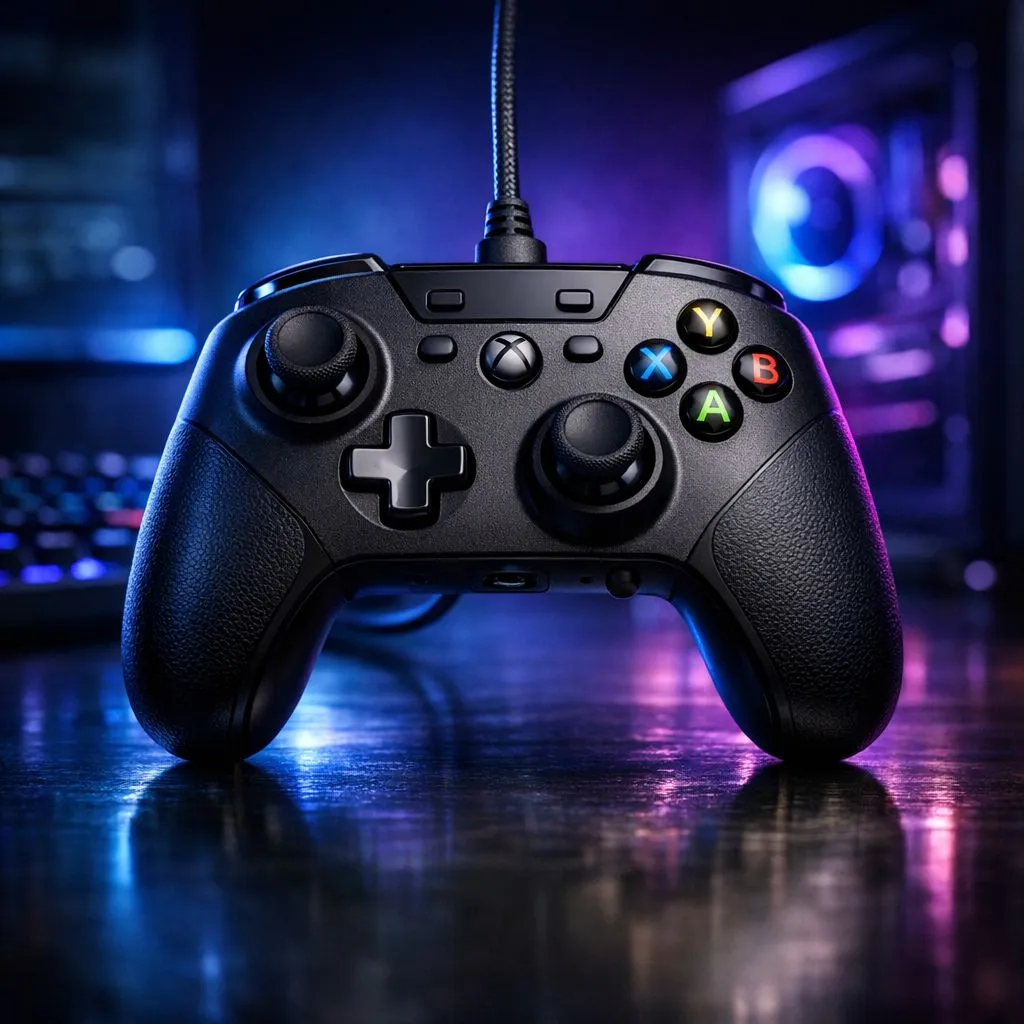
Wired Gaming Controller for Xbox and PC: Choosing the Right Features (and Avoiding Regrets)
If you’ve ever had your controller “disconnect” mid-match… you know the pain. South African gamers want stable input, crisp button response, and settings that just work on both Xbox and PC. But wired controllers are not all the same. Some feel solid, some lag, and some struggle with mapping. In this guide, we’ll break down what matters most when you’re buying a wired gaming controller for Xbox and PC, so you can spend your money once, not twice. 🎮🔧
Wired vs Wireless for Xbox and PC (Why Cables Still Win)
Wired controllers are popular for one big reason: consistency. With a wired setup, you avoid battery anxiety and reduce the chance of wireless interference. For PC players, you also get immediate plug-and-play behaviour on most modern systems, as long as the controller supports standard inputs.
For Xbox owners, a wired controller can be the simplest option when you want low-latency play without tuning Bluetooth settings.
That said, not every wired pad is “easy mode”. Some brands make you deal with software, custom profiles, or limited remapping options. So… before you click Buy, check the real-world details below. ⚡
Wired Gaming Controller for Xbox and PC: Inputs, Buttons, and Mapping You Should Verify
When you’re choosing a wired controller, focus on these essentials:
Button layout and responsiveness
Look for a controller with reliable face buttons and a comfortable D-pad for fighting games, platformers, and ranked shooters. If you’re sensitive to input feel, prioritise controllers with proven button consistency.
Remapping and software support
Even when a controller is “compatible”, mapping options can differ. On PC, you want straightforward remapping so you can set aim/ability binds quickly for your favourite titles.
Trigger feel and deadzones
Analog trigger depth and stick deadzones affect accuracy. Good controllers keep control stable without forcing you into constant calibration.
Setup Pro Tip ✨
On Windows, install the controller’s official drivers software (only if the manufacturer provides them). Then test each stick and trigger in the Windows Game Controllers panel to confirm there’s no drift and your deadzones are sensible before you jump into ranked.
Comfort for long sessions
Check grip shape and weight distribution. Many people only notice comfort issues after 60 minutes. If possible, compare sizes or read reviews that mention hand fit.
Wired Gaming Controller for Xbox and PC: Proven Picks and Buying Shortcuts
Shopping for controllers in SA can feel scattered, especially when you’re also browsing Xbox accessories and PC parts. The easiest approach is to start with a shortlist and then verify what you can change in software.
If you want a tournament-style option, the Razer Wolverine V3 Tournament Edition is a solid example of a controller built with competitive play in mind. You can browse it here: Compare the Razer Wolverine V3 Tournament Edition (8K) on Evetech
For broader choice, Evetech has guides to help you pick the right pad for your setup, especially if you’re deciding between brands and feature sets: Browse Evetech’s guide to buying gaming controllers
And if you already know you’re leaning towards Razer, you can narrow down by brand: Shop Razer gaming controllers via Evetech’s selection
Quick buyer checklist (use this before checkout)
- Wired connection support for Xbox + PC (no extra hoops)
- Button remapping you can actually use on PC
- Stable analog triggers and sticks (no obvious drift)
- Comfort that matches your hand size and play style
- A clear warranty and reputable stock sourcing (Evetech makes it easy to buy with confidence) 🙂
Wired Gaming Controller for Xbox and PC: What to Test Before Your First Match
Even the best controller can feel “off” if your PC settings clash. Do a 5-minute pre-flight test:
- Plug in the controller and confirm it’s detected on PC.
- Check stick drift in Windows Game Controllers.
- Test trigger range and button binds in your main game.
- Save your profile (or remap again if needed).
This is where you save ELO… and sanity. 🚀
Ready to Find Your Perfect Match? If you want maximum value in South Africa and a controller that fits your PC and Xbox life, start by choosing the right gear from a trusted local retailer. Explore our massive range of laptop specials and upgrade your setup so your next session feels effortless.











