

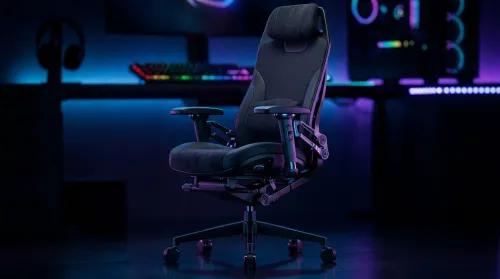
3D Armrest Ergonomic Gaming Chair Features for Comfort
Shop smart for a 3D armrest ergonomic gaming chair: key support points, adjustable lumbar, pressure relief, and smooth armrest tuning. ✅🎮 Get comfort that lasts.
Read moreWireless charging mousepad: Learn how to choose the best pad for gaming — power, surface, coil placement, compatibility, latency, and build quality. Save desk space and charge while you play 🎮⚡
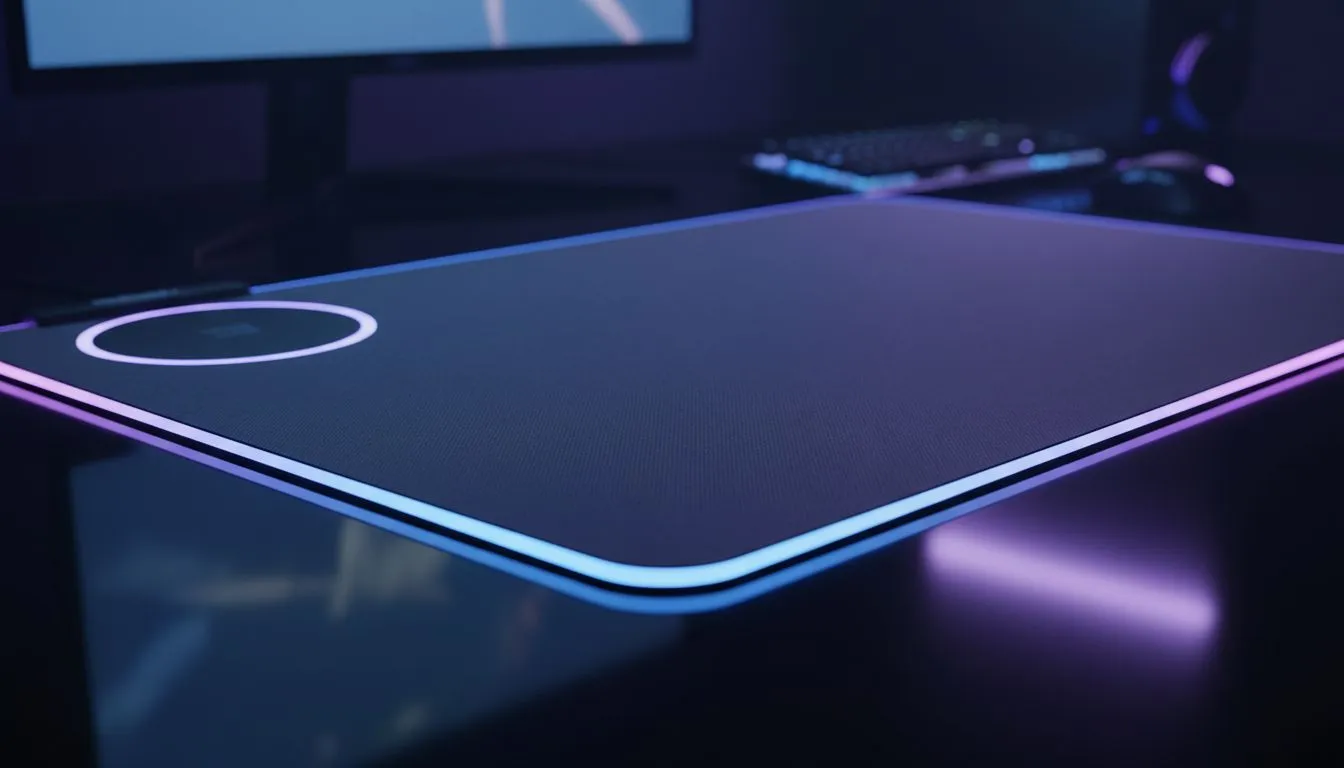
A Wireless Charging Mousepad can cut cable clutter and keep your phone topped up while you game or work. If you’re hunting for smooth glide and constant power, start with a simple primer like this mouse pads guide from Evetech — it helps clarify sizes, surfaces and brands before you buy. Whether you stream in Jozi or grind ranks in Cape Town, the right pad makes your desk smarter and neater. 🚀
Surface material, coil placement, and charging standards matter first. Cloth tops suit precision for flick shots; hard surfaces favour speed. Check Evetech’s overview of Evetech Mousepad collection to compare fabric and hard options. If you rely on fast Qi charging, confirm the pad supports your phone’s wattage and that the charging coil aligns with your device… misalignment kills efficiency.
RGB can be pretty, but it may add cost and a small power draw. Browse RGB mousepads if you want visual flair, or check non-RGB pads for a cleaner desk and often lower price. For big mice and keyboards, consider XXL sizes or extended pads so your keyboard sits on the mat too. Evetech lists both XXL sizes and extended pads so you can match your setup and desk.
Not all brands place coils the same way. Popular makers like SteelSeries design gaming-grade textures; budget lines such as Marvo focus on value. Compare build quality and warranty details on the brand pages to avoid disappointed buys. For texture and brand comparisons, check SteelSeries options and Marvo gaming pads.
Place phones carefully on the marked charging zone. Thick cases or magnets can block charging. Keep firmware updated on phones for best Qi performance. If your power delivery is slow, try removing the case first.
If your phone won’t charge reliably, shift it an inch at a time across the pad until the indicator lights show charging. That quick move reveals the coil hotspot and avoids guessing.
If you want to feel pads first, Evetech’s mouse pads guide has detailed specs and user photos. Compare non-RGB and RGB options, or jump straight to Evetech Mousepad collection. For brand-specific searches, explore SteelSeries options and Marvo gaming pads. Prefer a clean desk? Look through the non-RGB pads list. Want lights and flair? See RGB mousepads. Need coverage for both keyboard and mouse? Check XXL sizes and extended pads.
Ready to Find Your Perfect Match? The Mac vs Windows debate is complex, but for maximum power, choice, and value in South Africa, Windows is hard to beat. Explore our massive range of laptop specials and find the perfect machine to conquer your world.
A wireless charging mousepad has an embedded Qi coil that transfers power to compatible devices when placed over the charging zone. It doubles as a desk pad and charger.
Yes, if your phone supports Qi charging and you place it on the pad's charging zone. Expect moderate power output; fast charging may require a dedicated charger.
Look for low latency surface, consistent glide material, stable coil placement, and large size to avoid interrupting mouse movement during gameplay.
Coil placement affects where your device must sit to charge. Higher power output (measured in watts) charges faster but check compatibility with your device.
Most charging pads charge phones only; some integrate charging for wireless mice that support Qi or have dedicated charging docks. Check compatibility before buying.
Cloth pads give better control and comfort for many gamers; hard pads offer precise tracking. Pick the surface that matches your sensor and play style.
It can reduce cable clutter and charge devices during use, but it may not match the speed of a wall adapter. Use it for convenience, not as the fastest charger.
Shop smart for a 3D armrest ergonomic gaming chair: key support points, adjustable lumbar, pressure relief, and smooth armrest tuning. ✅🎮 Get comfort that lasts.
Read more
Use this ergonomic gaming chair adjustable lumbar support checklist to spot key comfort features, avoid poor fit, and choose the right support for long sessions. 🪑✅
Read more
Wondering if a 49-inch UWQHD monitor is too big for your gaming desk? We break down ideal desk depth, viewing distance, and clearance tips so you can upgrade confidently. 🎮🛠️
Read more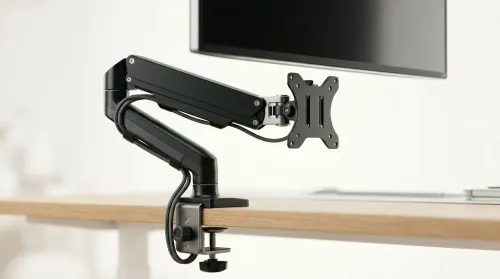
Running out of desk space? A VESA monitor arm and under-desk mount free up more room than you think. Less clutter, better ergonomics, smoother cable routing. Clear your workspace today ✅🖥️
Read more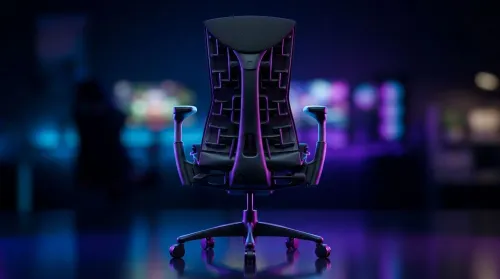
Gaming chair with adjustable lumbar support should fit your back, not fight it. We cover lockable recline and 3D armrests so you can sit longer, game better, and adjust fast. 🎮🪑
Read more
Every spec on PCIe 5.0 explained in plain English. What matters for gaming and creator work in 2026, what's marketing fluff, and how each number translates to real-world performance.

A head-to-head look at WiFi 7: real-world performance, ZAR pricing and which option delivers better value for SA builders. The clear answer — no fluff.

Everything you need to set up and tune PCIe 5.0 properly: the prep work, the settings that actually matter, and the mistakes to skip. Written for SA builders in 2026.

Everything you need to set up and tune X870E Motherboard properly: the prep work, the settings that actually matter, and the mistakes to skip. Written for SA builders in 2026.

Wondering what a 512GB SSD capacity really holds? This guide breaks down how many games, photos, and documents fit on 512GB, with real-world ranges 📦💾

Every spec on vrm explained in plain English. What matters for gaming and creator work in 2026, what's marketing fluff, and how each number translates to real-world performance.

Every spec on motherboard explained in plain English. What matters for gaming and creator work in 2026, what's marketing fluff, and how each number translates to real-world performance.

Premium vs Midrange Motherboards in South Africa: real-world performance, SA pricing, power draw and which one delivers better value for your build for SA buyers. The clear answer — without the fluff.
Wondering what a 512GB SSD capacity really holds? This guide breaks down how many games, photos, and documents fit on 512GB, with real-world ranges 📦💾
Every spec on PCIe 5.0 explained in plain English. What matters for gaming and creator work in 2026, what's marketing fluff, and how each number translates to real-world performance.
A head-to-head look at WiFi 7: real-world performance, ZAR pricing and which option delivers better value for SA builders. The clear answer — no fluff.

Every spec on USB4 explained in plain English. What matters for gaming and creator work in 2026, what's marketing fluff, and how each number translates to real-world performance.