


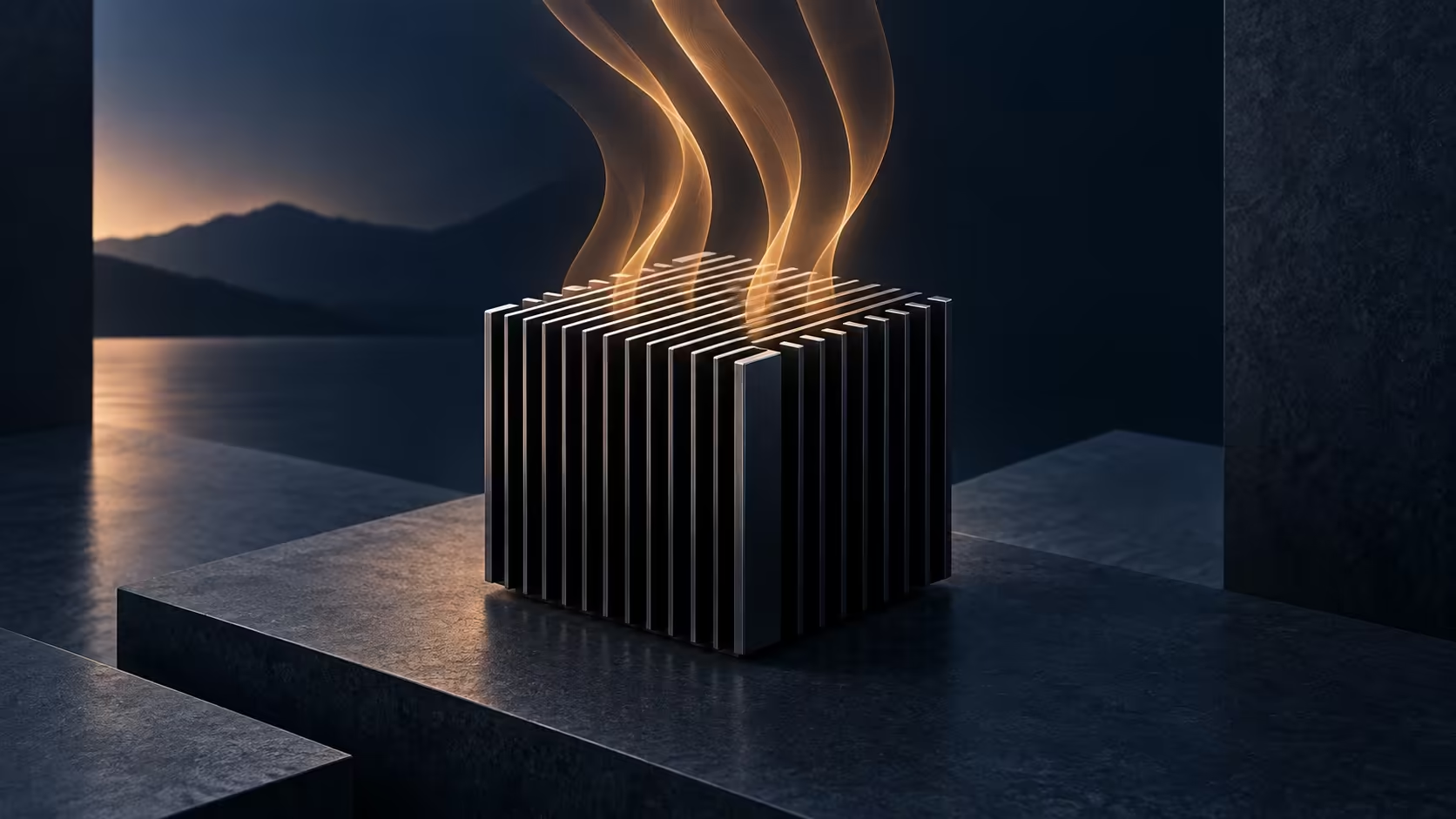
Akasa Newton N16 makes a quiet desktop an engineering choice before it becomes a shopping choice. The enclosure replaces active cooling on a supported NUC board with a substantial aluminium body. That sounds attractive beside a microphone or on a small desk, but the board, rear ports and power limits have to agree. Buying a case with the right dimensions is only the beginning.
Quick Answer
Choose the Newton N16 only for a listed ASUS NUC 16 Pro board and follow its 28W BIOS guidance. A complete Ninkear M7 V2 was R6,999 in the 19 September 2026 local catalogue snapshot; that is an alternative computer, not a Newton price or a compatible donor.
🧩 Start with the exact board
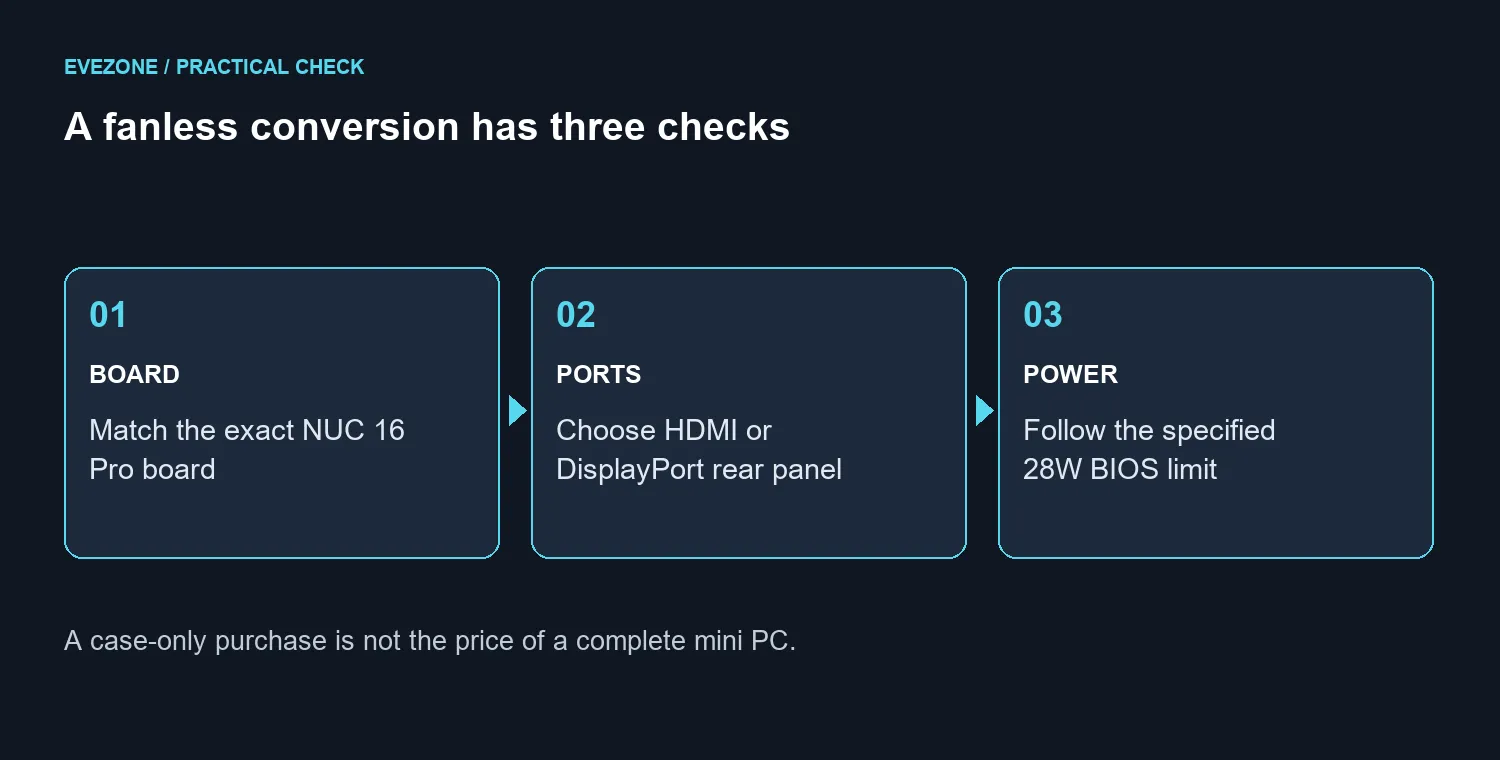
This is a purpose-built enclosure for selected NUC 16 Pro hardware. The supported platform uses a 5 by 4 inch board, so a familiar-looking Mini-ITX motherboard is not a substitute. Before ordering anything, record the board identifier and compare it with the enclosure's supported models. The Grand Canyon NUC16GDK, NUC16GDB and NUC16GDK-B references matter more than a seller's broad description of a small Intel PC.
The rear-panel choice is equally specific. A-NUC109-M1B is the dual-HDMI version; A-NUC109-M2B corresponds to dual DisplayPort. Buying the wrong panel arrangement creates a physical mismatch that a display cable adapter cannot repair. Check photographs and the actual board layout together, particularly if you already own the donor machine.
Treat a conversion as a small build project. You need the supported hardware, suitable memory and storage, the specified power arrangement and time to follow the assembly instructions. Keep the original cooling parts until the converted computer has passed your normal workload checks. That gives you a practical route back if the finished configuration does not suit your needs.
🌡️ Respect the passive cooling budget
The specified maximum supported TDP is 28W, with BIOS guidance for setting the limit. That number is a configuration boundary, not a promise that every processor workload will perform exactly as it did inside another case. A fanless build trades a moving fan for a carefully managed path from the processor into the enclosure.
Akasa also provides a dedicated thermal arrangement for two M.2 SSDs. Fit the supplied thermal parts as instructed rather than assuming that a drive simply touching a metal surface is enough. When choosing capacity from the internal SSD range, check the supported form factor and interface against the board documentation first.
The enclosure measures 188.6 x 204 x 53.6mm and is listed at about 2.1 litres. Leave room around it in your desk plan. Covering a passive chassis with papers or squeezing it into a closed compartment defeats the purpose of exposing its cooling surfaces. The outside of the enclosure is part of the cooling system, so placement deserves the same attention you would normally give a desktop's vents.
💰 Price the complete conversion
A case price alone cannot settle the value question. Add the board or donor system, memory, storage, required power adapter and any mounting accessories you actually need. Wall and rack accessories are optional choices, while the listed 19V 120W adapter is a separate item to check against the intended configuration. No South African launch price or arrival date is confirmed here.
For a ready-built comparison, browse complete mini PCs. At the timestamped catalogue read, the Ninkear M7 V2 combined a Ryzen 5 7430U, 16GB memory and a 512GB SSD at R6,999. The Minisforum NAB6 Lite started at R8,299. Those are separate systems with their own specifications; neither price establishes compatibility with this enclosure.
If the present PC is already acceptably quiet, identify what a conversion would improve before spending. A recording desk may justify removing a fan near the microphone. A general office desk may be better served by a complete machine with a straightforward support route. Compare those outcomes against the total build cost, not against the appeal of a silent-case photograph.
Frequently Asked Questions
Does fanless mean the computer cannot overheat?
No. The specified limits, thermal installation and placement still apply. Test your real applications after assembly and investigate abnormal temperatures or instability before treating the conversion as finished.
Can I choose HDMI now and change it later with an adapter?
An external adapter changes the cable connection. It does not change the board's physical rear-port arrangement or make the other enclosure variant fit.
Who should buy a complete PC instead?
Anyone who needs a working desktop quickly, has no supported donor board or cannot justify the conversion's full cost should compare complete configurations first.
Ready to plan a quieter desktop? Match the board and rear panel first, then compare the complete fanless build with a ready-to-use mini PC inside your Rand budget.











