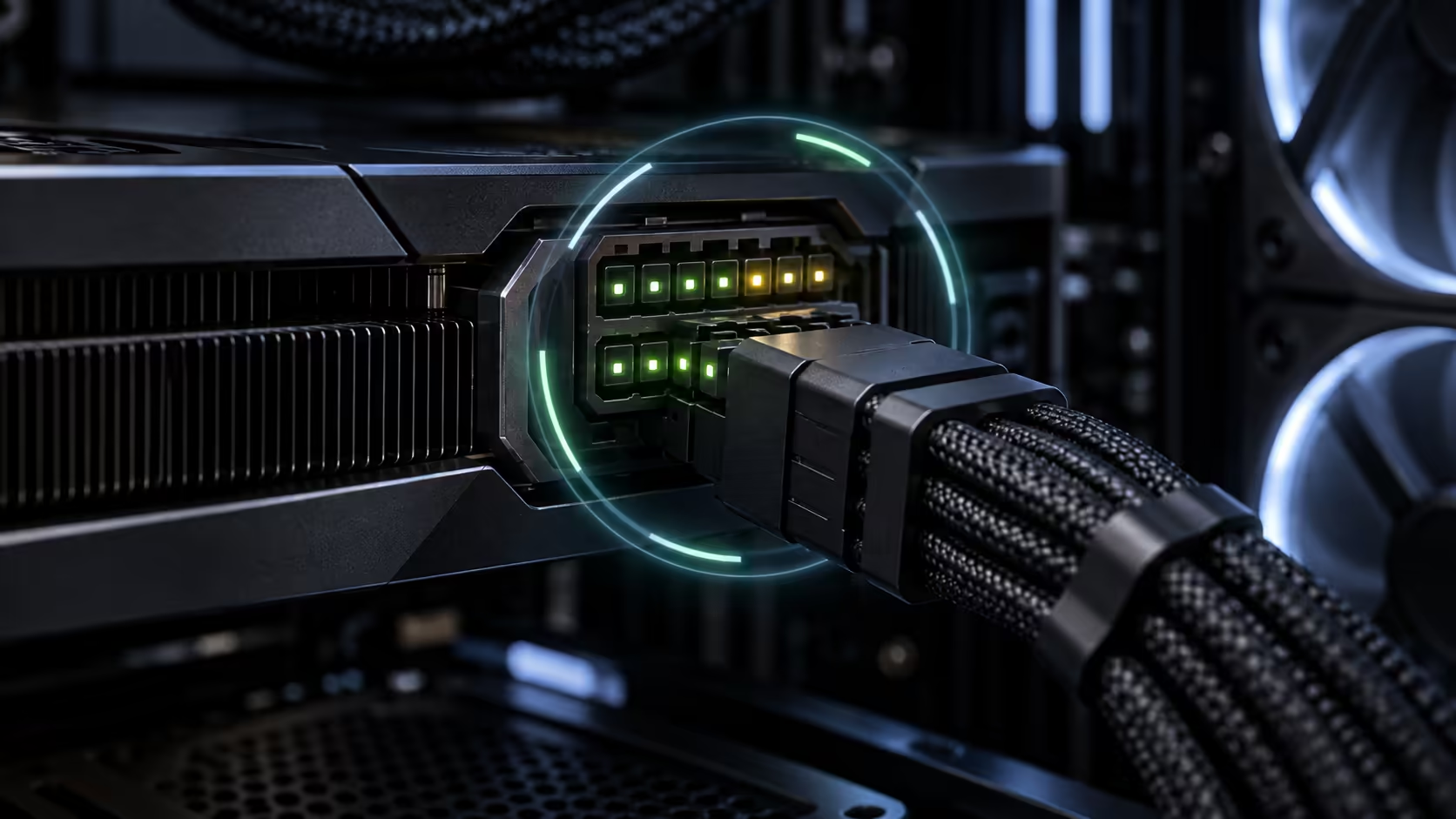
The Cooler Master GPU Shield Adapter adds live monitoring to a modern 12+4-pin graphics-card power connection. It can warn about abnormal current and reduce system power in a severe event, but it is not permission to ignore cable seating, connector condition or power-supply compatibility.
Quick Answer
Cooler Master's 200mm adapter monitors current on individual contacts, uses a multicolour LED ring and audible alarm, and can trigger active protection during a severe electrical abnormality. The company also uses a dual-colour plug to make incomplete insertion easier to notice. The reported US launch price is $49.99, but no matching active Evetech listing or South African price appeared at capture time.
What the adapter actually monitors
High-power GPU connections depend on several contacts sharing current correctly. A poor connection, damaged terminal or uneven load can create local heating even when the total system wattage looks acceptable. Cooler Master says its adapter checks individual-pin behaviour rather than watching only the combined connector.
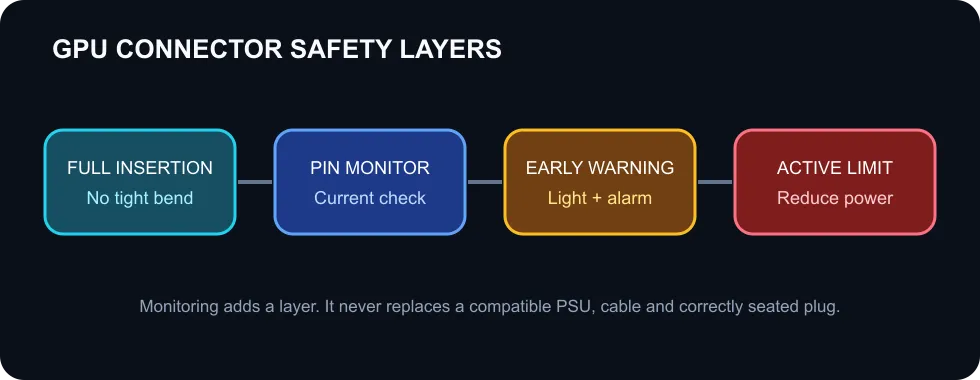
The visual ring changes status when the device sees an abnormal condition. An audible alarm provides a second signal when the connector is hidden inside a case or the user is looking at the display. Those warnings are useful only if the user stops the workload, shuts down safely and inspects the installation.
During a severe abnormality, the active protection mechanism is designed to reduce system power consumption. The wording matters: this is risk reduction, not a guarantee against every failure. A fault can involve the graphics card socket, cable, power supply, adapter, installation or physical damage.
Installation remains the first safety layer
The 12+4-pin plug must be fully inserted. Use a compatible cable from the power-supply maker, avoid forcing the plug at an angle and do not create a tight bend immediately after the connector. The side panel should not press against the cable. After moving or servicing the PC, inspect the plug again before applying a heavy GPU load.
Do not mix modular power-supply cables between brands or even between unrelated models from the same brand unless the manufacturer explicitly confirms compatibility. The device-side connector may look identical while the PSU-side pinout differs.
What South African buyers can compare now
The local catalogue query did not find the GPU Shield Adapter itself. It did return two active GameMax 12VHPWR ARGB extension cables at R1,399. An extension cable is not the same product and should not be described as providing current monitoring or active protection.
If you are planning a new graphics-card build, start with the graphics card accessories, all power supplies and PSU best sellers. Confirm connector type, continuous power capacity, cable count, warranty and the graphics-card manufacturer's requirements.
Who should consider this kind of device
An inline monitor makes the most sense in a high-power system where the owner wants an extra warning layer and can inspect the case when an alert occurs. It is less useful when poor airflow, an unsuitable power supply or a sharply bent cable is left unresolved.
The one-year product warranty listed by Cooler Master covers the adapter under its terms. It should not be assumed to cover the graphics card, power supply or every consequence of a connector event. Read the regional warranty wording if the product reaches local retail.
Frequently Asked Questions
Does the GPU Shield Adapter stop all connector melting?
No. It adds monitoring, warnings and active power reduction, but correct hardware and installation remain essential.
What connector does it use?
Cooler Master specifies one 200mm 12+4-pin adapter cable.
Can I buy it locally now?
No matching active Evetech listing appeared in the captured catalogue.
Check current power supplies against the exact graphics-card requirement before adding an accessory.
Treat monitoring as an extra layer, not the foundation. Start with a compatible PSU, cable and fully seated connector.