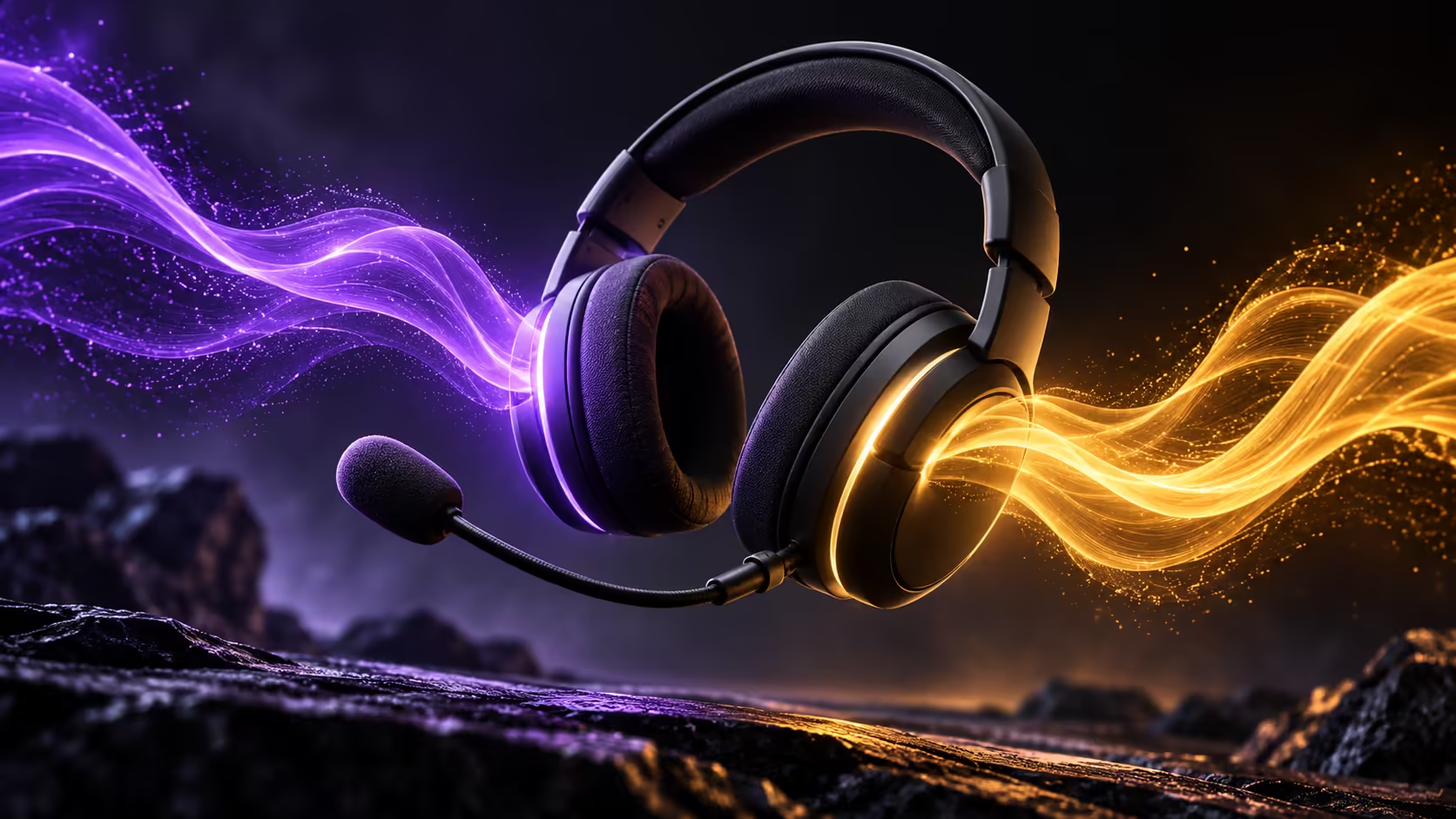
Wireless convenience and spatial sound are separate reasons to choose a headset. GravaStar Mercury Edge Pro brings them into one product, but the useful features depend on the device and connection you choose. A South African buyer should start with a simple list: where you play, who you talk to and whether phone audio must remain available.
Quick Answer
Choose the Pro model only after checking its connection modes and PC software requirements. Evetech's current checked gaming-headset shelf starts with a wired Marvo Akari 50 at R149, a basic stereo reference rather than a like-for-like alternative. A confirmed local Rand quote matters more than converting the manufacturer's overseas price.
🎧 Separate the physical headset from the processing
GravaStar describes the spatial presentation as software-based virtual surround with stereo drivers. That distinction matters when comparing it with an ordinary stereo headset or a room full of speakers. A processing label does not promise that every game, source or listener will produce the same directional result.
Listen for the things you actually use: speech clarity, volume balance and whether effects remain comfortable over time. If a game already offers a headphone audio mode, compare settings deliberately instead of turning every surround option on together. Keep one familiar configuration so you can return to it if the result becomes confusing.
📡 Choose the connection for the task
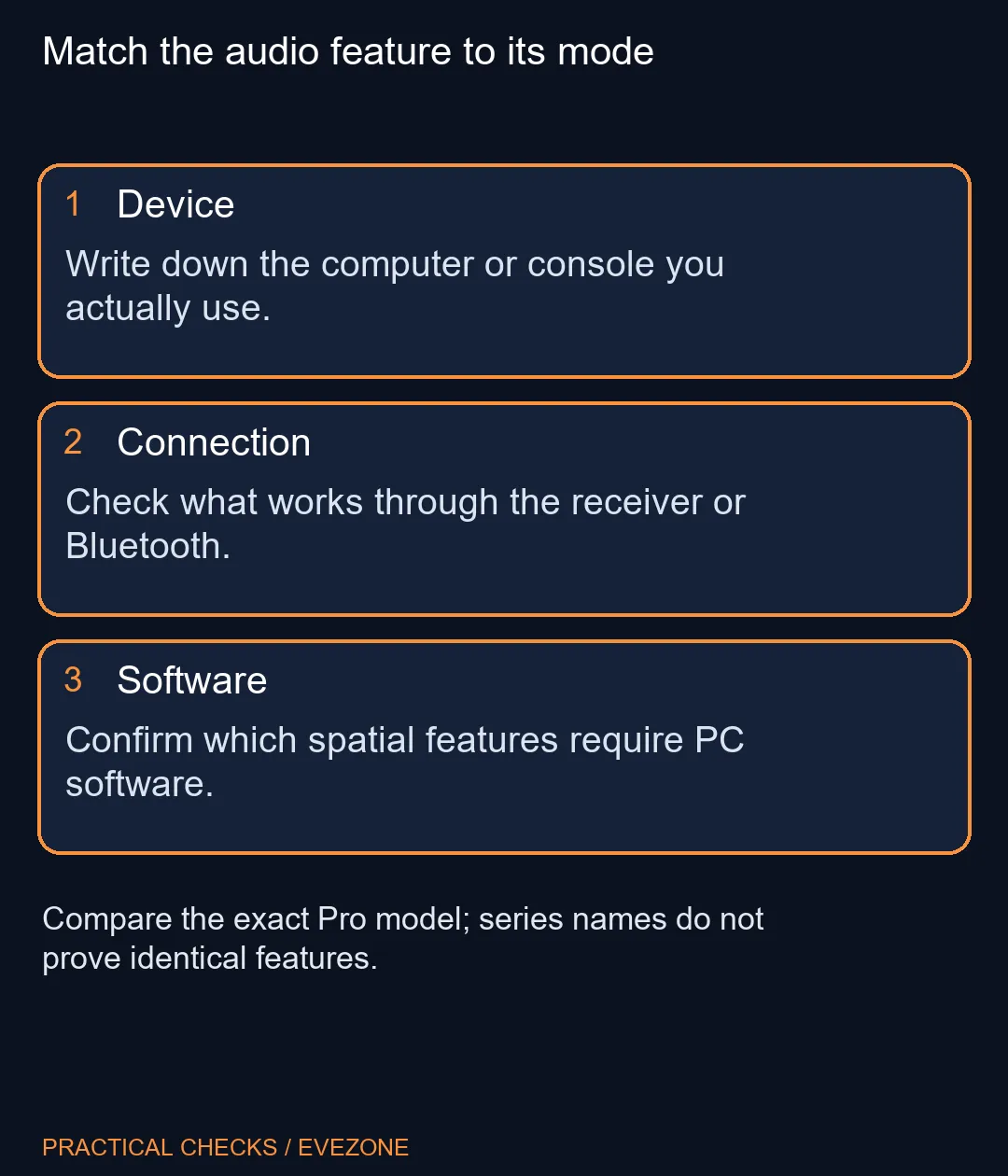
The Pro page describes simultaneous playback from a 2.4GHz receiver connection and Bluetooth. That may be useful when your game is on the PC and a call arrives on your phone. Write down that specific use before deciding that mixed audio is worth paying for.
Set up the game and communication app separately, then check that each uses the intended input and output. A headset can play music correctly while a chat app listens to the wrong microphone. Make a short test recording and ask a friend to check speech before a scheduled session, rather than troubleshoot during the first round.
Compare gaming headsets by the connections you need and by how the microphone is used. Do not borrow a feature list from another model in the same Mercury Edge series. Likewise, a socket intended for the detachable microphone should not be treated as proof of a general analogue listening connection.
🧩 Confirm the software and comfort fit
The manufacturer ties the Pro's virtual spatial features to compatible Windows 11 PC software. Its compatibility note also warns that feature availability changes with the device and connection. A console or phone buyer should therefore verify their particular route instead of assuming the desktop demonstration applies everywhere.
Comfort deserves its own decision. Consider headband adjustment, earcup space, glasses and how long you tend to play. None of those questions is answered by a channel count. If your current headset remains comfortable and makes your speech easy to understand, the launch is an opportunity to compare options rather than a reason to discard it.
Keep the desk practical as well: position gaming keyboards so you can reach mute and communication shortcuts without awkward movement. Spend on the part of the setup that currently interrupts you. Waiting for a clearly specified local model and price is reasonable when the existing audio chain already works.
Frequently Asked Questions
Does 7.1.4 mean it contains that many speakers?
No. GravaStar describes stereo drivers with virtual surround processing, not a physical 7.1.4 speaker arrangement.
What does the spatial mode require?
The Pro product page specifies compatible PC software on Windows 11. Check the requirements before relying on that feature.
Can it mix phone and PC sound?
The official Pro specifications describe simultaneous playback from 2.4GHz wireless and Bluetooth connections.
Will every feature work on a console?
Do not assume that. The manufacturer says features vary by device and connection mode.
Is the microphone socket an analogue audio input?
The listed 3.5mm connection is documented for the detachable microphone. Do not infer a general analogue listening input.
Should I replace a working stereo headset?
Only when you can name a useful improvement in comfort, connection or communication. A spatial label alone does not establish that.
Choose audio for your own platform
Compare Evetech gaming headsets by connection, microphone setup and comfort before deciding which extra features matter.