KYY X90K. A cramped desk can be hard to work around when a workbook, an email thread and a reference document all need to stay open. KYY's X90K puts two panels around your laptop. Before chasing the extra screen count, check whether the places you work from have enough width to use both wings.
Quick Answer
The KYY X90K adds two 18.5-inch screens to a laptop for a three-screen setup. The announcement covered the US. A South African price was unconfirmed. Evetech's sample had the single-screen UPERFECT UBegin J314 portable monitor in stock at R1,799.
🖥️ Count the windows you use together
KYY's X90K gives you one extra screen on either side of your laptop. The related X90P adds a third external panel. Decide which windows earn their own display before settling on a configuration. A spreadsheet and a browser might use two displays well. You could keep email behind one of those windows without spending on a third panel.
Try the full layout for an hour if you can borrow a display. Put the work you type into most often in front of you. Put reference material on the side that suits you and check how far you have to turn to read it. Repeat with the left and right sides switched. The way you actually move through the job matters as much as a count of visible windows.
🔌 Check video and power on the exact laptop
Identify your laptop's full model number. Use it to check which ports carry video and how many external screens the computer can drive at once. A USB-C socket shape does not tell you every feature it supports. Check the extender's requirements alongside the laptop manual and include any dock you intend to use in the same check.
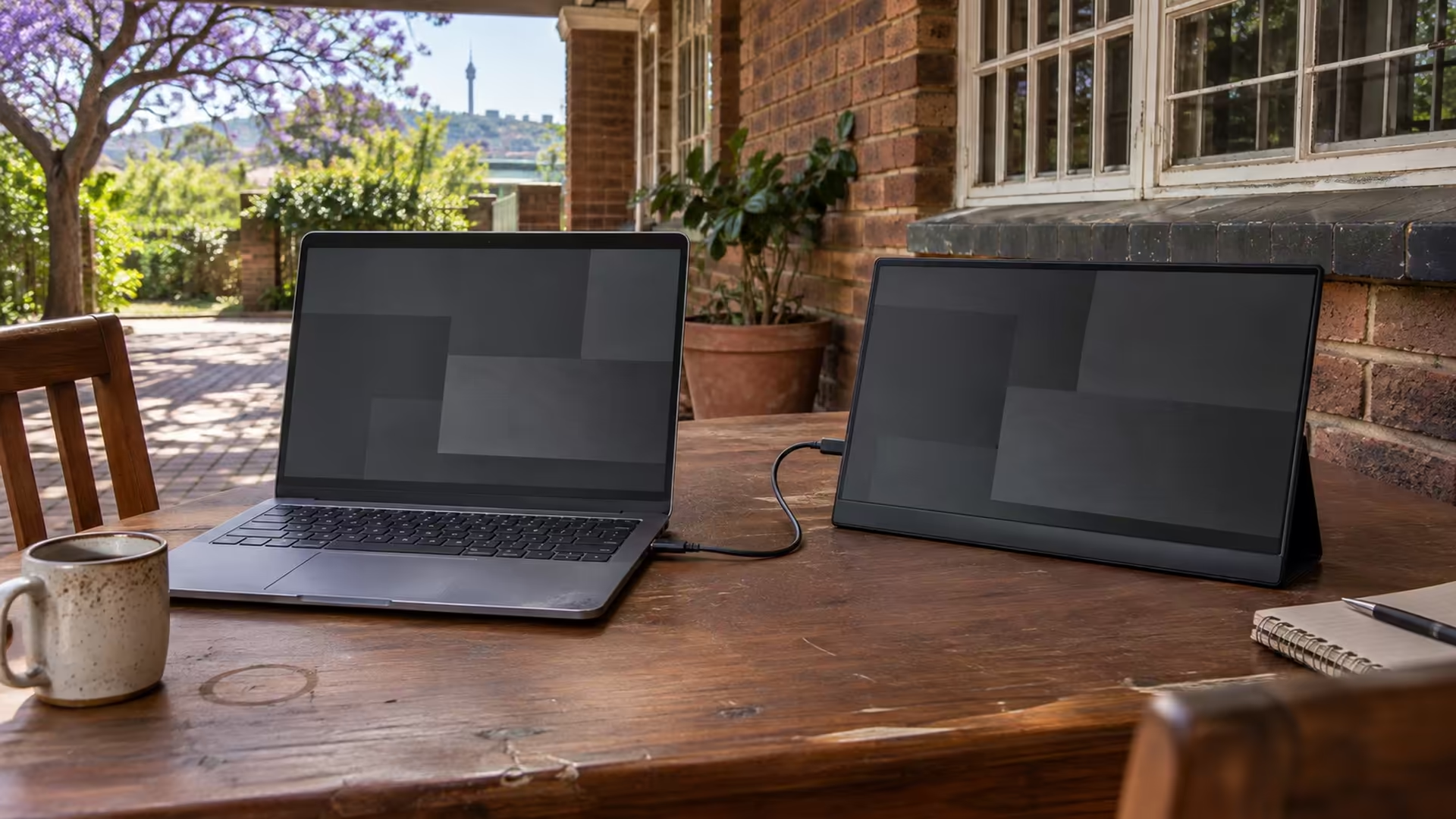
Test the table width where you spend most of your time. Leave space for the laptop stand, a mouse and the cables that enter at the sides. Consider how often you give up that space to a notebook, an external keyboard or someone sharing the desk. Browse Portable Monitors for a single freestanding panel if you need to move the extra screen around or fold it away between sessions.
🇿🇦 Price the desk you can build now
The 14-inch UPERFECT UBegin J314 appeared at R1,799 in Evetech's 24 November sample. That is a local reference for a smaller single display. It is useful if your main issue is a reference document hiding behind your work. It cannot tell you what the KYY X90K will sell for locally.
Compare Office Monitors when the desk is permanent. A larger screen may let you place several windows side by side while keeping the laptop off to one side. If the X90K layout solves a recurring problem at more than one workplace, wait for the right local configuration and confirm your laptop support before buying. Go with a single portable panel if it gives your second app a usable home at a known price.
Frequently Asked Questions
How many screens does the KYY X90K add?
It adds two external screens for three in total including the laptop's own display.
How large are its added panels?
The announcement describes 18.5-inch panels.
Is the X90P the same layout?
The X90P adds three panels and the X90K adds two.
Will any USB-C laptop drive both panels?
Check display support and the available power for your exact laptop and extender.
What did one local portable monitor cost?
The UPERFECT UBegin J314 appeared at R1,799 in the 24 November Evetech sample.
Should I use a desktop monitor instead?
Compare a desktop monitor if you work at the same desk and have room for a larger screen.
Choose your screen count
Try one portable display. The X90K adds two panels. Compare compatible options at Evetech.