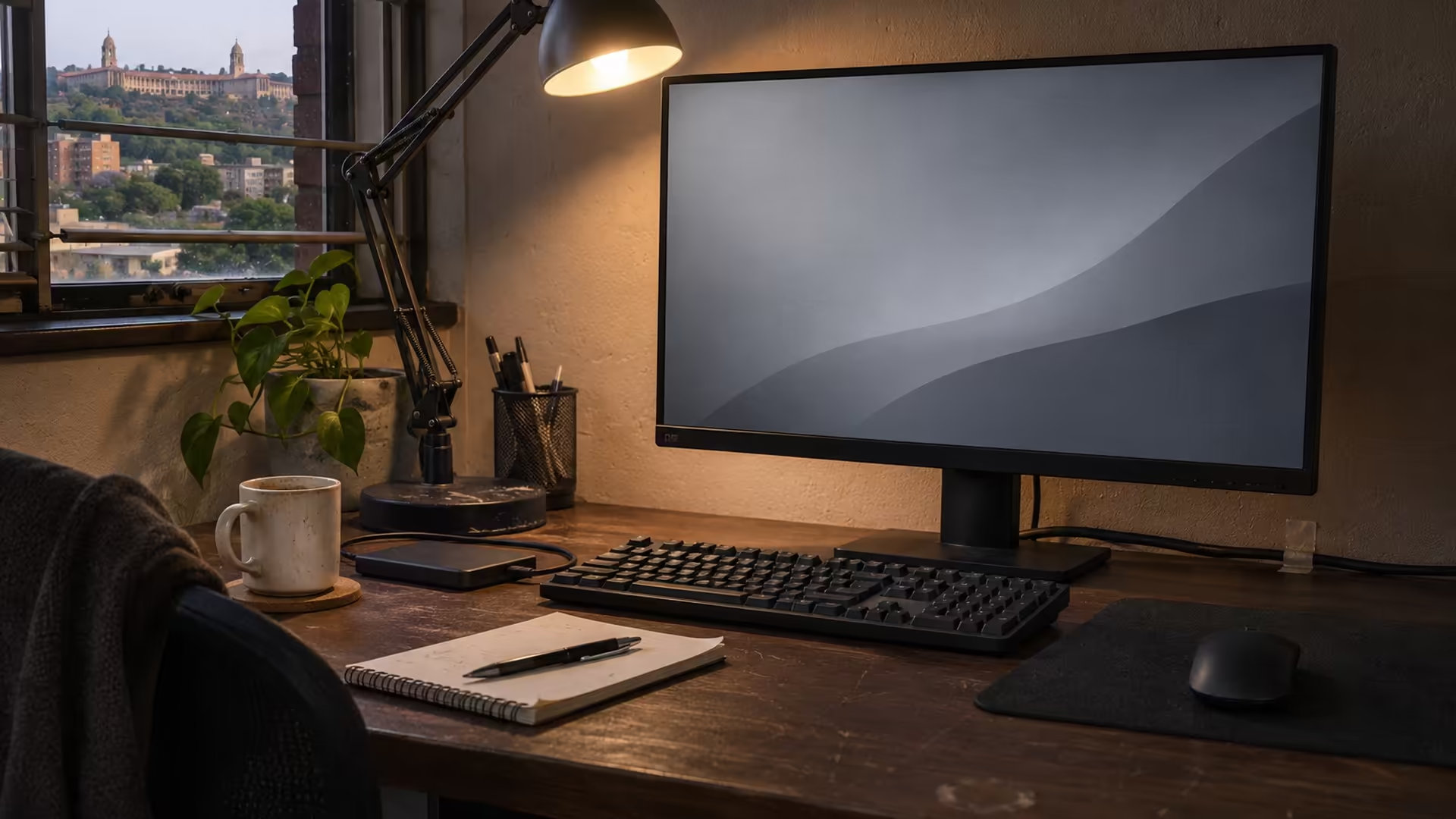
A 6K desktop can be attractive when a timeline, a preview window and a file browser all need to stay visible. KTC previewed a 31.5-inch screen that targets that kind of desk. A large pixel count gives you options for making text sharper or showing more of a document, but your scaling preferences decide how much room you actually gain.
Quick Answer
The KTC M32P2 preview describes a 31.5-inch 6K Mini-LED monitor at 60Hz with 2,304 dimming zones. South African pricing remains unconfirmed. The AOC U27B35 at R4,629 in a 23 November local catalogue sample gives you a real 4K price to compare against.
🖥️ Decide what you need to see at once
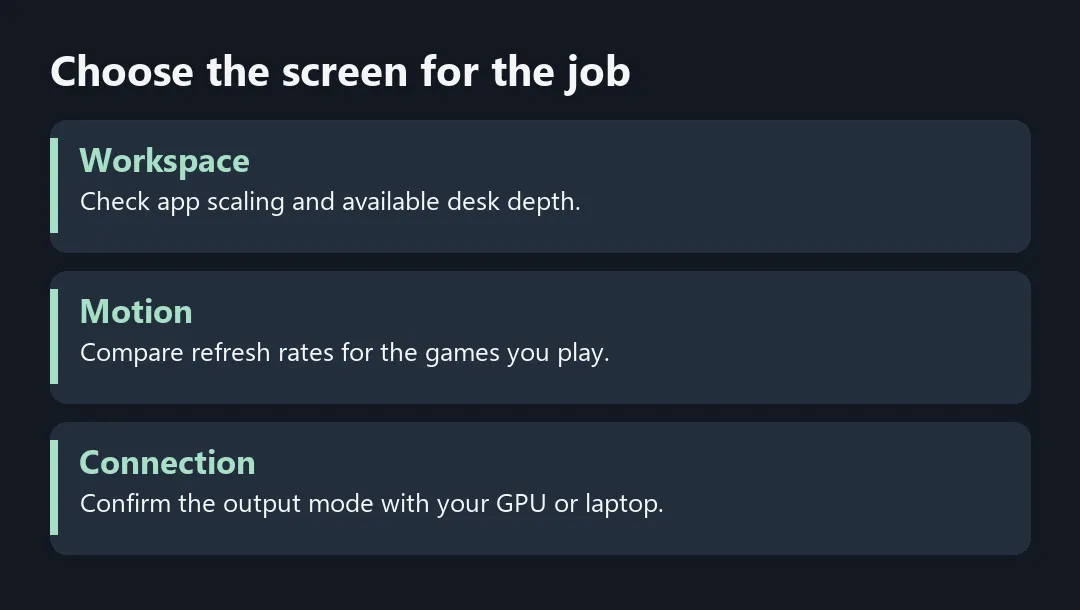
The preview specifies 6016 by 3384 pixels. That gives the panel more physical pixels than a 3840 by 2160 desktop. The number of windows you can comfortably fit depends on the distance between your chair and the screen and on how large you set the text. A desk pushed against a wall can give you less room to move the panel back than a freestanding desk.
Take a screenshot of a crowded editing project or a typical day of windows. Compare the available space at a few scaling levels on the display you already have. Check which items you still need to move out of the way. That exercise gives you a better measure of the benefit than comparing the display resolutions without looking at your work.
🎮 Consider motion and the connection
KTC's stated refresh rate is 60Hz. If you play fast shooters after work, compare that with the motion you get from your current monitor. A buyer who spends more time in a photo editor might be happy with that rate and put more weight on surface finish or how the screen handles small highlights. KTC's zone count describes its backlight layout. Look for measurements of local dimming behaviour once testers have the display.
Check which mode your graphics output can drive over the actual connection you plan to use. If you plug into a dock, check the dock's supported display modes as well as the laptop's. Note the refresh rate and resolution together when comparing specifications. Check the modes your cable and dock support before moving either device to a different input. This also helps if a second monitor needs to remain connected.
🇿🇦 Set a price for your backup choice
The AOC U27B35 appeared at R4,629 in Evetech's 23 November sample. You can use the AOC Monitors selection to compare 4K options if the desk needs a replacement now. Write down the size, stand adjustments and inputs you need before comparing prices. A lower-priced screen could be useful now if it supports the layout and text size that prompted the purchase.
Compare Gaming Monitors if refresh rate matters more than extra workspace. Put the same game on each display when you have a chance to try both. When the 6K resolution would save time in your regular work, wait for independent measurements and a local price. If the cramped part of the current setup is just one floating panel, try a second display or a revised layout first.
Frequently Asked Questions
What resolution is the KTC M32P2?
The preview specifies 6016 by 3384 pixels.
What is its stated refresh rate?
The preview specifies 60Hz.
How many dimming zones did KTC describe?
KTC described 2,304 backlight dimming zones.
Is there a confirmed South African price?
The preview does not establish a South African price.
What did a locally sampled 4K monitor cost?
The AOC U27B35 appeared at R4,629 in the 23 November Evetech sample.
Is 6K essential for a two-window layout?
Try a 4K display at a comfortable scaling setting first to see if it gives you enough usable space.
Choose the screen for the job
Decide whether the extra workspace is worth waiting for and price a 4K screen locally in the meantime. Compare compatible options at Evetech.