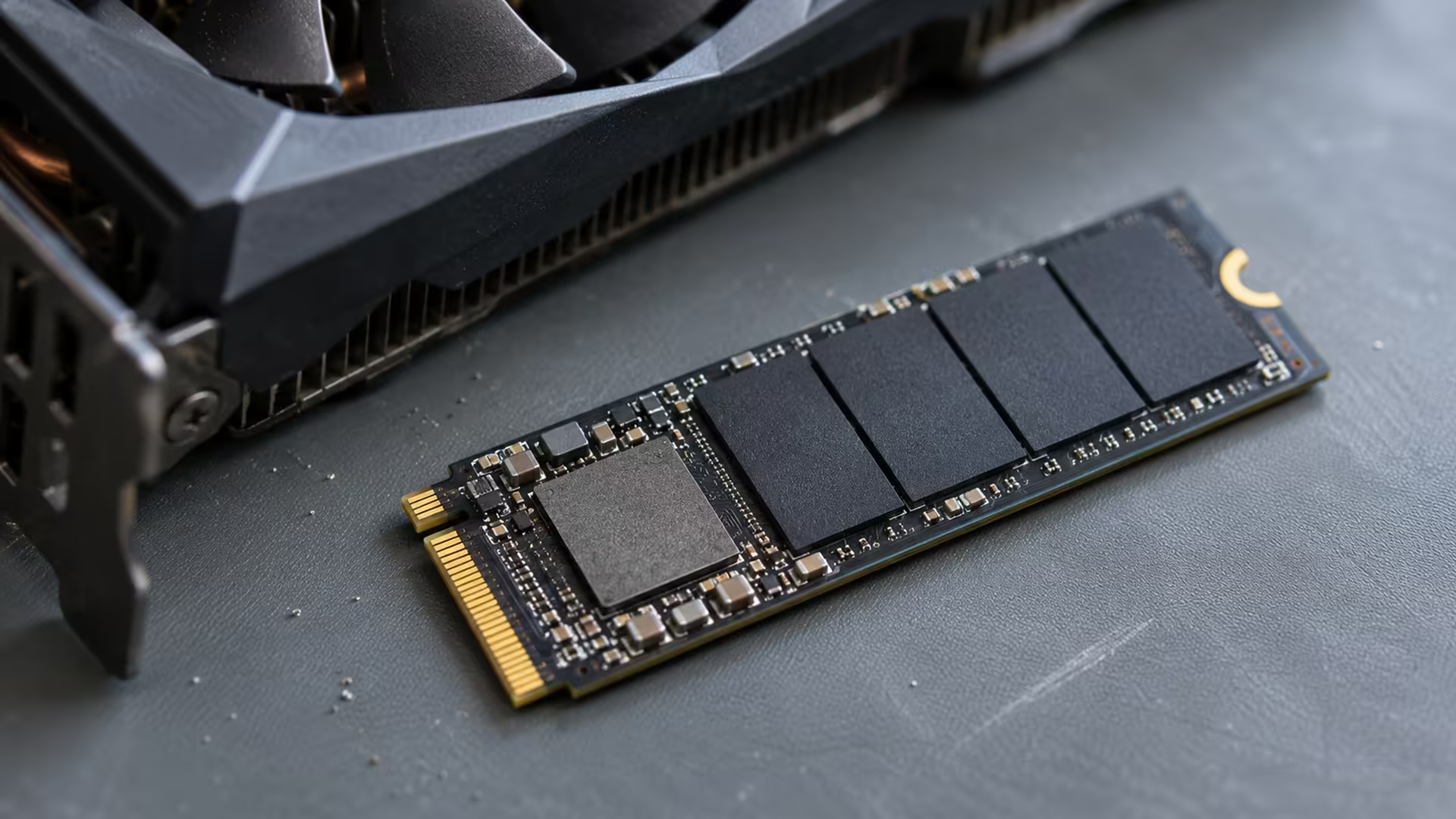
The SSD activity light keeps flickering long after the game has closed. Before you replace the drive, check whether the GeForce 621.35 hotfix addresses what your PC is doing. NVIDIA named a background log file in its fix, which gives you something more specific to look for than a busy disk graph.
Quick Answer
The GeForce 621.35 hotfix addresses excessive background writes to nvlog.nvlgstg. Check your current driver and compare idle activity before spending money on storage. Evetech listed the 500GB WD Blue SN5100 at R1,999 on 22 November, a replacement cost you can avoid if the driver is the problem.
🔍 Find the process behind the writes
First let Windows Update, your game library and any cloud sync finish what they are doing. Close the game and leave the same set of everyday applications open for a short idle sample. In Windows Resource Monitor, the Disk tab can show which process is active and which file it is accessing. Find the file named in the hotfix and see whether the write activity persists when you have stopped interacting with the machine.
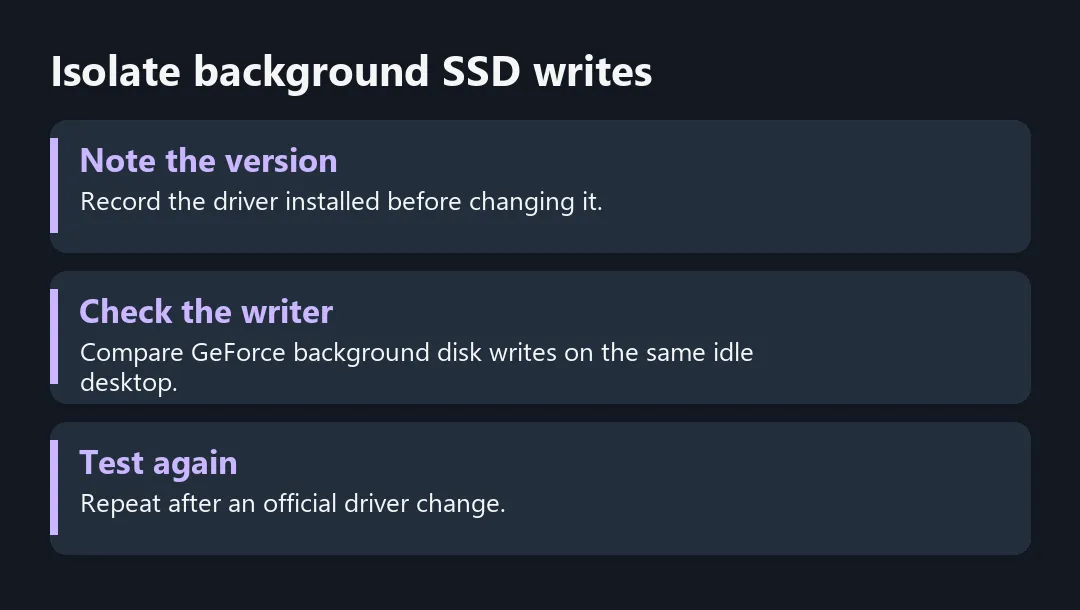
Record the installed driver version and the duration of the sample. If you are comparing rates, match the time spent idle in each run. An installer or shader compilation process can write intensely while it works and then stop. A short peak during either job can swamp an average, which is why an idle comparison tells you more here. Keep the result as a before-and-after note you can refer to if an update changes the behaviour again.
🧰 Choose the next driver deliberately
NVIDIA issued 621.35 as an optional beta hotfix through Customer Care. If the system is stable, wait for the next WHQL release. If the symptoms match, use its official package and follow the vendor's instructions for the driver branch that supports your hardware. Leave a few minutes for normal startup activity to settle after restarting. Repeat the same observation with the same programs open, and write down whether the named file still grows while the machine sits idle.
If the update makes an unrelated problem worse, record what has changed before trying another driver. Check that the version you intend to use supports both the card and any current game you need. In a work machine, schedule the change around an opportunity to repeat a real task as well as the idle check. Use the idle sample to check the log write issue. A short session in the game or application you depend on tells you whether the rest of the setup still behaves as expected.
💾 Spend on storage only after checking the evidence
Review the drive's health indicators using the software appropriate to the model. A health warning, repeated file errors or unexplained disconnects needs attention even if the driver change solves the background writes. Back up the files you would miss, and avoid running stress tests on a drive that is already giving errors. Conversely, a healthy drive with steady behaviour after the hotfix can stay in service while you watch for the issue to recur.
Use the NVMe SSDs category to compare capacity and interface if you already need more space. The R1,999 WD model is a dated catalogue reference for deciding what a replacement would cost, with no claim about prices on a later visit. If the issue prompting your investigation is an upgrade to the graphics side of a build, All Nvidia GeForce Graphics Cards is a separate comparison. Determine whether you need a card for a workload that is too slow, or a drive because your games will no longer fit. A busy graph from a specific process gives you another decision entirely.
Frequently Asked Questions
Which file did NVIDIA identify?
NVIDIA identified nvlog.nvlgstg as the file that could receive excessive writes in the background.
Should I replace my SSD because I see a lot of writes?
Check which process is writing and whether it stops after the driver fix. A write burst does not on its own diagnose drive failure.
Is this a Game Ready release?
621.35 is a hotfix distributed through NVIDIA Customer Care.
Should I install the hotfix if everything is working?
Leave a stable setup alone unless the issue applies to you or the release fixes another problem you can confirm.
Can game downloads affect the comparison?
Yes. Pause downloads and give updates time to settle before recording each idle sample.
What if disk usage stays high afterward?
Identify the process and file again. A separate updater, sync client or failing drive needs its own diagnosis.
Isolate background SSD writes
Check the driver before spending money on a replacement SSD. Compare compatible options at Evetech.