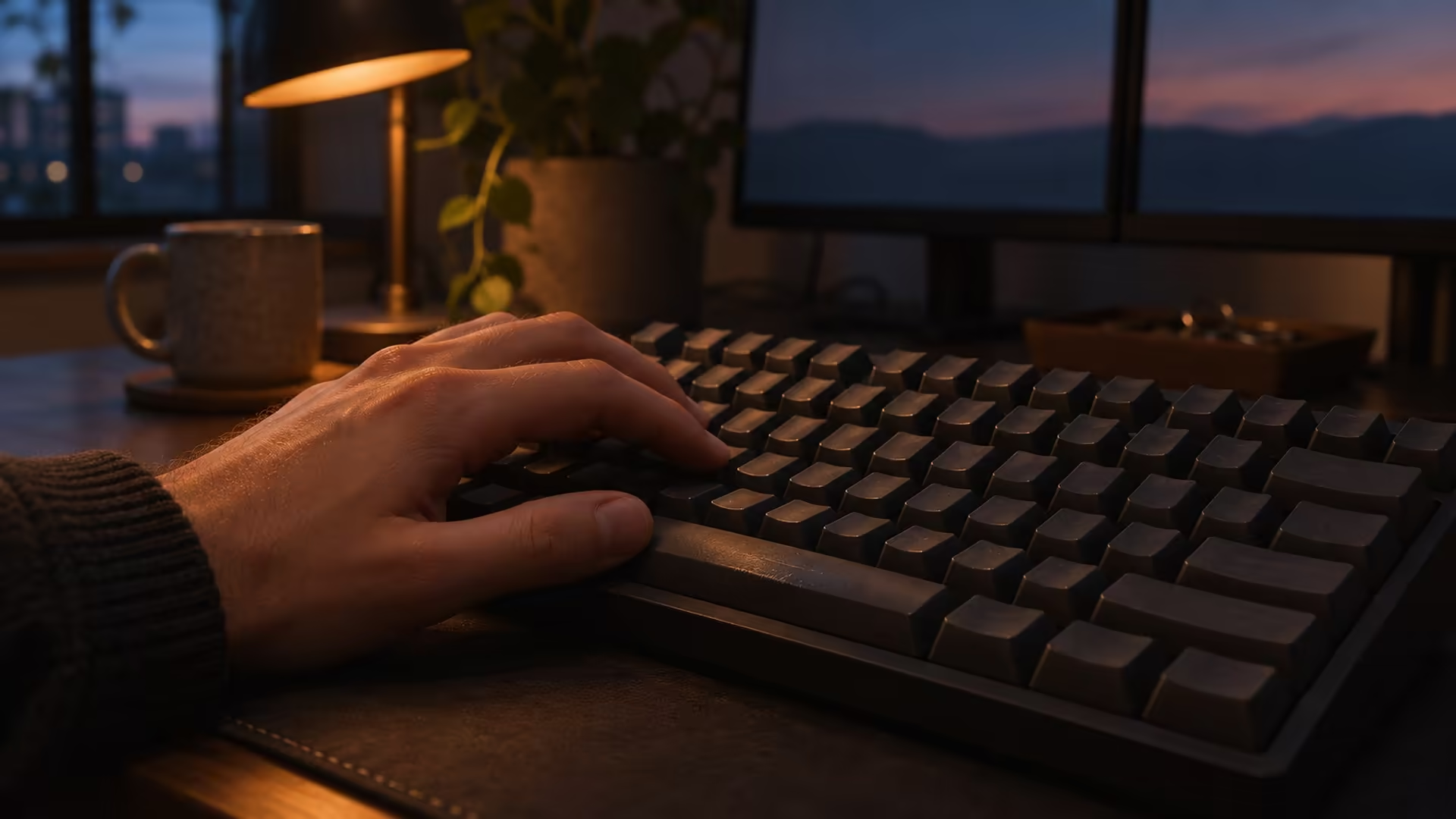
You can now share one set of key binds across profiles in the Wootility 5.5 beta without treating the first profile as its master. Keep an editor shortcut separate if you use the same key for a different action in games.
Quick Answer
Wootility 5.5 beta adds independent Global Remap and extends App Linking on Linux. Keep one test profile before moving your daily setup. Evetech listed the Gamdias Hermes E8 at R249 on 22 November, a local mechanical keyboard price reference with different software.
⌨️ Decide which bindings should travel together
Global Remap is stored apart from the first profile in the beta. A profile can link to that shared set, and a change to the shared set is reflected in its other linked profiles. Put shortcuts you want everywhere in the shared set. Unlink an individual profile before you change a binding that only makes sense in one game. A good check is to open two profiles you actually use and identify the keys that change jobs between them.
Check whether your oldest profiles still use the same common shortcuts. Write down the few changes you know you would miss before testing the release. Wooting describes a live preview before you save new binds. Use it to check one shortcut in a spare profile so you can discard a bad mapping without spending part of the evening tracing which profile changed.
🐧 Check App Linking on your actual desktop
The beta extends App Linking to most Wayland desktops named in the changelog. It also improves detection of Flatpak, Snap and some games launched through Proton, and gives you a way to link a profile to all your Steam games at once. Test a game and your normal desktop application in separate windows. Launch each the way you normally do, then confirm the profile switches in both directions when the active window changes.
Integrations and the text and symbol bindings identified by the maker require the Wooting Background Service. Check those again after a restart to see whether they work with the configuration window closed. The follow-up beta also lists Background Service fixes. If your work or play depends on these shortcuts tomorrow, keep a working setup available while testing the beta. Test a rollback path against the vendor's instructions before changing the firmware on a board you need for a deadline.
🧾 Compare keyboards by what stays available
If your managed PC cannot run an extra background service, ask what your keyboard can do on the device itself. A shortcut that exists only in a desktop integration has different requirements from a simple mapping you can use on another PC. If you rely on one board at home and another in the office, test the features you expect both places before turning a desktop software feature into a hardware requirement.
Browse Gaming Keyboards for boards with the layout and connection you need. The R249 Hermes E8 is a dated local price example for a wired mechanical board. It does not run Wootility, and the price tells you nothing about the cost of a Wooting model. If the layout still suits you, start with Keyboard Accessories for relevant items rather than replacing the whole board. Someone with a working Wooting board can test the software release first. Someone replacing a board should verify which functions work on their own operating system and which survive when they move the cable to a different machine.
Frequently Asked Questions
Is Wootility 5.5 a stable release?
The builds described here are beta releases.
What happens when I edit a linked profile?
The changes affect the shared Global Remap until you unlink that profile.
Does the app have to stay open for integrations?
Wooting says the Background Service must run. You can close the configuration app.
Can I preview a mapping before saving?
The beta changelog describes live preview and lets you discard the change.
Does App Linking work on Linux?
The release adds support for most Wayland desktops, and improves recognition of some packaged apps and Proton games.
Should I buy a different board to use this update?
This software serves Wooting hardware. Buy another keyboard only if its own controls and software fit your needs.
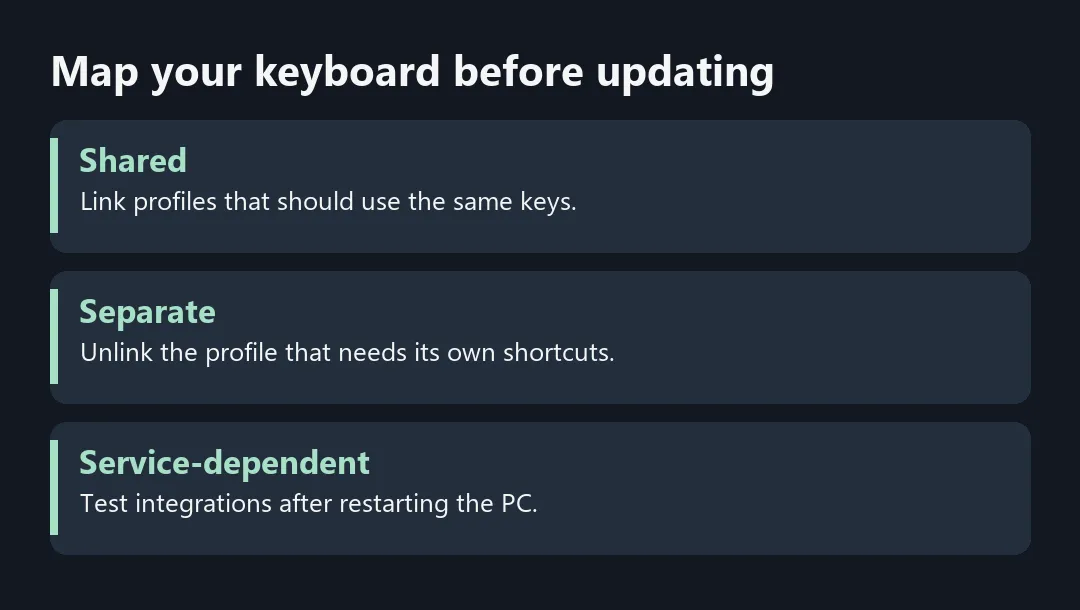
Map your keyboard before updating
Test linked profiles and the desktop background service before changing your daily keyboard setup. Compare compatible options at Evetech.