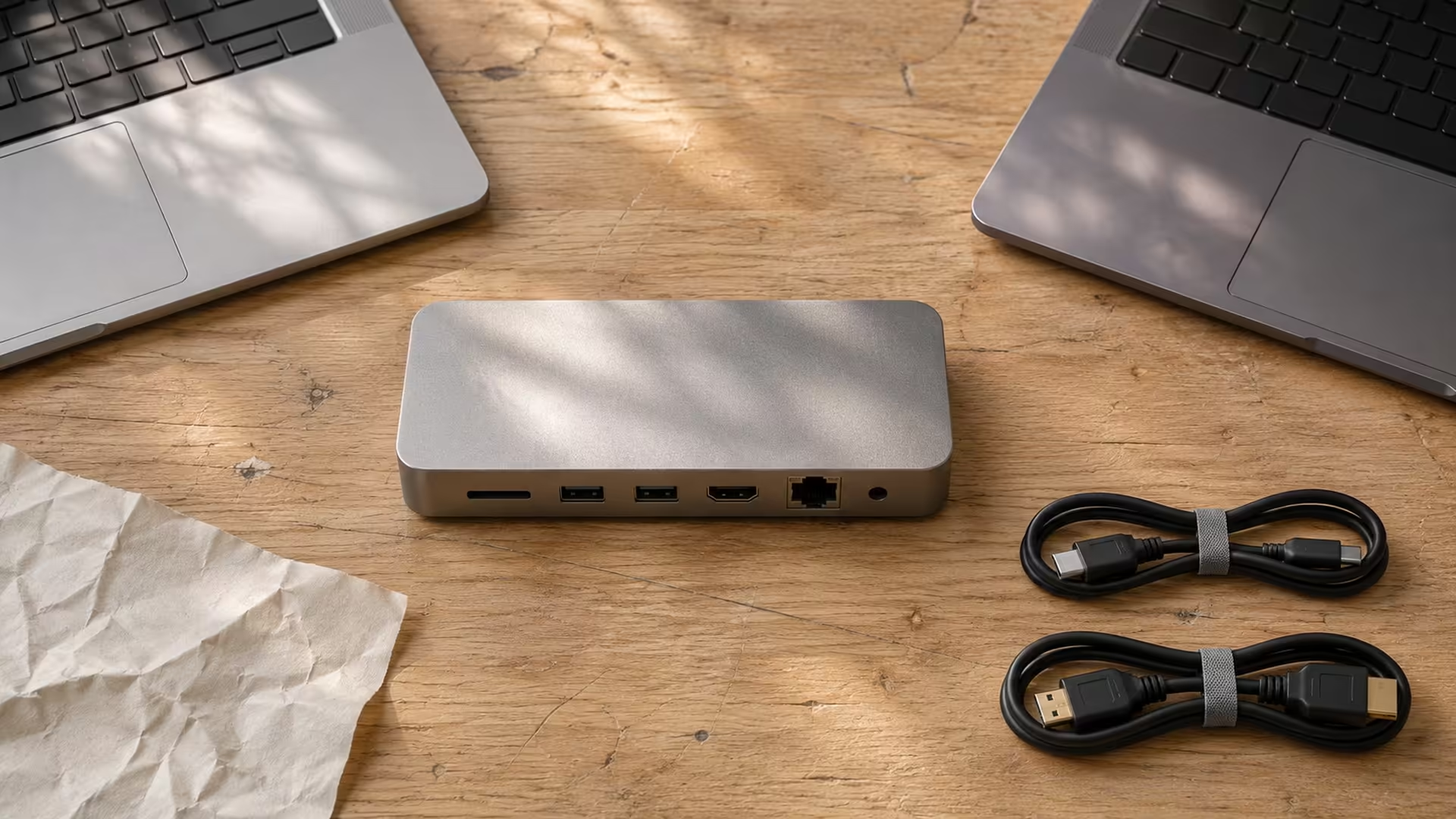
You want your laptop and desktop to share a keyboard and two monitors without swapping cables every evening. The AV Access iDock B12 can do that, but its laptop and desktop inputs work differently. Draw the three connections your desktop needs before you buy a dock around a resolution printed on its box.
Quick Answer
The AV Access iDock B12 shares two displays and USB devices between a compatible laptop and desktop. A Windows laptop can run up to dual 4K at 60Hz per the vendor. Evetech listed a separate KVM-equipped ASUS XG32UCWMG monitor at R25,999 on 22 November.
🖥️ Follow both video paths
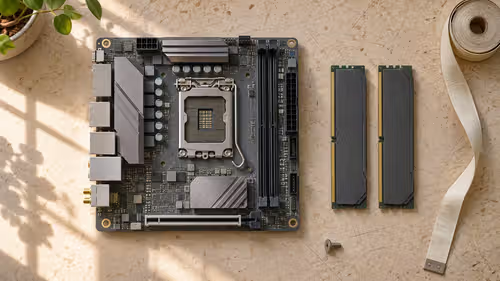
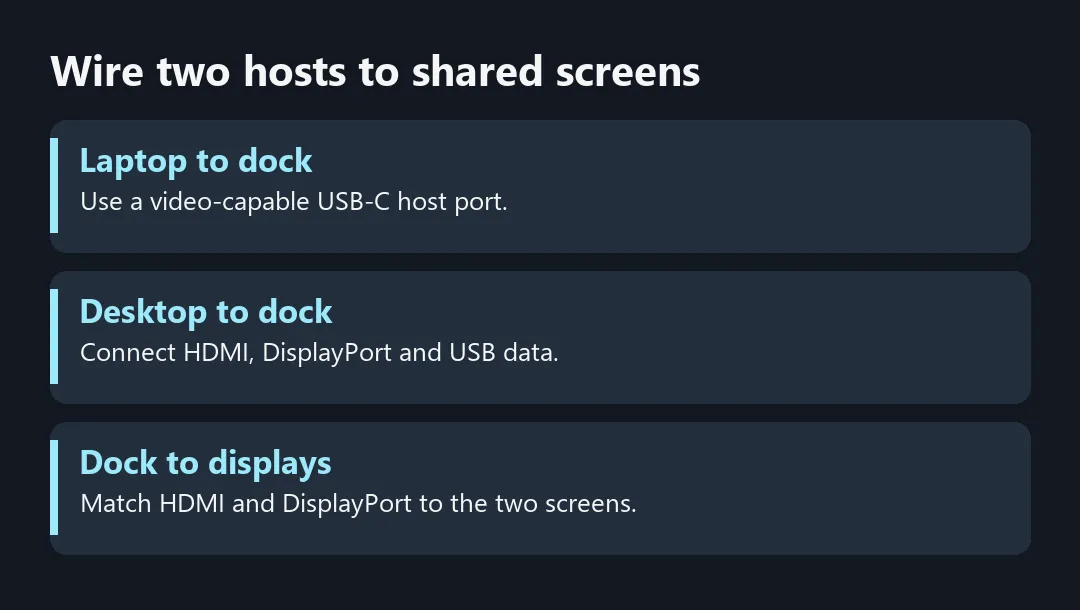
The desktop gets its own HDMI and DisplayPort input on the dock. It also needs a separate USB data link for the keyboard, mouse and other shared devices. A desktop that can drive two screens with the right connectors is a better starting point than a desktop with an unused USB-C socket and one display cable. Check which outputs are on the GPU you use. Keep the old direct display cables available until you have confirmed the docked refresh rates you actually use.
The laptop takes a different route. Its USB-C link has to carry the video and data required by the dock. Its connector shape alone will not tell you whether it can handle that job. Check the laptop manual for the exact port, then check the cable supplied with the dock against the installation instructions. A charge-only cable may fit the socket and leave you without a picture or shared keyboard.
🎮 Test the demanding screen mode first
If your desktop runs one screen fast while the other shows a browser, write down those modes before switching anything. Once both are connected through the dock, open the display settings on the desktop and compare the resolution and refresh rate one screen at a time. Repeat when the laptop has control. If a screen wakes at a lower refresh rate, check the monitor input, the cable and the route back to the host before changing everything else.
The manufacturer describes a different laptop limit from some of the desktop figures in its manual. It documents up to dual 4K at 60Hz from a compatible Windows laptop and mirrored dual displays on macOS in this setup. If two extended desktop spaces on a MacBook are essential, that distinction decides the purchase. Make sure the actual two applications you want to keep visible can sit where you expect them to sit.
💸 Compare the dock with a simpler switch
A standalone box makes sense when you want to keep both displays and share several peripherals. If you already use just one external screen, compare a monitor with its own KVM. The ASUS ROG Strix XG32UCWMG showed up in Evetech's KVM monitor check at R25,999. That is the price of the monitor in that check. Treat it as a reference for a different way to share devices, particularly if one of your displays is due for replacement anyway.
Browse Gaming Monitors if the screen itself needs an upgrade. Compare input support and stand clearance alongside the settings you use in a game. See Monitor Accessories if all you need is a changed desk layout or cable routing. If both screens already work well and your only complaint is switching a mouse and keyboard, a screen purchase adds cost without solving a video problem you actually have. List the peripherals that need to follow the active host before choosing how much hardware to replace.
Frequently Asked Questions
Does the desktop need more than one input cable?
Yes. Its documented setup uses HDMI and DisplayPort for video plus USB for peripherals.
Can a MacBook show two different desktops through it?
The vendor documents mirroring for dual displays on macOS in this setup.
Will both laptop displays run at 165Hz?
Do not assume that. The maker documents up to dual 4K at 60Hz on a compatible Windows laptop.
Does any USB-C port work for video?
No. Check the port's video support and use a cable rated for the link you need.
Can it share a keyboard and mouse?
Yes. Connect them to the dock's downstream ports and switch to the intended host.
Does the iDock B12 have a confirmed South African price?
This check did not establish one. The local monitor price is for a different route to sharing devices.
Wire two hosts to shared screens
Check what each host can drive before paying for a two-screen KVM. Compare compatible options at Evetech.