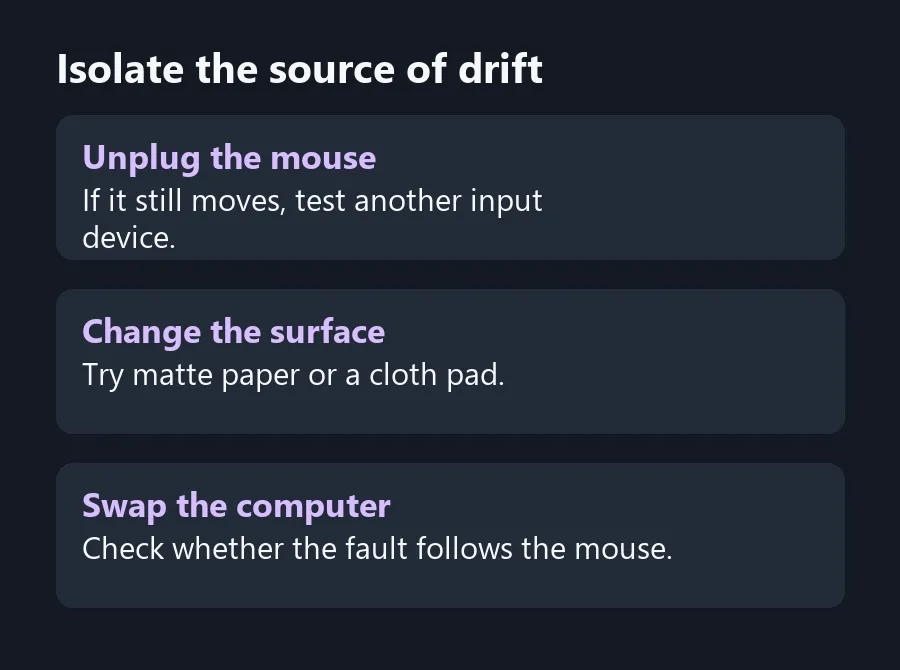
The pointer shifts while your hand is off the mouse. Before changing sensitivity, disconnect the mouse and see what the pointer does on the same screen. A USB mouse, a touchpad and other connected inputs can all affect what you see. Remove one input at a time to see when the pointer steadies.
Quick Answer
Unplug the mouse or its receiver and check for movement. Then test the mouse on a matte surface, in a different USB port and on another PC if you can. The tests cost R0 and help separate the mouse from the surface or another input.
🧪 Leave one input connected
On a laptop, set the mouse aside and unplug it. If you normally use Bluetooth, switch the mouse off. Wait at the same screen until the problem would usually show. If the pointer still moves, check for a hand or sleeve touching the touchpad and disconnect other pointing accessories one at a time.
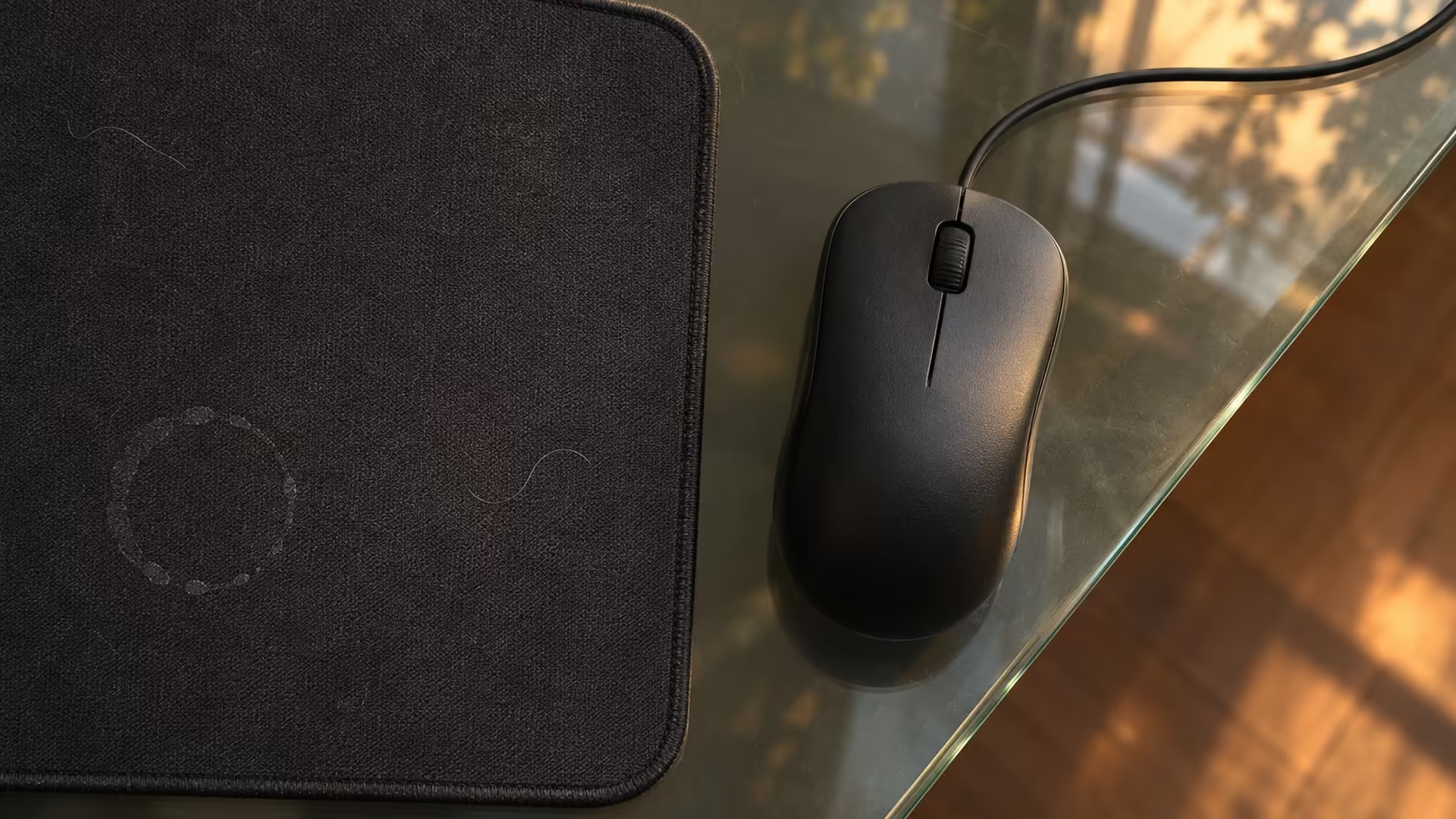
When the pointer moves only while a particular mouse is on, move that mouse to a clean cloth pad or a sheet of matte paper. Test away from glass, polished wood or a bright reflection. Look at the sensor opening for visible lint. Follow the maker's cleaning instructions if it needs attention.
🖱️ Make the fault follow the mouse
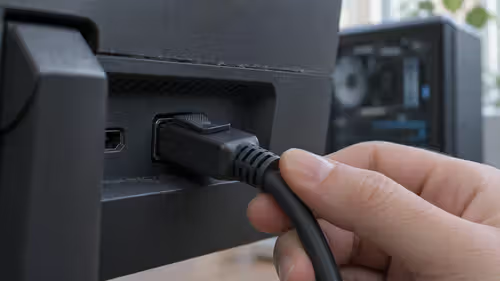
Try a different USB port. Plug a wired mouse or receiver straight into the computer for one test, so you can remove the hub from the diagnosis. If you can borrow another device, test your mouse on it and test a known-good mouse on your desk. Keep the same matte surface for both trials.
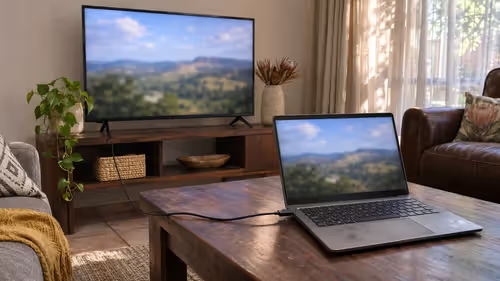
If the movement continues without the mouse attached and seems to come from the laptop, check the touchpad settings and look up its driver on the exact model's support page. Test once before changing anything. For an external USB mouse, temporarily toggling the touchpad off can separate their effects, provided you have a working way to turn it back on.
🧾 Replace the item that fails the comparison
If the pointer steadies on another surface, compare MousePads before discarding a working mouse. If a mouse misbehaves across ports, on matte surfaces and on a second computer while a known-good one behaves on your desk, you've made a stronger case for replacing it.
When comparing Wired Mouse options, consider cable reach and which ports your computer has. On a shared desk, repeat your test with the device that will actually be used there. The mouse that behaved well elsewhere could run into a different surface on the new desk.
Frequently Asked Questions
What if the pointer moves with the mouse off?
Check the touchpad and disconnect other pointing devices in turn. The mouse you switched off cannot send movement.
Can a glass desk cause tracking trouble?
Some mouse sensors struggle on reflective or transparent surfaces. Compare a matte surface without changing settings.
Do I start by changing sensitivity?
Leave sensitivity steady for the first test so you can identify the input or surface causing the movement.
Should I test through my USB hub?
Start with a direct USB port. Add the hub back once you know what happens on the direct connection.
Can the touchpad driver matter?
Yes. Microsoft lists updating or reinstalling it among the checks for a faulty touchpad.
What points to a worn or faulty mouse?
Look for repeatable movement across two computers and known-good surfaces, while a second mouse works correctly.
Isolate the source of drift
Check the tracking surface and separate the mouse from the touchpad before ordering a replacement.