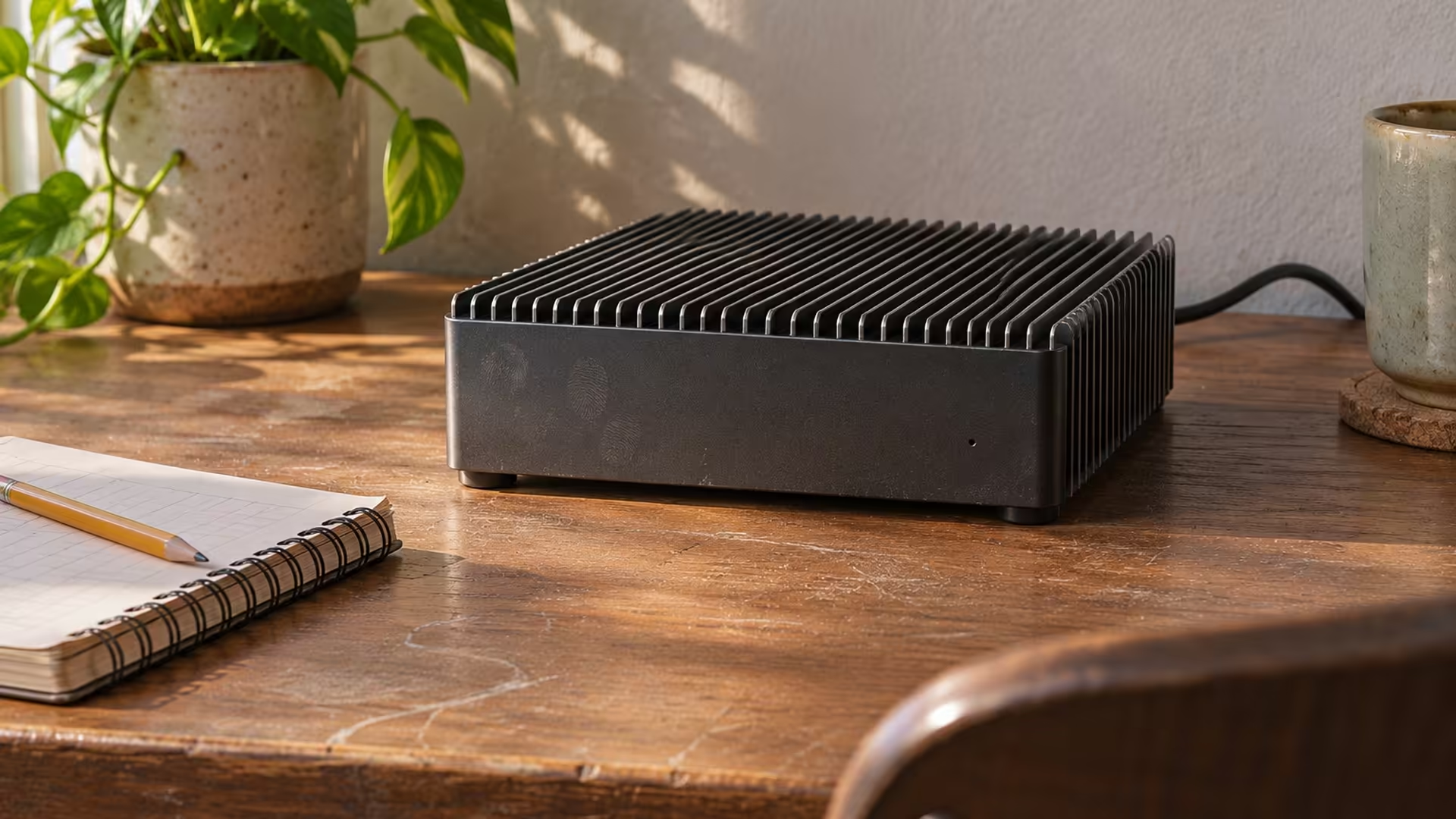
A PC that shares a desk with your microphone can spend most of a workday within arm's reach. A fanless enclosure is an attractive option for that desk if it has room to give off heat. The Cirrus7 Incus B860 pairs a passive enclosure with an Intel desktop platform and gives buyers a way to choose the processor. The configuration to price first is the one that can finish your everyday jobs while you record.
Quick Answer
The Cirrus7 Incus B860 is a passively cooled mini PC with a Core Ultra 9 285T option. An Evetech catalogue sample on 23 November started at R6,999 for other mini PCs. Treat that figure as a local comparison and check the price of a complete Incus configuration separately.
🧩 Match the machine to your work
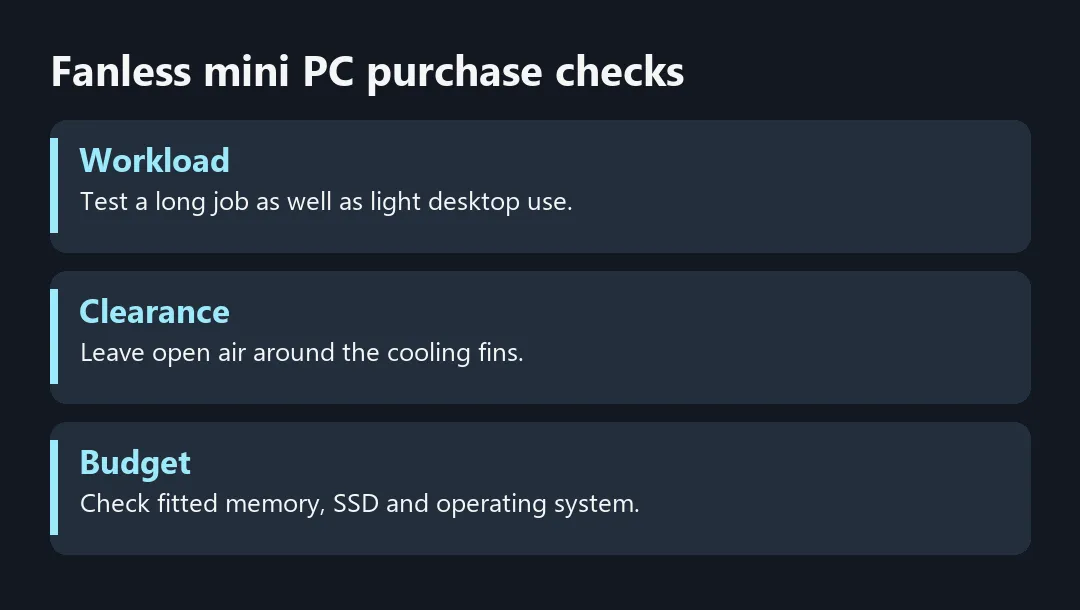
Start with the job you do while you need the room quiet. A voice recording session with a browser, a document and an audio editor asks less of a machine than exporting a long project. If your export takes most of an afternoon, look for a review that tracks performance over an entire export. A result taken during the first minute tells you less about a compact system once its enclosure warms up.
The Incus configurator lists an ASRock DeskMini B860 platform and the 24-core Core Ultra 9 285T among its options. You can use that processor as a reference point when you compare systems. A buyer who spends most of the day on spreadsheets can put more weight on the ports and memory configuration. A buyer running repeated compiles can use a timed run of the same project as the basis for the comparison.
🌡️ Leave space for the enclosure
Choose the planned spot on the desk before you order. A passive enclosure transfers heat into the surrounding air through its surface. A shelf with the top of the enclosure pressed against the timber leaves that heat with less room to move. Keep papers off the fins and leave room for the display cable to bend at the rear. Check whether the orientation you want matches the manufacturer's installation guidance.
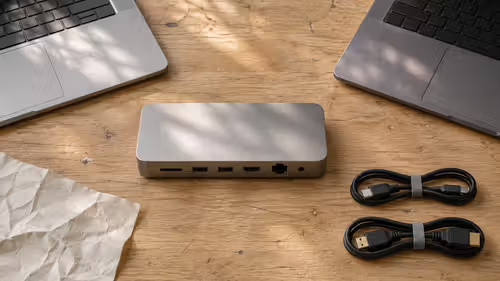
Think about what needs to connect after you put the unit there. A monitor cable that works on a bare desk can be awkward when the PC sits behind the display. Measure the space for the connector and its bend. Repeat that check for the power lead and any external storage you regularly disconnect. That can be enough to settle whether a smaller unit frees up usable desk space.
🇿🇦 Compare complete computers in rand
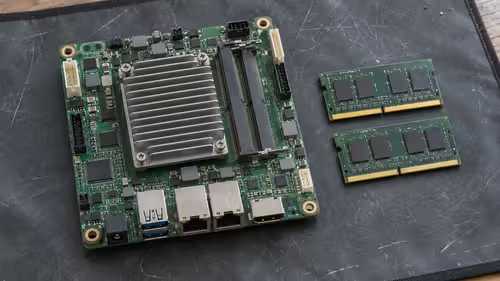
The 23 November catalogue sample included a Ninkear M7 V2 with memory and storage listed at R6,999. That gives a shopper a local starting point for comparison with other Mini PCs. Record the RAM and SSD capacity on the quote. If an alternative comes as barebones, add the exact kit, drive and licence you need before you compare its price.
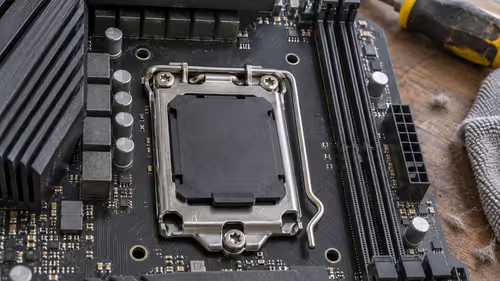
For heavier work, browse All Processors/CPUs to see how part prices affect the budget for a separate desktop build. A tower also gives you more flexibility around cooling and future expansion. When desk space or fan noise prompted the search, price those gains against the work your current machine already does. If you have a specific long-running task, wait for sustained performance evidence before paying a premium for the configuration.
Frequently Asked Questions
Does the Cirrus7 Incus B860 use a fan?
The Incus enclosure uses passive cooling.
What is the highest listed CPU option?
The Intel configurator lists a Core Ultra 9 285T option.
Does passive cooling make placement important?
Yes. Leave space around the enclosure so warm air can move away.
Does R6,999 buy the Incus?
That was a sampled Evetech mini PC price for another model.
What should I check on a barebones listing?
Confirm what arrives in the box, including RAM, storage, power supply and operating system.
Should I buy on core count alone?
Compare sustained job performance, included parts and the ports your setup needs.
Fanless mini PC purchase checks
Compare complete mini PCs for a quiet desk and check the cost of the configuration you need. Compare compatible options at Evetech.