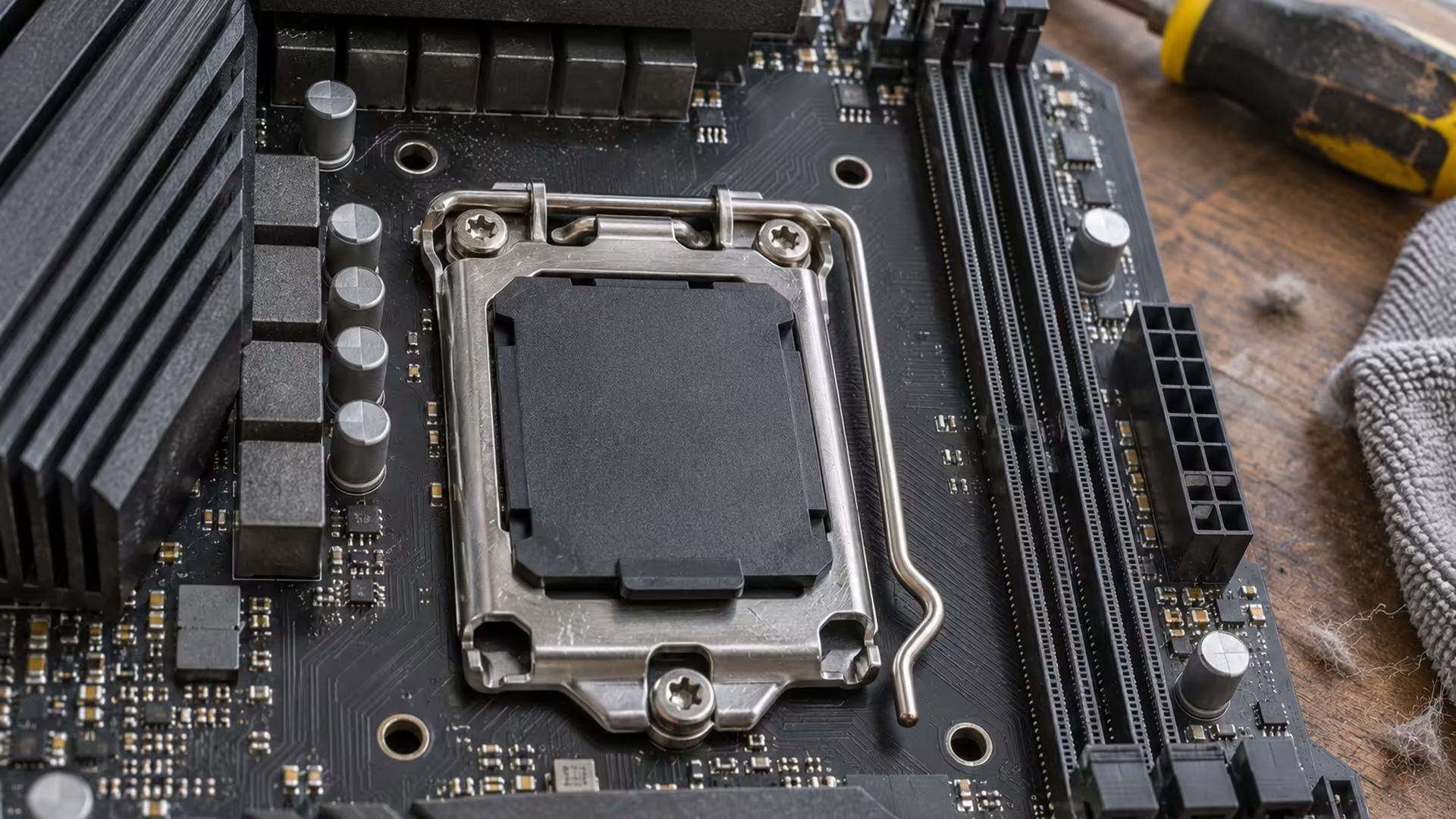
An older gaming PC can be worth keeping if the motherboard has one more supported processor upgrade left in it. Reports that some MSI boards can boot Bartlett Lake raise that possibility for Z690 and Z790 owners. If you are pricing a second-hand CPU on the strength of a screenshot, check the exact motherboard and processor labels before you put money down.
Quick Answer
The MSI Bartlett Lake BIOS reports describe 10 and 12 P-core CPUs booting on some MSI Z690 and Z790 boards. Check the official CPU list for your exact board before buying. A sampled ASUS B860 board at R3,099 provides a comparison for a separate Intel platform build.
🧩 What the reported boots establish
The reports describe a change from experiments involving modified firmware to claims of a boot on supplied firmware. Treat the new claims as reports while you verify your own configuration. Record the full processor identifier and the specific board revision, along with the BIOS version used. Broad chipset labels leave important differences unresolved.
A machine that reaches the operating system can still have open questions around how fully the processor works under load. If you use the PC for work, think about your longest session, the memory you need and the peripherals you cannot afford to lose. A boot video cannot tell you how the system will behave for those jobs. The manufacturer's support list is the buying reference when you need a repeatable configuration.
🔍 Verify the exact board first
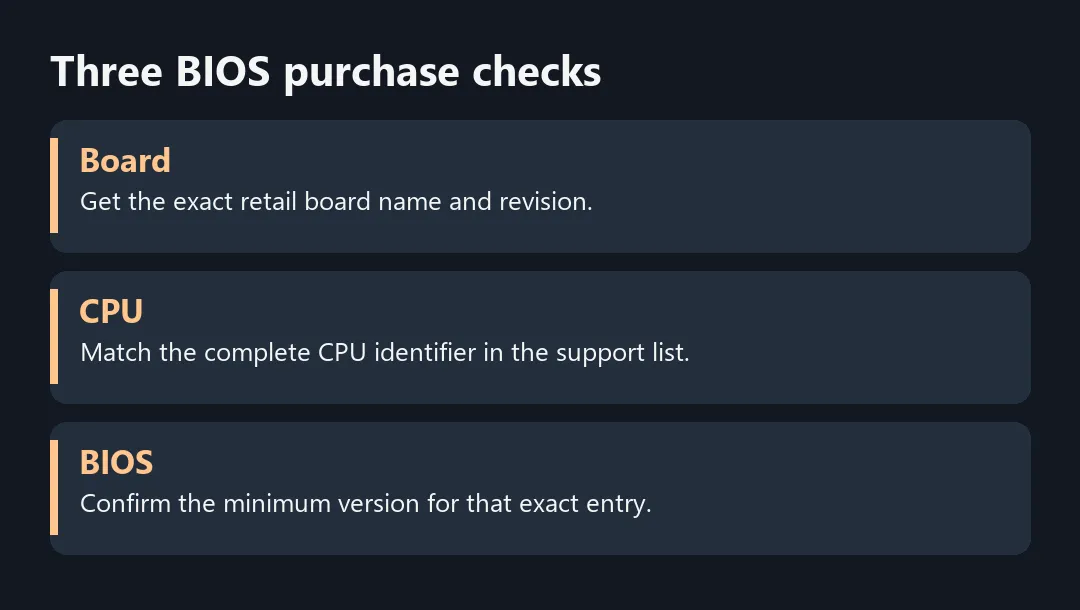
Read the model name printed on the board or the label on its box and compare it with the name on the product support page. Similar names can cover DDR4 and DDR5 versions or boards with different firmware. If you already have a working PC, write down the BIOS version while you still have the current processor fitted. Keep that information with the board name so you can compare it with a later release.
Look for the exact processor in the CPU compatibility list. If a supported entry specifies a minimum version, check the release notes and the vendor's instructions for getting there. Leave a working machine alone when the upgrade depends on a part whose support you cannot establish. If you're buying a used board, ask the seller to verify what version it ships with.
🇿🇦 Price the two routes separately
Start with the cost to keep the current memory, cooler and board. Then price the same goal using a platform with a supported CPU you can obtain. In the sample on 23 November, the ASUS Prime B860M-K appeared at R3,099 among All Intel Motherboards. A board price is one component of that comparison. For a complete migration, account for the processor and any parts the new combination requires.
Use the B860 Motherboards listings as one reference if you're comparing complete routes and look at the manuals before transferring parts from the old build. If your machine already handles the games and applications you use, holding onto it costs less than buying a speculative processor. A clearly supported pairing should carry more weight when the computer also has a work deadline.
Frequently Asked Questions
Do the MSI Bartlett Lake BIOS reports confirm official support?
They describe reported boot behaviour. Verify official support in the exact board's CPU list.
Can I use a BIOS for a similarly named board?
Use firmware intended for the exact board and revision.
Should a successful boot decide my purchase?
A boot result gives one data point. Confirm support and stability for the work you need.
Is a B860 board a drop-in option?
A platform change calls for its own compatible processor and parts check.
What should I ask a seller for?
Request the complete processor identifier, board model and BIOS version.
What was the local price comparison?
One sampled Intel B860 board was R3,099. That figure applies to that board only.
Three BIOS purchase checks
Check your exact board's official CPU list before paying for a processor or planning a platform upgrade. Compare compatible options at Evetech.