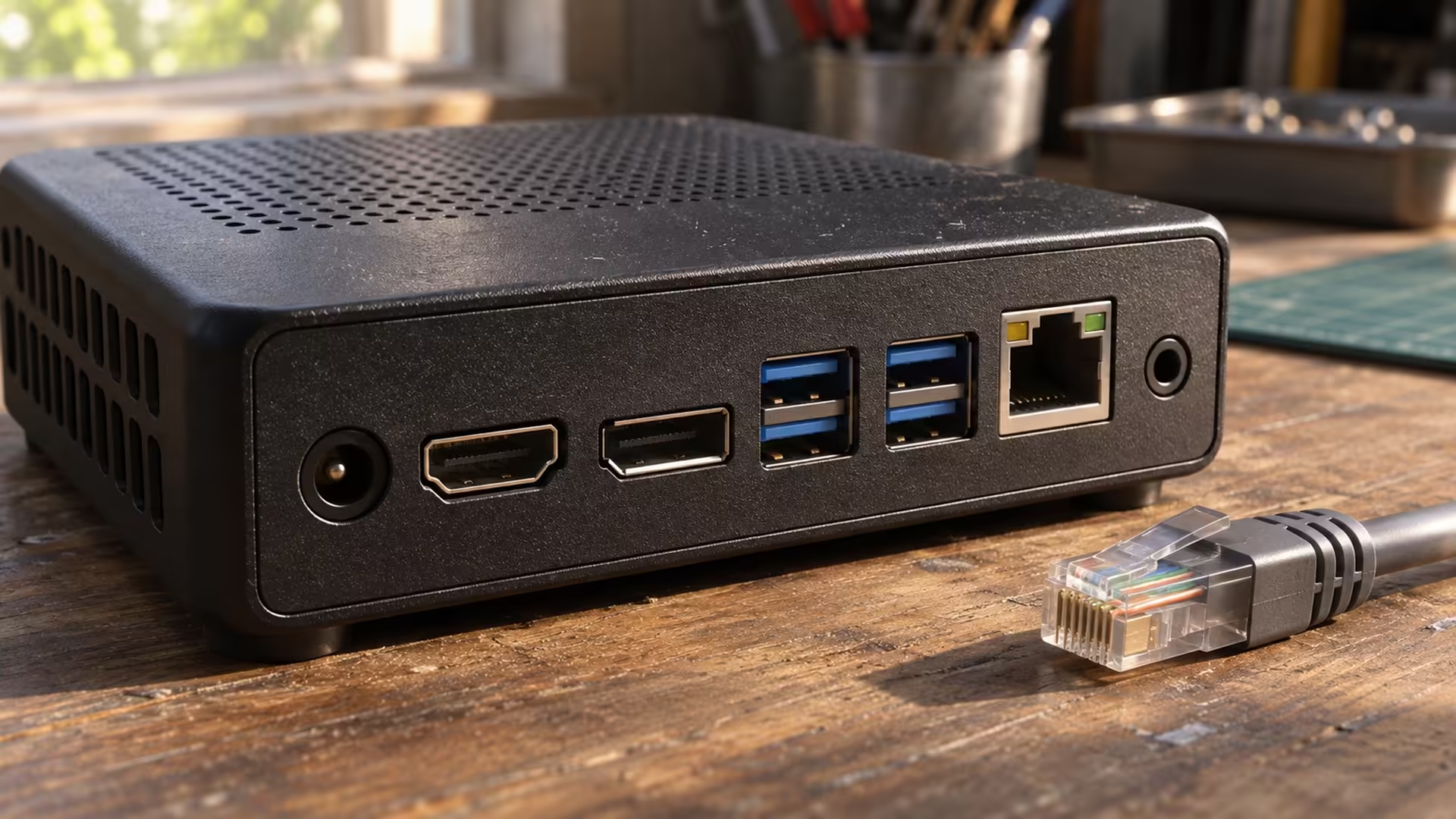
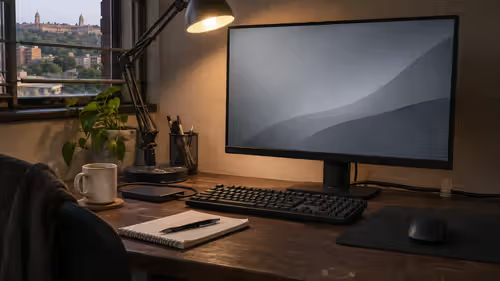
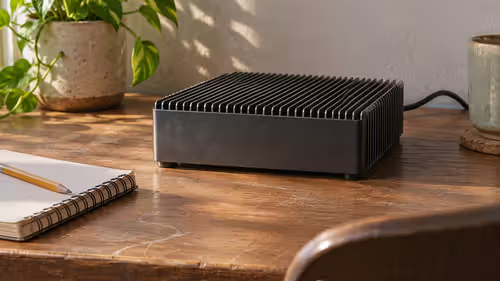
Shuttle NW10U. Measure the space behind your monitor before you shop for a computer small enough to disappear there. The Shuttle NW10U takes up just 0.4L by itself, but the power lead and display cable still need room to bend. It is the entire desk setup that determines how much space the new machine saves.
Quick Answer
The Shuttle NW10U is a 0.4L Wildcat Lake mini PC with support for up to 64GB of DDR5. Its South African price was unconfirmed. Evetech's local sample showed the Ninkear M7 V2 at R6,999 in stock as a ready-configured mini PC to compare.
📐 Measure the desk, including the cables
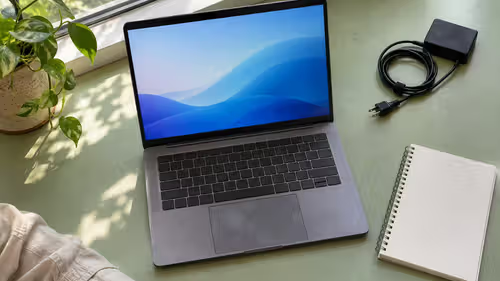
Start with the power outlet and the cable route from the monitor. Leave enough room to unplug the display or move the screen without dragging the computer. A compact case can work well for a reception desk or for a study corner that doubles as a dining table. It saves less space if several devices need an external dock and a stack of adaptors next to it.
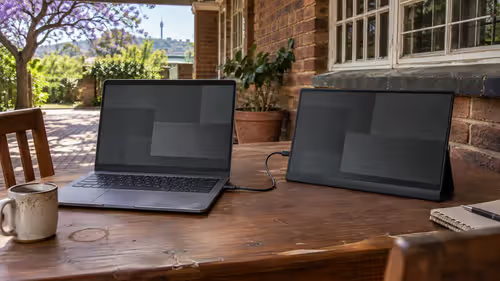
Look at your actual peripherals. Note which ports your webcam and keyboard already use, and whether you need wired networking. The desk layout tells you which connections you need on the front and which ones you can leave on the back. Compare your Office Monitors shortlist with those requirements, especially if you want to run more than one display.
🧩 Price the configuration you can use
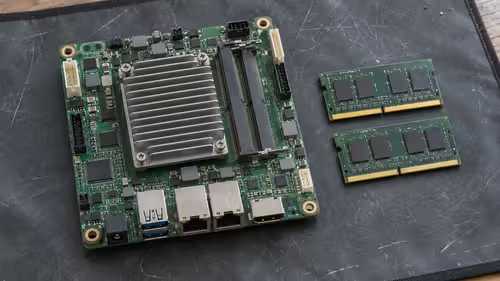
Shuttle offers the NW10U with different Intel processor tiers, and the line supports up to 64GB of memory. Ask the seller for the exact model and what memory and storage it ships with. A maximum capacity tells you what the platform can accept. It does not tell you the amount installed in the box you plan to buy.
Look at memory use during your normal workday before spending on headroom. A shared front desk with a booking app and a browser needs a different setup from a developer's computer running local services. If you shop by case size alone, you can end up paying for computing capacity while short on the ports you use daily. Make those two decisions separately.
🇿🇦 Compare the price of a complete setup
In Evetech's 24 November read, the Ninkear M7 V2 at R6,999 included 16GB of RAM, a 512GB SSD and Windows 11 Pro in its listing. That gives you a local comparison for buying a whole mini computer today. Check All Mini PCs for the shape of the local market and compare the complete configuration you would put on the desk.
If you need the small enclosure to fit a specific space, keep the NW10U on the list and wait for a South African price with a clearly described configuration. If you have enough space for a larger mini PC and need it this week, compare the local memory, storage and connections now. Add the peripherals you still need before you decide what the smaller computer is worth.
Check whether an existing keyboard or monitor needs an adaptor before committing to the smaller footprint.
Frequently Asked Questions
How small is the Shuttle NW10U?
Shuttle lists its enclosure at 0.4L.
Which Intel platform does it use?
It uses Intel Wildcat Lake processors.
How much RAM can it support?
The range supports up to 64GB of DDR5. Check the fitted memory in the exact listing.
Is R6,999 the Shuttle's local price?
No SA price was confirmed. R6,999 was the sampled Evetech price of the Ninkear M7 V2.
What should I check before hiding it behind a monitor?
Measure space for the case, ventilation and the connectors, with room to unplug them.
Can I compare a bundle with a ready-made mini PC?
Compare total cost with memory, storage, operating system and any accessories included.
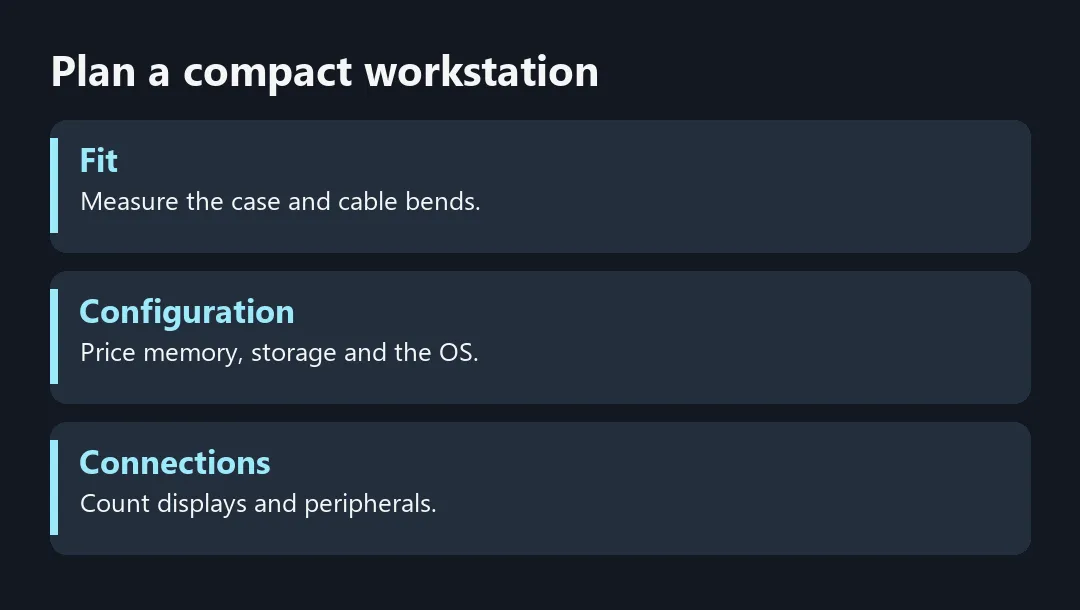
Plan a compact workstation
Measure the case and cable bends. Price memory, storage and the OS. Compare compatible options at Evetech.