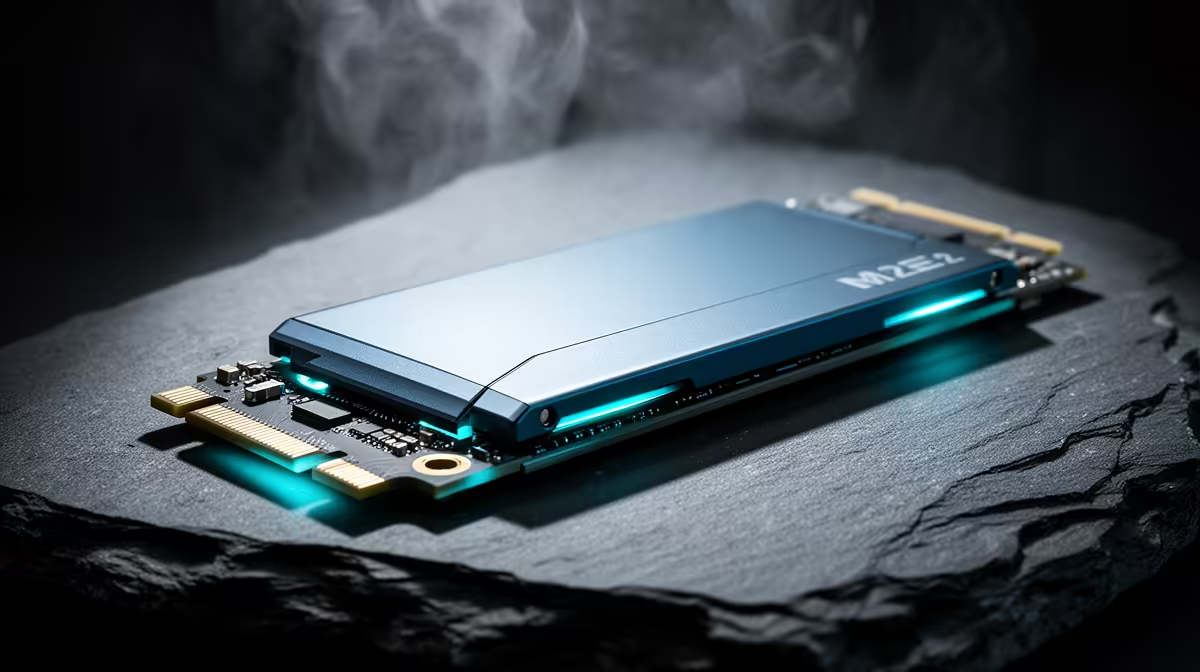
ADATA LEGEND 900 1TB at R948 suits a home user who needs a fresh landing drive before copying family photos, work folders, or study files from a failing disk. For this kind of rescue job, the safest ssd choice is usually the new drive first, then the enclosure or dock, because you need somewhere clean and reliable to copy data before the old drive gets worse.
Start with a clean destination drive
The ADATA LEGEND 900 1TB at R948 is the practical first move because the 1TB capacity gives you breathing room for a one-time recovery copy plus a proper folder sort afterwards. Do not keep testing the failing drive repeatedly just to decide what to buy. Fit or connect the new drive, create a clear recovery folder, then copy the most important data first.
WD Blue SN5000 at R998 is the sensible step-up when the machine will keep working after the rescue. Pairing WD Blue SN5000 at R998 with the ADATA LEGEND 900 1TB at R948 also gives you a simple split: one drive for the current Windows setup or daily files, and the 1TB ADATA as the recovery target while you work through the old disk carefully.
Student desk recovery in SA
On a student desk, avoid spreading the job across loose flash drives and half-full folders. Samsung 990 PRO at R4,648 is the premium option if the rescued files include large project folders, video edits, or a heavy game library, while ADATA LEGEND 900 1TB at R948 remains the better value landing drive for most one-off recoveries.
Pro Tip ⚡
Ready to choose the right SSD? Use WD Blue SN5000 at R998 as the ssd shortlist benchmark, then check whether its listed spec matches the space, workload, and upgrade path.