


Four screens can make a crowded desk easier to use, but the cable between them and your laptop still matters. The new StarTech Thunderbolt 5 dock puts quad-display support at the centre of its September announcement. For a South African buyer, the useful question is whether your actual laptop can deliver that layout, and whether the extra connections justify changing a dock that already works.
Quick Answer
The 206N-TB5USB4DOCK advertises up to four 4K 60Hz monitors on Windows, with up to 140W laptop charging. Check the supported host configuration before treating those figures as guaranteed. Evetech listed the Dell Pro WD25TB4 at R5,199 on 22 September 2026; that is a local Thunderbolt 4 comparison, not a price for the new StarTech model.
🖥️ Count the screens, then check the host
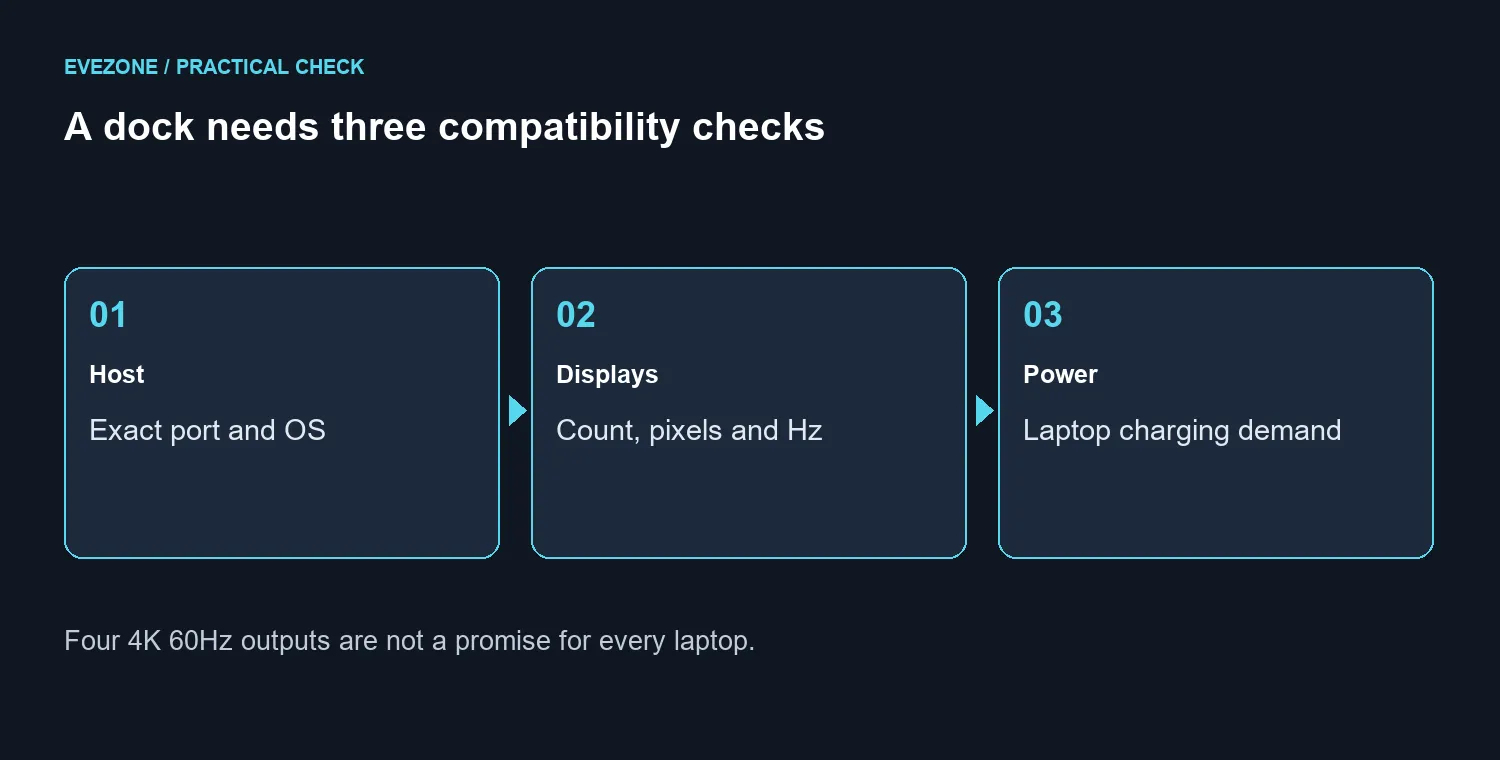
Write down each display's resolution and desired refresh rate before choosing a dock. Four office screens at 60Hz are a different requirement from one high-refresh gaming display plus two side screens. A connection advertised for the first arrangement does not automatically cover the second.
The launch release distinguishes Windows quad-display operation from MacBook dual 4K 60Hz support. That alone shows why the operating system and host configuration belong on the shopping list. A USB-C connector's shape is not enough evidence of its video capabilities. Find the exact laptop model and its supported port standard, then compare that with the dock's display table.
For an existing desk, start with the monitors you intend to keep. Buying four new screens merely to fill four outputs can cost more than solving the original workspace problem. A larger primary display might make a timeline or spreadsheet easier to read without increasing the number of panels.
🔌 Keep charging and video separate
The announcement lists up to 140W Power Delivery to the host and up to 45W charging through the downstream Thunderbolt port. Those are different connections with different jobs. A laptop must accept the offered charging mode, and its workload may still require the manufacturer's own power arrangement.
Do not infer gaming performance from the dock's power figure. Charging capacity says nothing about a game's frame rate, and a dock does not replace the laptop's graphics processor. Likewise, several physical video sockets do not mean every possible combination works simultaneously at its maximum setting.
The earlier 215N dock was announced with triple 4K output. Its similar name makes it an easy product to confuse with the new 206N. Match the full model number on the quote, not just the words Thunderbolt 5. Save the relevant compatibility details with your order so the intended screen arrangement is clear.
💰 Compare the whole South African desk cost
At the same dated catalogue read, the MINISFORUM TB4-01 was R3,999 and the Dell Pro WD25 was R3,049, both marked in stock. They are different products, with their own output and charging limits. Use the docking-station range to compare those requirements rather than treating a lower price as proof of equivalent capability.
Budget for any required display cables and adapters as well as the dock. If a quotation excludes them, ask which exact connections will be used. Check whether the desk has room for the proposed arrangement before buying monitor arms or replacing panels.
For play after work, compare the gaming-monitor options against a direct laptop-to-display connection too. Keeping the main gaming screen on a suitable direct output may be a simpler arrangement, provided your laptop supports it. The practical upgrade is the one that removes a real limitation: too few outputs, inadequate charging or a daily tangle of cables. If none of those problems exists, the launch does not create a reason to replace your current dock.
Frequently Asked Questions
Which model is the new quad-display dock?
The September announcement names 206N-TB5USB4DOCK. Do not confuse it with the earlier 215N model.
Can every laptop drive four screens?
No. Display count depends on the host, operating system and connection. Confirm the exact configuration before ordering.
What Windows display mode is advertised?
Up to four 4K 60Hz displays, subject to the supported host configuration.
How much laptop charging is listed?
Up to 140W Power Delivery to a compatible laptop, plus up to 45W on the downstream Thunderbolt port.
Does four-screen output imply 240Hz gaming?
No. The advertised quad-monitor mode is 60Hz. A gaming display needs a separately verified high-refresh connection.
What is a local comparison price?
The Dell Pro WD25TB4 was R5,199 at the 22 September catalogue read. It is a different Thunderbolt 4 dock, not a StarTech quote.
Build a desk around the connections you use? Compare Evetech docking stations and monitors with your laptop model and complete screen layout in hand.










