


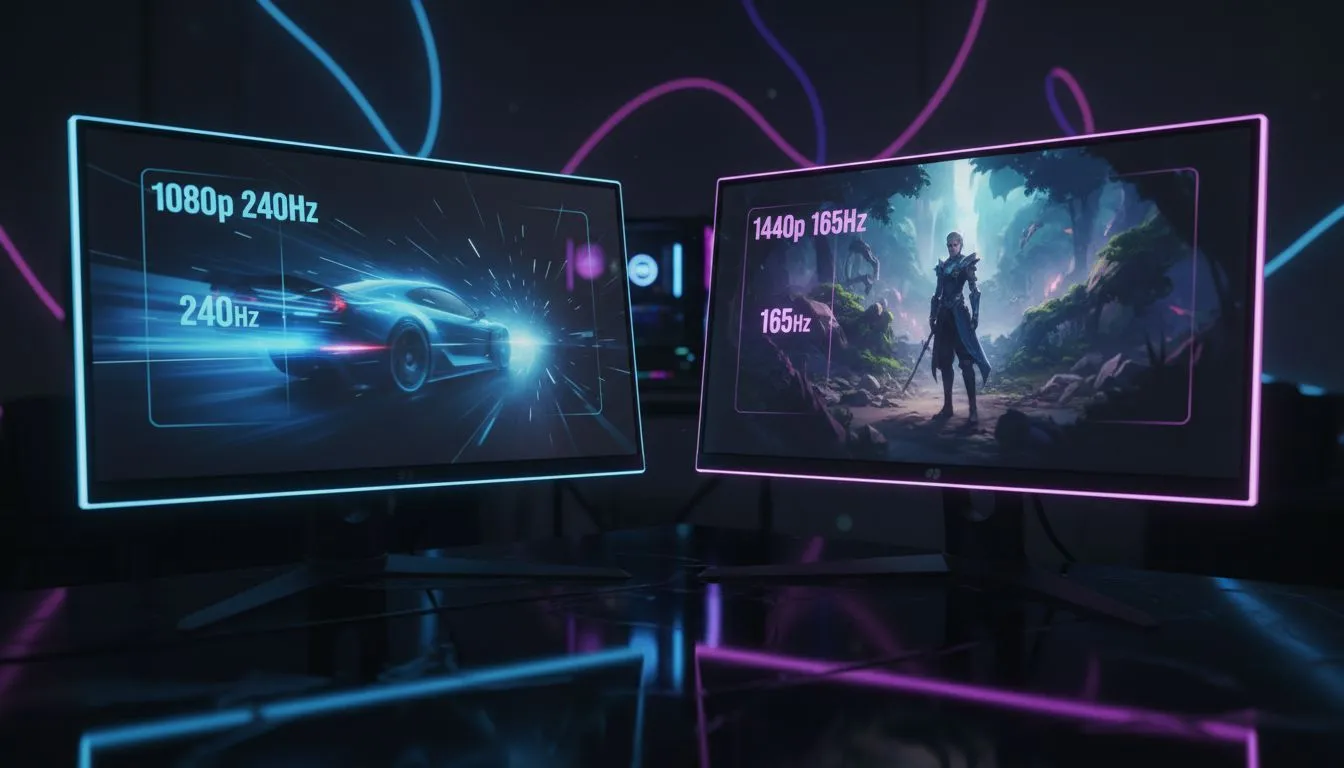
Are you torn between the lightning-fast response of 1080p 240Hz and the crisp detail of 1440p 165Hz? In South Africa's competitive gaming scene, your choice defines your playstyle. Whether you are climbing the ranks in Valorant or exploring open-world epics, choosing the right panel is crucial. Let’s break down the 1080p 240Hz vs 1440p 165Hz debate to see which upgrade fits your desk and your budget. 🚀
Speed vs Clarity: Breaking Down 1080p 240Hz vs 1440p 165Hz
For many, the choice is settled by the stopwatch. A 240Hz refresh rate updates the image every 4.17 milliseconds. This reduced input lag is vital for titles like Valorant or Apex Legends where every millisecond counts. When you browse our all gaming monitors category, you will notice that 240Hz panels are the gold standard for aspiring pros. The motion clarity is unmatched... making it easier to track fast-moving targets without the distraction of ghosting or blur.
Visual Fidelity: The Case for 1440p 165Hz
Moving up to 1440p adds roughly 77% more pixels than standard 1080p. This creates a much sharper image... especially on the popular 27-inch screen size. While 165Hz is slightly slower than 240Hz, most gamers find the massive jump in visual clarity worth the trade-off. Our range of PC monitors showcases how this resolution balances performance and aesthetics perfectly. You get more screen real estate for productivity while enjoying a significant boost in texture detail during your evening gaming sessions. ⚡
If you are used to the extreme clarity of professional 5K and 4K monitors, 1080p can feel a bit "soft" or pixelated. 1440p feels like the logical gaming middle ground. It offers enough detail to spot enemies at a distance without requiring a R30,000 graphics card to run smoothly.
Smoothness Pro Tip ⚡
If you choose a 240Hz display, ensure your CPU can actually push those frames. In competitive titles like Counter-Strike, your processor is often the bottleneck. Lowering your resolution slightly can help maintain that buttery smooth 4.17ms frame time during intense firefights.
Form Factor and Immersion
Screen shape also plays a role in your decision. Many high-end 1440p displays are curved monitors, which wrap around your field of view. This increases immersion in RPGs like Elden Ring or Cyberpunk 2077 by filling your peripheral vision. In contrast, 1080p 240Hz screens are typically flat to ensure consistent viewing angles during fast-paced movement. Flat panels are often preferred by the esports community to avoid any potential image distortion at the edges. ✨
Finding the Best Value in South Africa
Budget is always a factor when looking at the best PC monitor deals in the local market. Currently, 1440p 165Hz monitors offer incredible value for money. They serve as a "do-it-all" solution for work and play. However, if you travel often to local LAN events or competitive tournaments, you might even consider portable monitors as a secondary high-speed setup to keep your skills sharp on the go.
Don't forget the finishing touches for your battle station. Quality monitor accessories like gas-spring arms or high-bandwidth DisplayPort cables can help you position your new screen perfectly. Proper ergonomics help avoid neck strain during those long weekend grinds. 🔧
Ready to Find Your Perfect Match? The 1080p 240Hz vs 1440p 165Hz debate is personal, but for the best balance of speed and clarity in South Africa, 1440p is hard to beat. Explore our massive range of monitor specials and find the perfect machine to conquer your world.











