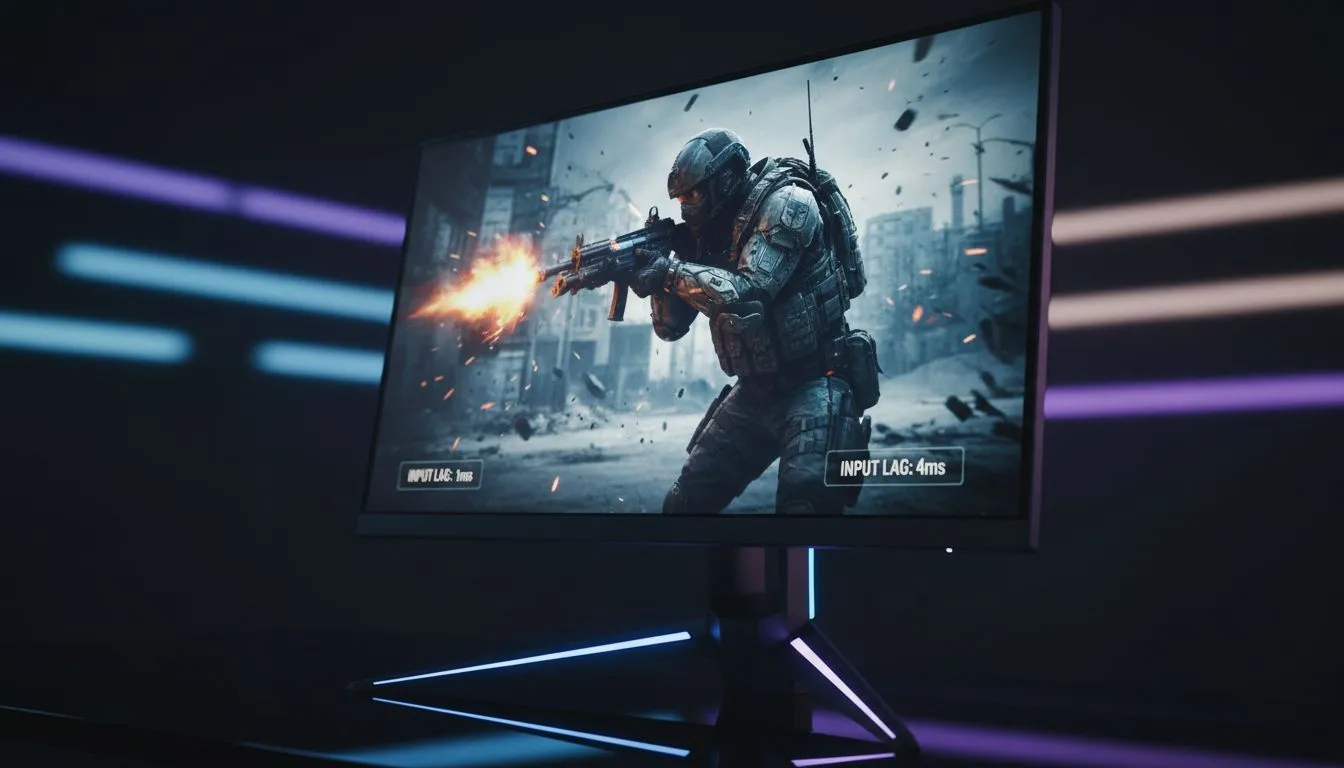
You are sliding around a corner in Warzone... your crosshair is on the enemy... but you still lose the gunfight. Was it lag? Or was it your screen? In the high-stakes world of Call of Duty, every millisecond counts. South African gamers often obsess over the 1ms vs 4ms Input Lag debate. Let's see if that tiny gap actually changes your kill-death ratio. 🚀
The Reality of 1ms vs 4ms Input Lag
The technical gap between 1ms and 4ms is exactly three milliseconds. For context... a human blink takes about 100 to 400 milliseconds. In a vacuum... that 3ms difference sounds irrelevant. However... when you are playing a fast-paced shooter like Call of Duty... your hardware needs to keep up with your reflexes.
When browsing for new PC monitors... you will see "Response Time" listed everywhere. This is often confused with input lag. Response time is how fast pixels change colour. Input lag is the delay between pressing a button and seeing the action. While they are different... a monitor with a 1ms response time usually has lower internal processing delay too.
Response Time vs Input Lag: Knowing the Difference
Most manufacturers market "Grey-to-Grey" (GtG) speeds. A 1ms GtG monitor ensures that fast-moving targets in Modern Warfare III don't leave a blurry trail. If you look at all gaming monitors currently available... you will notice that TN and Fast-IPS panels lead the pack.
A 4ms screen might feel slightly "softer" during high-speed camera flicks. For a casual player... this is barely noticeable. For a competitive player trying to climb the Ranked Play ladders... that extra clarity helps with target acquisition. You can often find the best pc monitor deals in South Africa starting around R3,000 for high-refresh displays that bridge this gap perfectly.
Performance Pro Tip ⚡
Always enable 'Game Mode' on your monitor settings. This feature bypasses unnecessary image processing to reduce input latency. If you are on an NVIDIA GPU... also enable 'NVIDIA Reflex' in the Call of Duty settings menu to further decrease the delay between your mouse click and the on-screen muzzle flash.
Why Refresh Rate Often Matters More
While the 1ms vs 4ms Input Lag discussion is important... refresh rate is the real MVP. A 144Hz or 240Hz screen updates the image much more frequently than a standard 60Hz office panel. This makes the 3ms difference in response time feel more pronounced.
If you prefer an immersive experience... you might look at buy curved monitors for that wrap-around feeling. These often use VA panels. VA panels sometimes have slightly higher response times... closer to 4ms... but offer better contrast for those dark corners in Gulag matches. 🔧
Choosing Your Weapon for Call of Duty
High resolution is another factor to consider. If you buy 5k 4k monitors... you get incredible detail. But remember... pushing 4K at high frames requires a massive GPU. For most COD players... 1440p at 1ms is the "sweet spot" for performance and visuals.
For those who travel to local LANs or have limited space... you might even buy portable monitors that offer surprisingly low latency. Regardless of your choice... don't forget the ergonomics. You should buy monitor accessories like a sturdy gas-spring arm. This allows you to pull the screen closer for maximum focus during intense matches. ✨
Does the 1ms vs 4ms difference matter? If you are playing for money or pride... yes. Every bit of reduced latency helps. If you are just playing for fun... 4ms is perfectly fine. But in a game where the "Time to Kill" is measured in fractions of a second... why give your opponent any advantage?
Ready to Find Your Perfect Match?
The 1ms vs 4ms debate is complex, but for maximum power, choice, and value in South Africa, Evetech is hard to beat. Explore our massive range of monitor specials and find the perfect machine to conquer your world.