


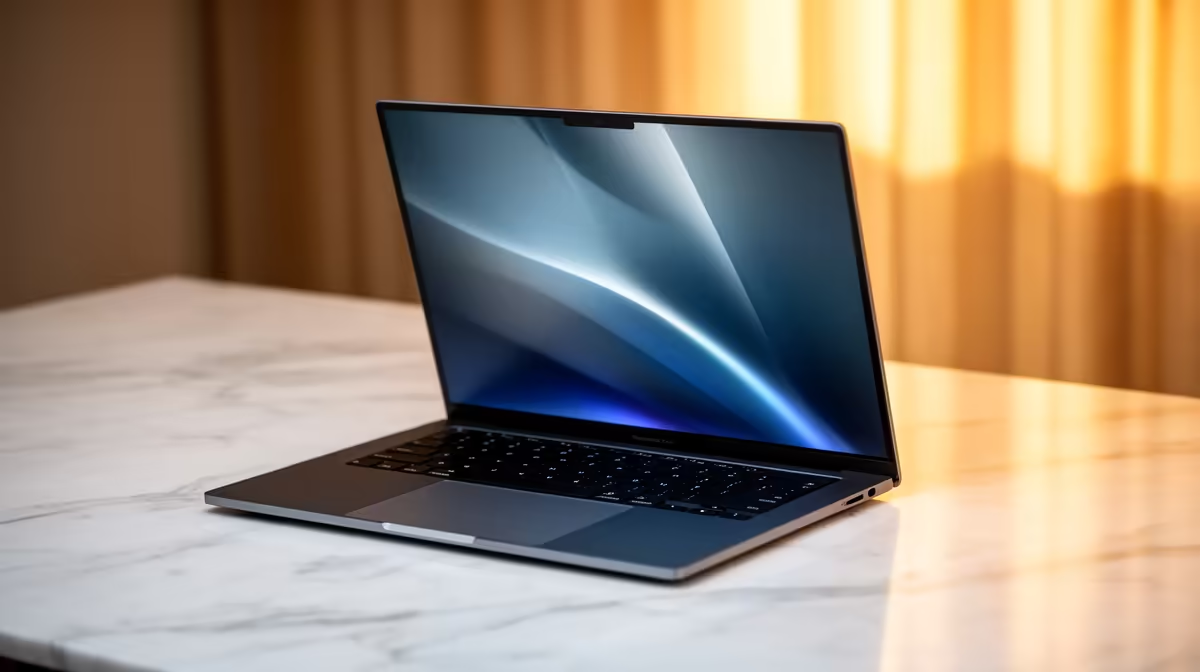
So, you're eyeing a sleek ASUS Vivobook... nice choice! But then you see the specs: Core i5, Ryzen 7, and a bunch of numbers followed by "GHz". What does it all mean? Choosing the right laptop can feel like a high-stakes exam, but understanding the ASUS Vivobook processor speed is the key to unlocking the perfect performance for your needs, whether you're studying at UCT or grinding some casual Valorant after work. Let's decode it together.
Demystifying Processor Speed: More Than Just Gigahertz ⚙️
When we talk about processor speed, the number in Gigahertz (GHz) is just one piece of the puzzle. Think of it like a car's engine speed (RPM). Higher is often faster, but it doesn't tell the whole story.
Here’s what truly defines your Vivobook's performance:
- Clock Speed (GHz): This is how many cycles a processor can perform per second. A higher number means tasks can be completed quicker. Most modern laptops have a "base" speed for light tasks and a "boost" speed that kicks in for demanding work.
- Cores and Threads: Cores are like individual processing units. More cores mean the laptop can handle more tasks simultaneously without slowing down. Threads are virtual cores that help manage these tasks efficiently. A quad-core (4-core) CPU is great for everyday use, while a hexa-core (6-core) or octa-core (8-core) CPU is better for video editing and modern gaming.
The magic happens when these elements work together. A high clock speed on a multi-core chip delivers the snappy, responsive experience you expect from a quality machine.
The Heart of the Matter: Intel vs. AMD Vivobooks
ASUS offers Vivobooks with processors from both Team Blue (Intel) and Team Red (AMD), and both have fantastic options. The real ASUS Vivobook processor speed and performance profile often comes down to the specific model you choose.
Intel Core Processors
Intel CPUs, like the Core i5 and Core i7, are renowned for their strong single-core performance. This makes them excellent for tasks that rely on one powerful core, such as many popular games and general office applications. They often feature powerful integrated graphics (Intel Iris Xe) that can handle light photo editing and casual gaming surprisingly well. If you're looking for a reliable all-rounder, exploring the latest ASUS Intel laptops is a brilliant starting point.
AMD Ryzen Processors
AMD's Ryzen chips, like the Ryzen 5 and Ryzen 7, have made a massive impact with their incredible multi-core performance. This makes them powerhouses for multitasking... think streaming music, having 20 browser tabs open, and running a Zoom call all at once. For students and creators who juggle multiple apps, the value offered by great ASUS Ryzen laptop deals is often unbeatable.
Check Your Real-World Speed ⚡
Curious about your current laptop's performance? Press Ctrl+Shift+Esc to open the Task Manager in Windows. Click on the "Performance" tab and select "CPU". You can watch your processor's speed change in real-time as you open applications. It’s a great way to see how boost clocks actually work!
Real-World Vivobook Performance: What Do You Need?
Forget the specs for a moment. What will you actually be doing with your laptop? The ideal ASUS Vivobook processor speed depends entirely on your daily grind.
- For Students & Office Work: A modern Intel Core i3 or AMD Ryzen 3 is more than capable. But for future-proofing and smoother multitasking with research papers and presentations, a Core i5 or Ryzen 5 is the sweet spot.
- For Casual Content Creators & Gamers: Step up to an Intel Core i5/i7 or an AMD Ryzen 5/7. These processors have the extra cores and higher boost speeds needed to handle photo editing in Lightroom, basic video rendering, and running games like Fortnite or CS:GO at respectable frame rates.
- For Power Users: If you're into serious video editing, 3D modelling, or coding, you'll want the best you can get. Look for higher-tier Core i7/i9 or Ryzen 7/9 CPUs with more cores and threads.
Ultimately, the entire range of ASUS Vivobook laptops is designed to offer a balance of power, portability, and stunning OLED displays.
Finding the Best Value in South Africa 🇿🇦
Getting the right performance doesn't have to mean breaking the bank. The key is to match the processor to your budget and needs. Don't overpay for an eight-core beast if you'll only be using Microsoft Word and Chrome. Conversely, skimping on the CPU will only lead to frustration if you have creative ambitions. Keep an eye on the current ASUS laptops on special to find a fantastic deal on a machine that perfectly balances price and power.
Ready to Find Your Perfect Vivobook? Understanding processor speed is your first step to buying with confidence. Now, it's time to find the machine that will power your work, studies, and play. Explore our massive range of ASUS Vivobook laptops and find the perfect match for your needs and budget.










