


Why RAM Speed PUBG Stutter Ruins Your Chicken Dinner
You are in the final circle near Pochinki. Your heart is racing. Suddenly, your screen hitches. That micro-stutter just cost you the Chicken Dinner. If your PC has decent specs but feels choppy, your RAM might be the culprit. Many South African gamers leave performance on the table by not enabling XMP or EXPO. Let's fix that RAM Speed PUBG Stutter for good.
PUBG is notoriously sensitive to memory latency. If your RAM runs at basic speeds, your CPU often waits for data. This delay causes frame time spikes. Even if you have a fast GPU, slow memory creates a bottleneck. If you are still using an older system, upgrading your DDR3 gaming RAM modules can provide a much-needed stability boost.
Understanding XMP and EXPO for South African Gamers
XMP (Extreme Memory Profile) is an Intel technology. EXPO (Extended Profiles for Overclocking) is the AMD equivalent for the Ryzen 7000 series. These profiles tell your motherboard exactly how to optimise your RAM. Without them, your R3,000 kit might run at half its rated speed.
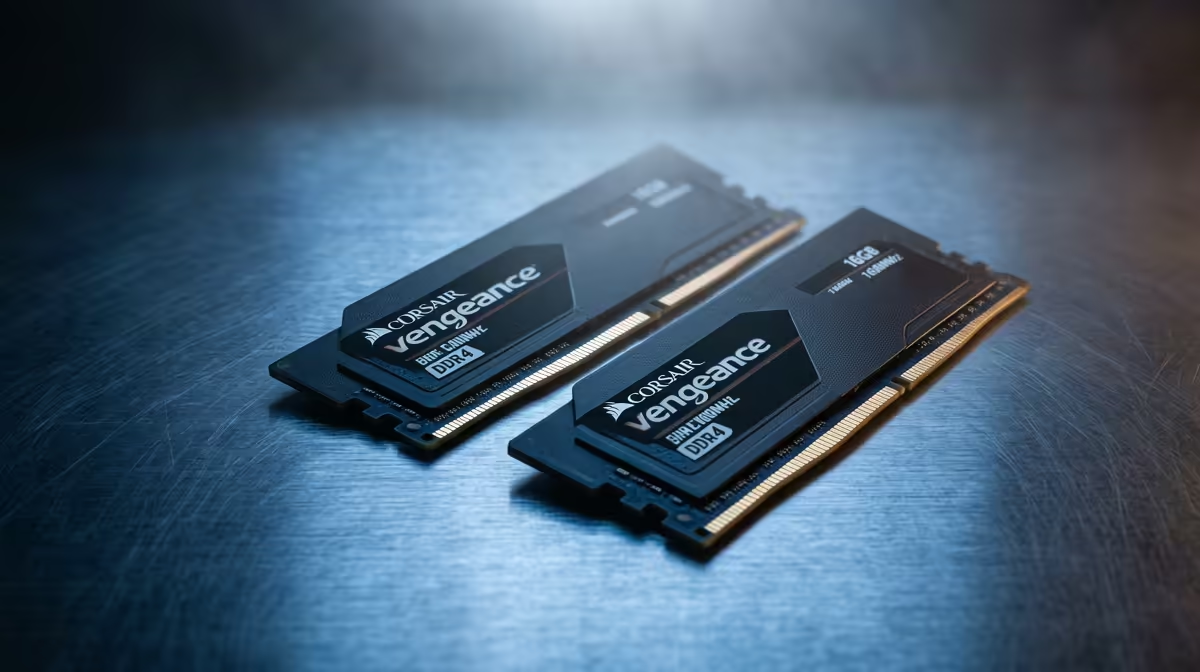
Most modern gaming builds in South Africa currently rely on high-quality DDR4 memory. If you do not enter the BIOS to toggle the profile, you are essentially wasting money. The difference in PUBG can be as much as 20 FPS in busy areas... and much smoother 1% lows.
BIOS Safety Tip ⚡
When enabling XMP or EXPO, ensure your BIOS is up to date. Manufacturers often release updates that improve memory stability... especially for high-speed kits on newer platforms. It takes five minutes but prevents crashes during intense firefights.
How to Enable High-Speed Memory Profiles
To fix the RAM Speed PUBG Stutter, restart your PC and tap the Delete or F2 key. Look for the "Overclocking" or "Memory" tab. Select "XMP" or "EXPO" and choose Profile 1. Save and exit.
For those building the latest rigs, cutting-edge DDR5 memory offers even higher frequencies. However, higher speeds require better stability. If you notice crashes after enabling a profile, you might need to increase the voltage slightly or settle for a slightly lower frequency.
Choosing the Right Kit for Your Build
Capacity matters just as much as speed. While 16GB was the standard, PUBG and background apps like Discord can quickly fill that up. Upgrading to 32GB RAM kits ensures you never hit a swap file limit.
Reliability is also key when pushing high speeds. We often recommend brands like Teamgroup RAM because they offer excellent compatibility with both Intel and AMD motherboards. Whether you are playing in 1080p or 4K, faster RAM ensures your frame times stay flat. No more hitches... just smooth gameplay.
Ready to Eliminate the Stutter? Don't let slow memory hold back your hardware. Whether you need a simple upgrade or a complete platform overhaul, we have the best deals in South Africa. Explore our massive range of RAM specials and find the perfect kit to boost your FPS today.










