


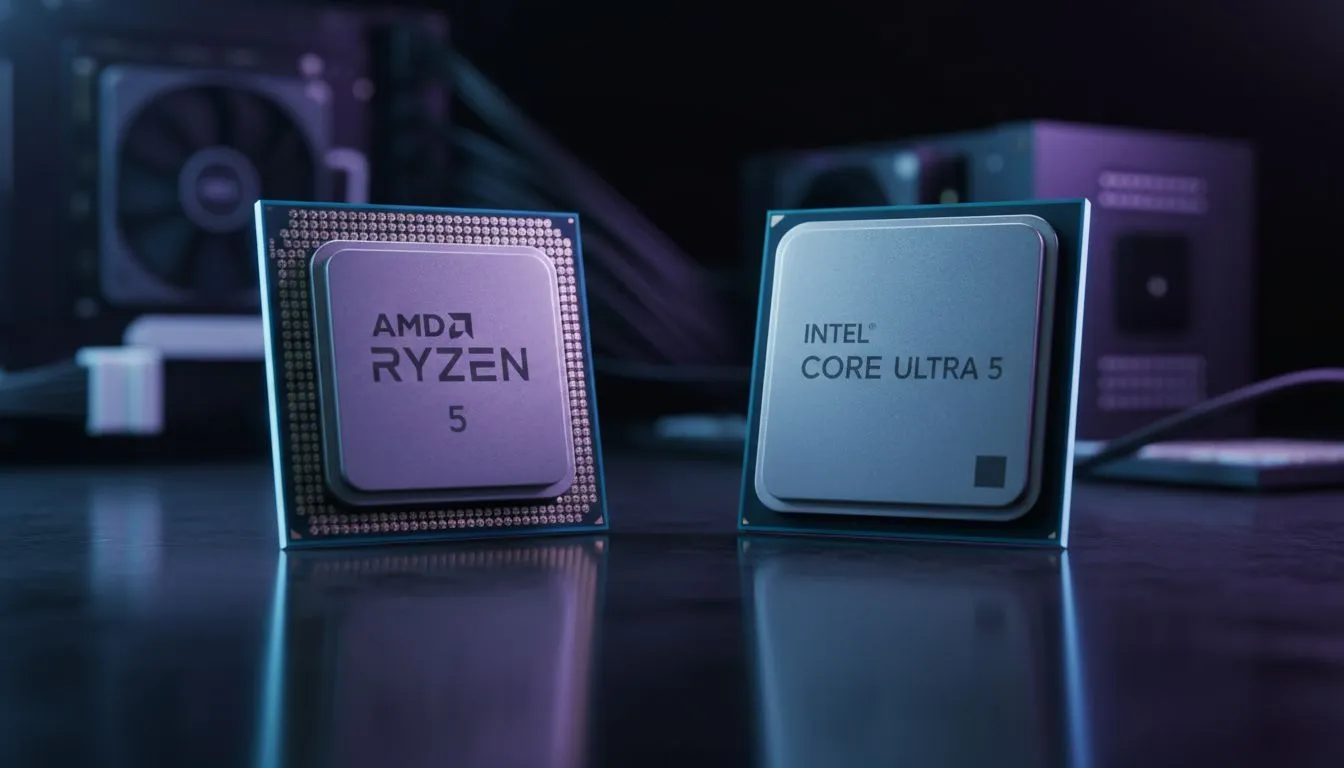
There is nothing quite like cruising over the Drakensberg at sunset in Microsoft Flight Simulator. But if your frame rates are dropping faster than the Rand, it is time for an upgrade. Finding the best mid-range CPU for Flight Sim is a balancing act between clock speeds and budget... especially with the Ryzen 5 9600X vs Core Ultra 5 debate heating up in the local market. ✈️
Finding the Best Mid-Range CPU for Flight Sim
Flight simulation is notoriously heavy on a single CPU core. While many modern titles spread the workload across multiple threads, Microsoft Flight Simulator still demands high instructions-per-clock (IPC) performance to handle complex flight physics and real-time air traffic. When you buy CPU processors online in South Africa, you need to look beyond the core count. You need a chip that can sustain high frequencies without turning your room into a sauna during a February heatwave.
The Ryzen 5 9600X and the Core Ultra 5 (Series 2) represent the latest architectural leaps from AMD and Intel. Both aim to provide that "sweet spot" of performance for enthusiasts who want a smooth cockpit experience without spending R15,000 on a flagship chip.
Ryzen 5 9600X vs Core Ultra 5: The Architecture Battle
AMD’s Ryzen 5 9600X is built on the Zen 5 architecture. It focuses heavily on efficiency and IPC gains. For the flight simmer, this means more stable frame times when flying into dense airports like OR Tambo or Heathrow. If you decide to buy an AMD CPU, you are also investing in the AM5 platform, which AMD has promised to support for years to come... a massive win for future-proofing your rig. 🔧
On the other side, the Intel Core Ultra 5 (Arrow Lake) moves away from the traditional "Core i5" branding to focus on a tile-based design. It excels in thermal management and multi-threaded efficiency. Those looking to buy an Intel CPU will notice that the Core Ultra 5 stays remarkably cool, which is vital if you are running long-haul flights that last several hours.
Sim Performance Pro Tip ⚡
In Microsoft Flight Simulator, your 'Terrain Level of Detail' (TLOD) setting is almost entirely CPU-bound. If you are seeing stutters on your new Ryzen or Intel chip, try lowering TLOD to 150 or 200. This reduces the main thread bottleneck and allows your GPU to breathe, resulting in much smoother landings.
Why Efficiency Matters for South African Simmers
With the cost of electricity and the ever-present reality of managing heat in our climate, efficiency is no longer just a "nice to have" feature. The Ryzen 5 9600X vs Core Ultra 5 comparison shows that both brands are finally taking power draw seriously. The 9600X operates at a very lean TDP, meaning you can get away with a high-quality air cooler rather than a bulky 360mm radiator. 🚀
The Core Ultra 5 is equally impressive, stripping away "Hyper-Threading" to focus on raw, efficient throughput. This results in a chip that doesn't spike in temperature the moment you engage the autopilot in a complex airliner like the PMDG 737.
Final Verdict for Your Virtual Hangar
If you want the absolute highest IPC for pure flight simulation, the Ryzen 5 9600X currently holds a slight edge in raw single-core snappiness. However, the Core Ultra 5 is a productivity powerhouse that handles background tasks... like VATSIM or Navigraph... with incredible ease. ✨
Ultimately, the best mid-range CPU for Flight Sim is the one that fits your motherboard path and cooling setup. Both chips will deliver a locked 60 FPS in most scenarios when paired with a decent mid-range GPU.
Ready to Take to the Skies? Choosing between the latest AMD and Intel silicon is tough, but we are here to help you clear for takeoff. Explore our massive range of CPU specials and find the perfect processor to power your next flight adventure.











