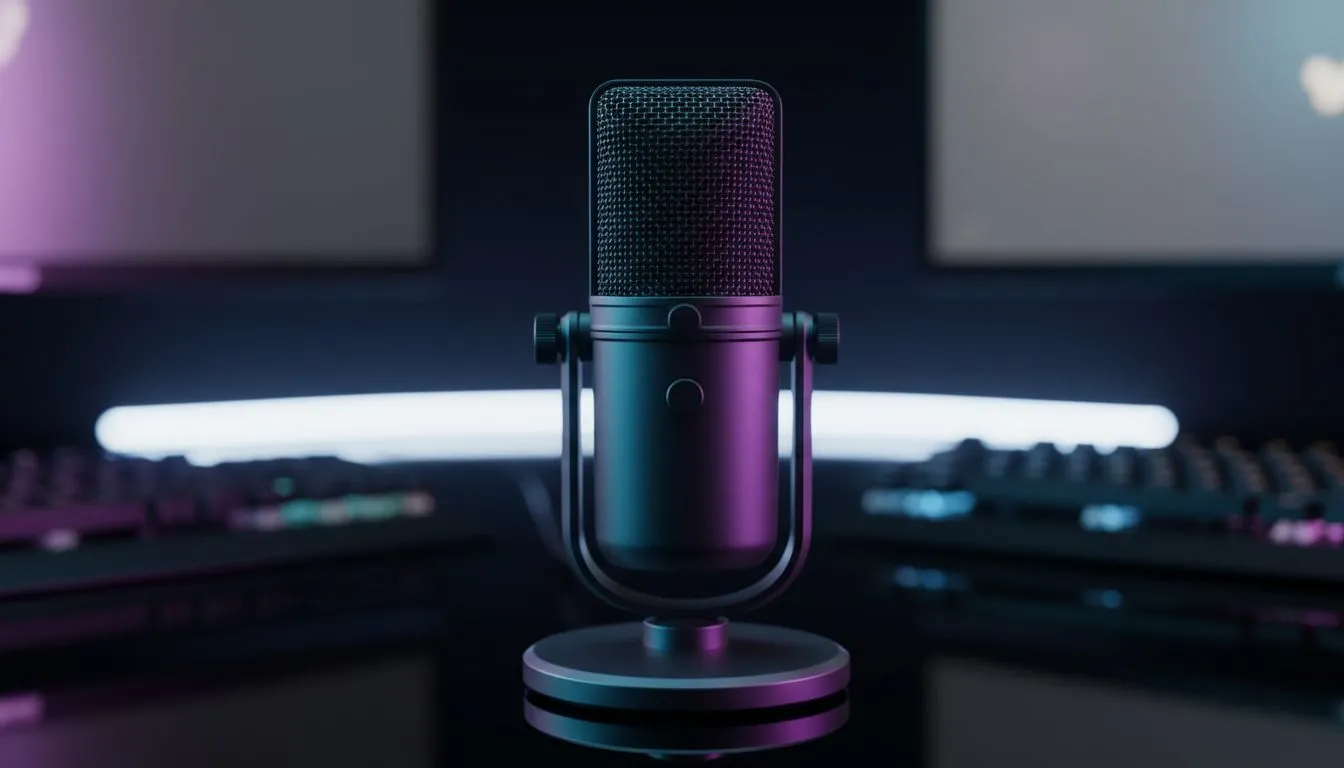
Starting your streaming journey in South Africa is exciting, but the price of gear can be a massive barrier. You might think you need a R5000 studio mic to get noticed, but that is simply not true. You can build a professional-grade budget Twitch audio setup without breaking the bank. It is all about choosing the right hardware and optimising your environment to ensure your voice remains crisp.
Why Audio Quality Trumps Visuals for New Streamers
Viewers will often tolerate a 720p webcam, but they will leave instantly if your audio is peaking or filled with static. In the competitive world of South African content creation, clarity is your best friend. A solid budget Twitch audio setup focuses on isolation and clean input rather than expensive branding. You do not need a soundproof booth... you just need smart positioning and a decent peripheral. ✨
Choosing the Right Headset for Your Budget Twitch Audio Setup
If you are looking for a versatile solution that handles both input and output, the Razer Barracuda X Chroma Wireless Headset in Phantom White is an incredible starting point. It offers the flexibility of wireless connectivity without the typical latency issues that plague cheaper models, ensuring your reactions stay perfectly synced with your voice.
For those who prefer a wired connection or a different aesthetic, checking the full range of Razer headphones and headsets will reveal options that fit various price points. Razer has mastered the balance between microphone clarity and driver performance, which is vital when you are trying to keep costs down while maintaining a professional standard. ⚡
Exploring Affordable Alternatives
If you already have a dedicated microphone and just need a way to monitor your sound, or if you want a more traditional gaming look, there are plenty of headphone and headset options available at Evetech. The goal is to find a set that offers "closed-back" ear cups... this prevents your game audio from bleeding into your microphone, a common mistake that ruins many amateur streams.
Streamer Pro Tip ⚡
Use the 'Noise Suppression' filter in OBS (RNNoise or Speex). It is a free way to cut out the hum of your PC fans or the distant sound of a generator during load shedding, making even a budget mic sound studio-grade.
Optimising Your Space for Better Sound 🔧
Even the best gear will struggle in a room with too much echo. You do not need expensive acoustic foam. Throwing a thick rug on the floor or hanging some curtains can drastically improve your budget Twitch audio setup. These small changes reduce "room bloom" and make your voice sound much more intimate and professional.
Remember to keep your microphone roughly two to three fingers away from your mouth. This prevents "plosives"... those harsh "P" and "B" sounds that can hurt a listener's ears. By combining these physical tips with the right gear, you will sound like you spent a fortune when you actually saved thousands. 🚀
Ready to Sound Like a Pro?
Building a budget Twitch audio setup is the smartest move for any rising South African creator. Explore our massive range of gaming headsets and find the perfect gear to start your streaming empire today.