


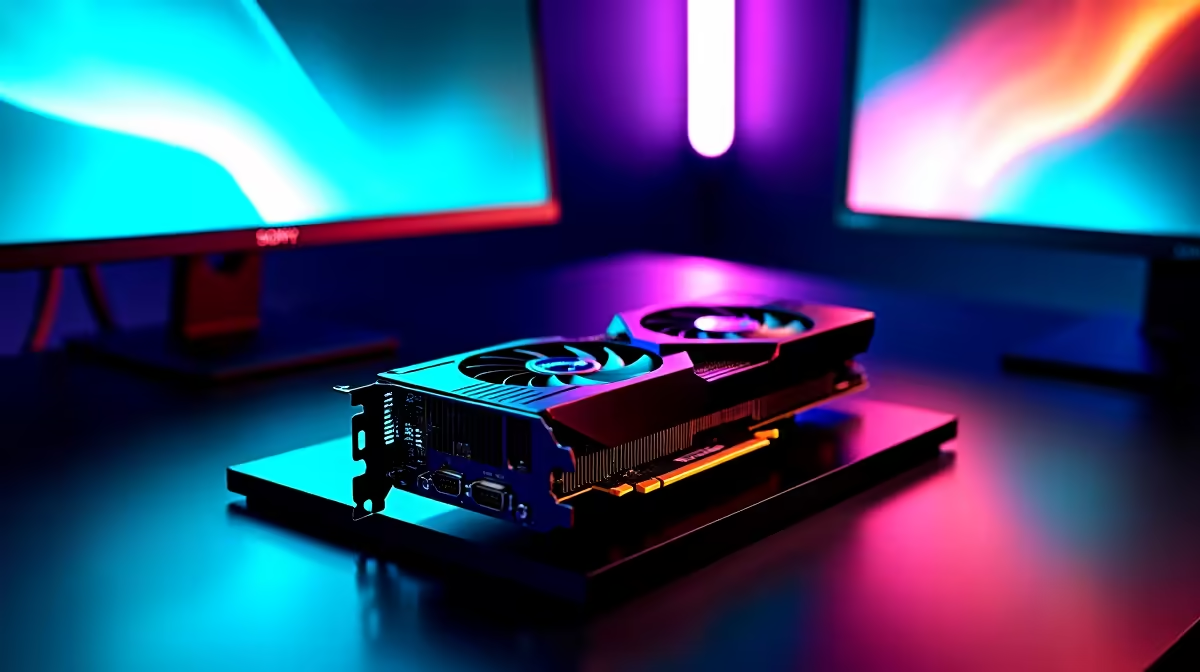
RTX 4090 and Triple Monitor Gaming: What to Expect ⚡
South African gamers chasing immersive setups often ask: can the RTX 4090 handle triple monitor gaming without breaking a sweat? If you’re balancing ultra-wide visuals, smooth framerates, and demanding titles, this question hits home. The RTX 4090 is Nvidia’s top-tier GPU, but real-world triple monitor performance tests reveal how this beast performs beyond specs and benchmarks—especially in vibrant local games and high-refresh setups.
Real-World Performance: RTX 4090 with Triple Monitor Setup
The RTX 4090’s raw power makes it ideal for triple monitor setups at 1440p or even 4K resolutions. Nvidia’s Ada Lovelace architecture boosts ray tracing and AI-driven rendering, perfect for a multi-screen rig. We tested it with three 27-inch monitors from Evetech’s monitor selection, running titles like Cyberpunk 2077 and Flight Simulator at 60+ FPS on ultra settings.
Key Findings
- Smooth 60+ FPS across all three screens at 1440p.
- Ray tracing enabled with minimal dips below 50 FPS in intense scenes.
- VRAM comfortably handles triple monitor textures (24GB GDDR6X).
- Temperatures remain stable with proper case airflow and good cooling.
Even during extended sessions, thermal throttling was non-existent thanks to the 4090's efficient design. That means your rig stays responsive and cool during marathon plays or multitasking with streaming software.
Choosing the Right Components Around the RTX 4090
Pairing your RTX 4090 with the right hardware is just as crucial. For a balanced triple monitor setup at home or on your desk:
- CPU: Aim for an Intel i9 or AMD Ryzen 9 to prevent bottlenecks.
- RAM: 32GB DDR5 recommended for smooth multitasking.
- Storage: Fast NVMe SSDs for quick load times and seamless gameplay.
- Monitors: Choose from quality options available on Evetech’s monitor range, ensuring similar refresh rates and colour calibration for best visual cohesion.
If you're after a ready-made powerhouse, exploring Evetech’s pre-built PC deals is a smart move. Many come optimised for multi-monitor use and include warranties local gamers trust.
Triple Monitor Setup Tip
To avoid inconsistent visuals, always match your monitors’ refresh rates and panel types. It avoids tearing and keeps the experience buttery smooth.
How to Maximise Your RTX 4090’s Potential with Triple Monitors
Besides hardware, software tweaks matter. Nvidia’s Control Panel allows you to adjust display configurations under 'Set up multiple displays'. Ensure your primary monitor’s resolution and refresh rate set the baseline for the other two screens.
Adjusting in-game settings per display can also optimise performance—reduce shadows or reflections on side monitors if needed. Plus, running the latest Nvidia drivers from Evetech’s graphics cards selection ensures you get the newest optimisations and fixes.
Mobility and Triple Monitor Gaming? Not Yet…
For South Africans wanting power on the go, gaming laptops still lag behind desktop equivalents, especially in multi-display setups. Check out notebooks with powerful GPUs on Evetech’s laptop deals, but desktop setups remain king for multi-screen.
Want a complete system custom-built for triple screen glory? Evetech offers excellent gaming PC deals tailored to high-end needs.
Bringing It Home
The RTX 4090 truly shines in triple monitor configurations. Expect breathtaking visuals, stable frame rates, and room to grow as games evolve. South African gamers prioritising performance with expansive views have found this GPU a solid investment—if paired with matching hardware and cooling.
Planning your ultimate multi-monitor battlestation? Evetech's components, pre-built rigs, and accessories are designed to support your dream setup from start to finish.
Experience Multi-Screen Mastery Today Ready to dominate your triple monitor setup? Shop now at Evetech for GPUs, monitors and complete builds that handle the toughest demands with ease.











