


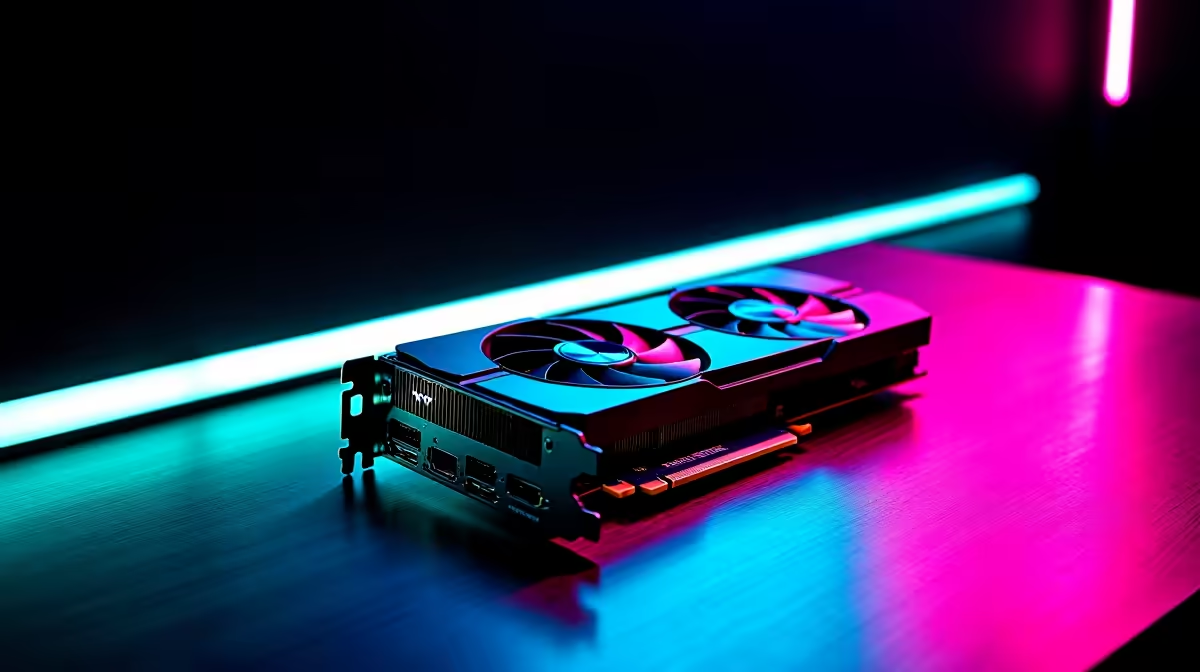
The RTX 5060 Ti is NVIDIA's mainstream workhorse for 1080p gaming, and yes - it handles 1080p 144Hz gaming across most modern titles with room to spare. South African gamers targeting 144Hz monitors at 1080p will find the RTX 5060 Ti hits a satisfying sweet spot between price and sustained frame rate performance.
Quick Answer
Can the RTX 5060 Ti handle 1080p 144Hz?: Absolutely. In most AAA titles the RTX 5060 Ti averages well above 100 FPS at High-to-Ultra settings at 1080p, reaching or exceeding 144 FPS in less demanding games. Even in heavy titles like Cyberpunk 2077 or Alan Wake 2, DLSS 4 with Frame Generation pushes it well past the 144Hz target.
🔧 Real-World Frame Rate Breakdown
The RTX 5060 Ti (Blackwell architecture) brings meaningful efficiency gains over the RTX 4060 Ti while maintaining competitive pricing. Based on benchmarks across a range of demanding modern games at 1080p:
- Cyberpunk 2077 (Ultra + RT): 55–75 FPS native, 140–180 FPS with DLSS 4 Quality + Frame Gen
- Call of Duty Warzone (High): 155–200 FPS (engine-limited in some maps)
- GTA 6 (High): 110–135 FPS
- Valorant / CS2 (Competitive): 300–400+ FPS (CPU-bound)
- Elden Ring (Max): 60 FPS (engine cap, GPU idle)
- Hogwarts Legacy (Ultra): 95–125 FPS
For 144Hz gaming, the RTX 5060 Ti hits its target in virtually every game at High settings and most games at Ultra - especially with DLSS 4 Quality mode engaged, which incurs minimal visual quality cost.
📊 DLSS 4 and Frame Generation Impact
The RTX 5060 Ti supports DLSS 4 Multi-Frame Generation (1x–4x), which is the biggest performance lever available. At 1080p, Multi-Frame Generation at 2x takes a 60 FPS native baseline and outputs 120+ FPS - comfortably above the 144Hz threshold in even the heaviest titles.
Recommended DLSS 4 settings for 1080p 144Hz:
- DLSS Mode: Quality (renders at 720p internally, upscales to 1080p)
- Frame Generation: On (2x for most games, 4x only if native frames exceed 50)
- Reflex: On + Boost (keeps latency manageable with Frame Gen active)
NVIDIA Reflex is important when Frame Generation is enabled - without it, perceived input lag increases. The RTX 5060 Ti ships with Reflex support enabled by default in supported titles.
💡 What System Does the RTX 5060 Ti Need for 144Hz?
To avoid CPU bottlenecking the RTX 5060 Ti at 1080p 144Hz, pair it with at least a Ryzen 5 7600 or Core i5-13600K. At 1080p, games shift load toward the CPU once the GPU is fast enough, and an older or weak CPU will cap your frame rate before the GPU does.
16GB of DDR5 RAM is recommended. The RTX 5060 Ti itself ships with either 8GB or 16GB VRAM depending on the variant - for 1080p, 8GB is sufficient for current titles, but 16GB is the safer long-term choice as games increase VRAM demands.
❓ Frequently Asked Questions
Does the RTX 5060 Ti support 1080p 144Hz on all monitors? The RTX 5060 Ti outputs DisplayPort 2.1 and HDMI 2.1, both of which support 1080p at 144Hz and beyond. Any 1080p 144Hz monitor will work without any special configuration needed.
How does the RTX 5060 Ti compare to the RTX 4060 Ti at 1080p 144Hz? The RTX 5060 Ti is approximately 15–20% faster than the RTX 4060 Ti in rasterization, and significantly faster with DLSS 4 support (the 4060 Ti only supports DLSS 3). For 144Hz gaming, the 5060 Ti is the clear upgrade.
Is the RTX 5060 Ti overkill for 1080p? Not in 2026. AAA titles are increasingly demanding at high settings, and future releases will push frame rates down further. The RTX 5060 Ti ensures 1080p 144Hz gaming stays comfortable for the next 3–4 years without requiring major compromises.
Evetech stocks RTX 5060 Ti Gaming PCs and RTX 5060 Gaming PCs — browse current SA pricing and availability online.
Ready to Find Your Perfect Match? Shop at Evetech











