


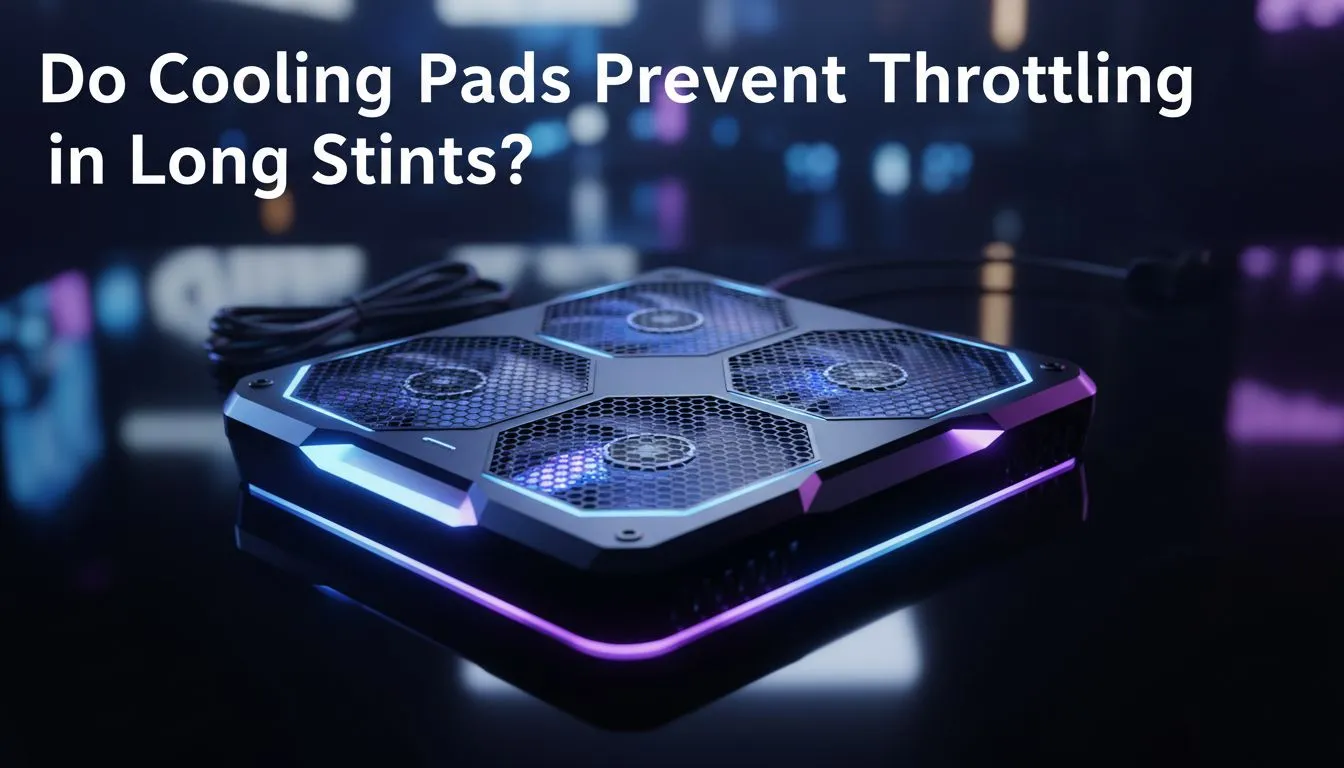
The Heat Battle in South African Gaming
Summer in South Africa is glorious for a braai... but it is a nightmare for your gaming laptop. Whether you are in the humid heart of Durban or the dry heat of Gauteng... your hardware is fighting a constant battle. You might notice your FPS suddenly tanking after an hour of play. This is the dreaded thermal throttle. Many gamers ask: can cooling pads prevent throttling during those intense, multi-hour sessions?
Why Thermal Throttling Happens
Your laptop is a marvel of engineering... but it has very little space for airflow. When your CPU and GPU work hard, they generate immense heat. Once they hit a specific temperature limit... often around 90°C... the system automatically slows down to protect the components. This drop in clock speed is what causes your game to stutter. By using high-quality laptop cooling pads, you provide a consistent stream of fresh air to the intake vents, helping the internal fans do their job more effectively.
Airflow Pro Tip ⚡
Always check where your laptop's intake vents are located before buying a pad. Most gaming laptops pull air from the bottom. If your cooling pad fans do not align with those vents, you are just cooling the plastic chassis instead of the internal heat pipes.
The Verdict on Long Stints
Does a cooling pad actually help over a four-hour session? The answer is yes... but with a caveat. A cooling pad is not a magic air conditioner. However, it significantly delays the "heat soak" effect. In our testing, active Cooler Master solutions can reduce surface temperatures by 5°C to 15°C. This extra thermal headroom is often the difference between maintaining 144 FPS and dropping to 60 FPS when the room temperature climbs above 30°C.
Choosing Your Thermal Solution
For many local gamers, value is just as important as performance. You do not always need to spend thousands of ZAR to see a benefit. Even MARVO budget-friendly options provide an ergonomic tilt that improves natural convection. By lifting the laptop off the desk... you prevent the "suffocation" that happens when a laptop sits flat on a warm surface. This simple change in posture for your machine can extend its lifespan and keep your frame rates stable during those long weekend grinds. 🔧
Ready to Keep Your Cool? Don't let the South African summer kill your killstreak. Whether you need extreme airflow or a budget-friendly lift, we have the gear to keep you running at peak performance. Explore our massive range of laptop cooling pads and find the perfect match for your gaming rig.









