


Understanding CPU Thermal Throttling and Performance Loss
You are mid-clutch in a heated match or rendering a complex 4K video when suddenly... everything stutters. Your PC sounds like a jet engine taking off from OR Tambo. That frustrating drop in performance is likely CPU thermal throttling. It is your processor’s safety mechanism kicking in to prevent permanent heat damage. Understanding why this happens is the first step to protecting your hardware during those scorching South African summers 🔧.
Common CPU Thermal Throttling Causes
CPU thermal throttling occurs when your processor reaches its maximum safe operating temperature, often between 90°C and 100°C. To cool down, the CPU intentionally slows its clock speed. This reduces heat but kills your frame rates.
The most frequent culprit is insufficient cooling. If you are still using a basic stock cooler on a high-end Ryzen 9 or Core i9, you are asking for trouble. Over time, dust buildup in your chassis or dried-out thermal paste can also degrade thermal transfer. Even the best hardware will struggle if the ambient air inside your case is too hot due to poor cable management or lack of exhaust fans.
How to Prevent CPU Thermal Throttling Effectively
The most direct solution is upgrading your thermal solution. A high-quality range of CPU coolers can drop your load temperatures by 15°C or more. This headroom allows your CPU to maintain its "Boost" clocks for longer periods without hitting the thermal ceiling.
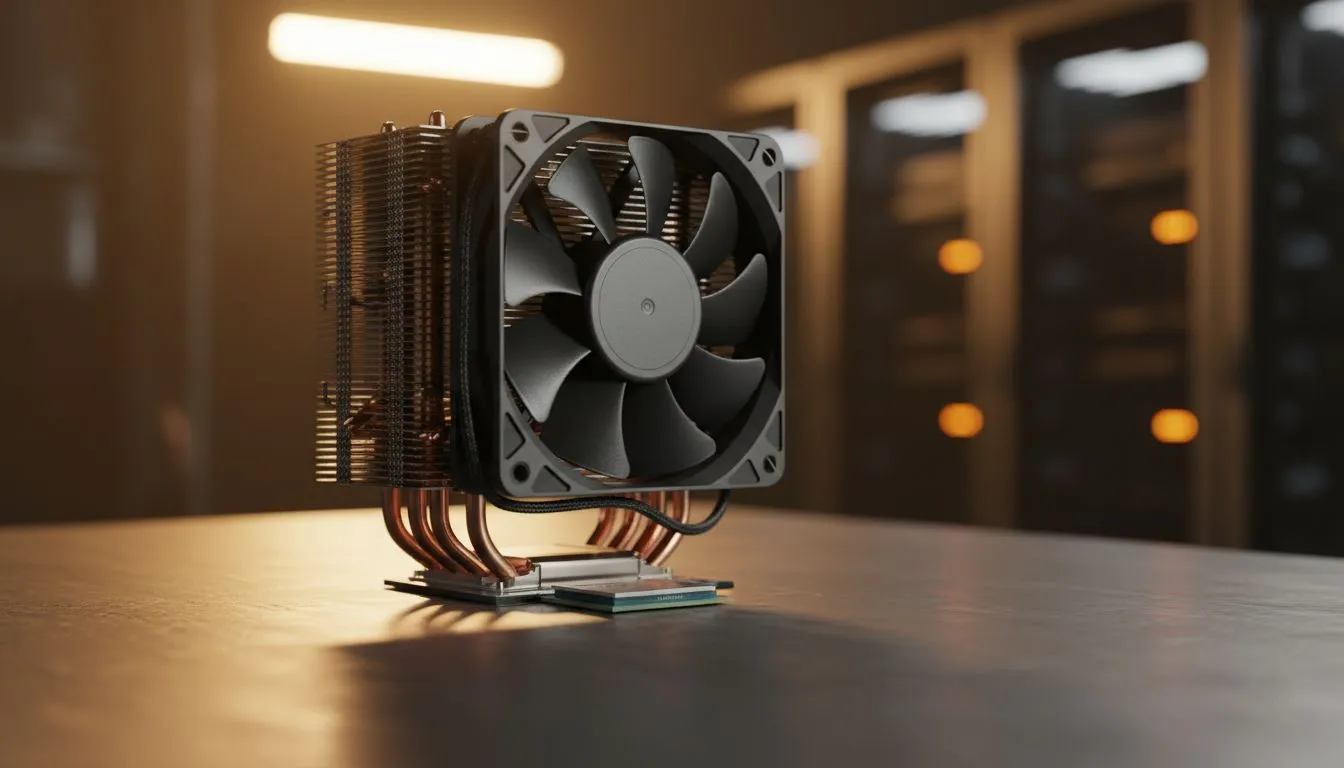
For most gaming builds, a reliable air cooler is the most cost-effective choice. They are durable, easy to install, and provide excellent longevity. When selecting a cooler, look for heatsinks equipped with 120mm fans to ensure optimal airflow and lower noise levels ⚡.
Thermal Paste Pro Tip ⚡
When reapplying thermal paste, a pea-sized amount in the centre of the heat spreader is usually perfect. Too much creates a messy overflow, while too little leaves microscopic air gaps. Always use a high-quality, non-conductive paste to ensure the best heat transfer between your CPU and the cooler base.
Choosing the Right Hardware for the SA Climate
Our local climate can be brutal on electronics. Investing in reputable brands is essential for peace of mind. Many local enthusiasts opt for Deepcool air coolers because they offer a fantastic balance of thermal dissipation and aesthetics.
If you are looking for high performance on a stricter budget, EINAREX cooling solutions provide an excellent entry point into aftermarket cooling. These upgrades ensure that whether you are in the humidity of Durban or the dry heat of the Karoo, your PC stays frosty 🚀.
Summary Checklist for a Cool System
- Clean your dust filters every three months.
- Ensure your chassis has a clear "front-to-back" airflow path.
- Monitor your temperatures using software like HWMonitor.
- Replace your thermal paste every two years for peak efficiency.
Ready to Chill Your Build? Don't let high temperatures throttle your gaming experience. For the best thermal performance and value in South Africa, upgrading your cooling is a must. Explore our massive range of CPU coolers and keep your system running at peak performance.










