


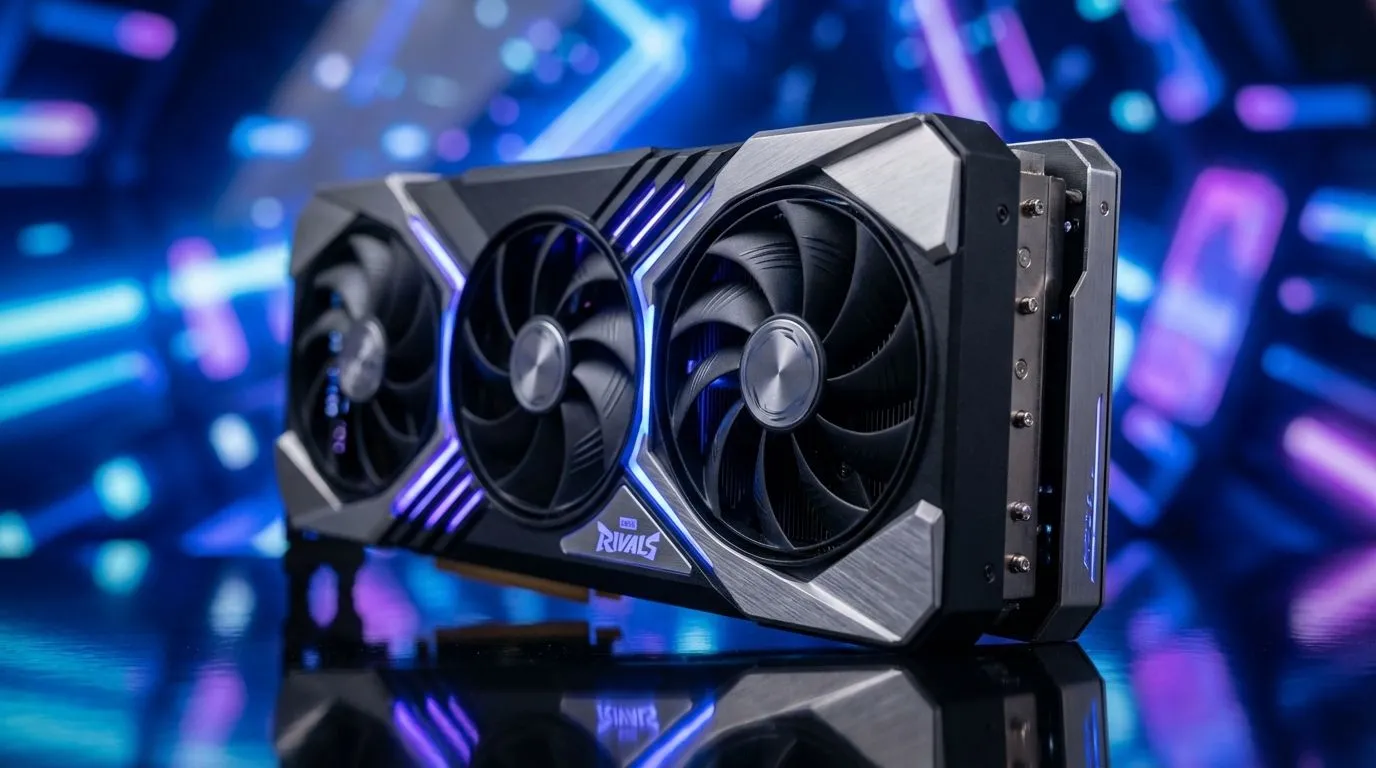
Marvel Rivals is finally here... looking for that competitive edge in Johannesburg or Cape Town? Choosing between DLSS and FSR determines if you see the enemy clearly or through a blurry mess. Let's break down the DLSS vs FSR Marvel Rivals clarity showdown to see which GPU tech wins. ⚡
The Battle for Visual Fidelity
NVIDIA’s DLSS has long been the gold standard for image reconstruction. In Marvel Rivals, DLSS 3.5 provides incredible sharpness... especially on high-end MSI graphics cards. It uses AI to fill in the gaps... which reduces the shimmering often seen on thin power lines or character edges. If you want the cleanest image at 1440p or 4K, NVIDIA currently holds a slight lead in pure visual stability.
AMD FSR 3.1: The Universal Contender
AMD isn't sitting back... their latest FSR 3.1 update has significantly improved clarity. It is a fantastic option if you are using AMD Radeon graphics cards to power your rig. While it may occasionally show minor ghosting in high-motion scenes... the performance boost is massive. For gamers on a budget... FSR allows older hardware to run Marvel Rivals at competitive frame rates. Choosing the right NVIDIA or AMD graphics cards can make or break your experience.
Performance Pro Tip ⚡
Always disable 'Motion Blur' and 'Depth of Field' in Marvel Rivals settings when using upscalers. These effects can clash with DLSS or FSR reconstruction... causing unnecessary smearing during fast combat. This small tweak ensures you get the crispest image possible while keeping your frame rates high.
Exploring Other Hardware Options
It isn't just a two-horse race anymore. Players using Intel Arc graphics cards can take advantage of XeSS... which often rivals DLSS in image quality. Even those using professional workstation graphics cards for creative work can jump into the fray... as these drivers are becoming increasingly optimised for modern engines. 🔧
Final Verdict on Clarity
In the DLSS vs FSR Marvel Rivals clarity showdown... NVIDIA wins on fine detail... but AMD wins on accessibility. If your budget is around R12,000... you have excellent choices on both sides. Focus on the tech that matches your monitor's resolution and your desired refresh rate. ✨
Ready to Find Your Perfect Match? The DLSS vs FSR debate is complex, but for maximum power, choice, and value in South Africa, a new GPU is the best upgrade. Explore our massive range of graphics card specials and find the perfect machine to conquer Marvel Rivals.











