The Reality of DLSS Racing Sims: Does it Cause Motion Blur?
For South African sim racers chasing that podium finish... every millisecond matters. You have likely heard the debate: DLSS racing sims: Does it cause motion blur? While extra frames are great... nobody wants a blurry mess at 300km/h on the Kyalami straight. Let’s dive into whether NVIDIA’s AI upscaling helps or hurts your lap times. 🏎️
Understanding DLSS in High-Speed Environments
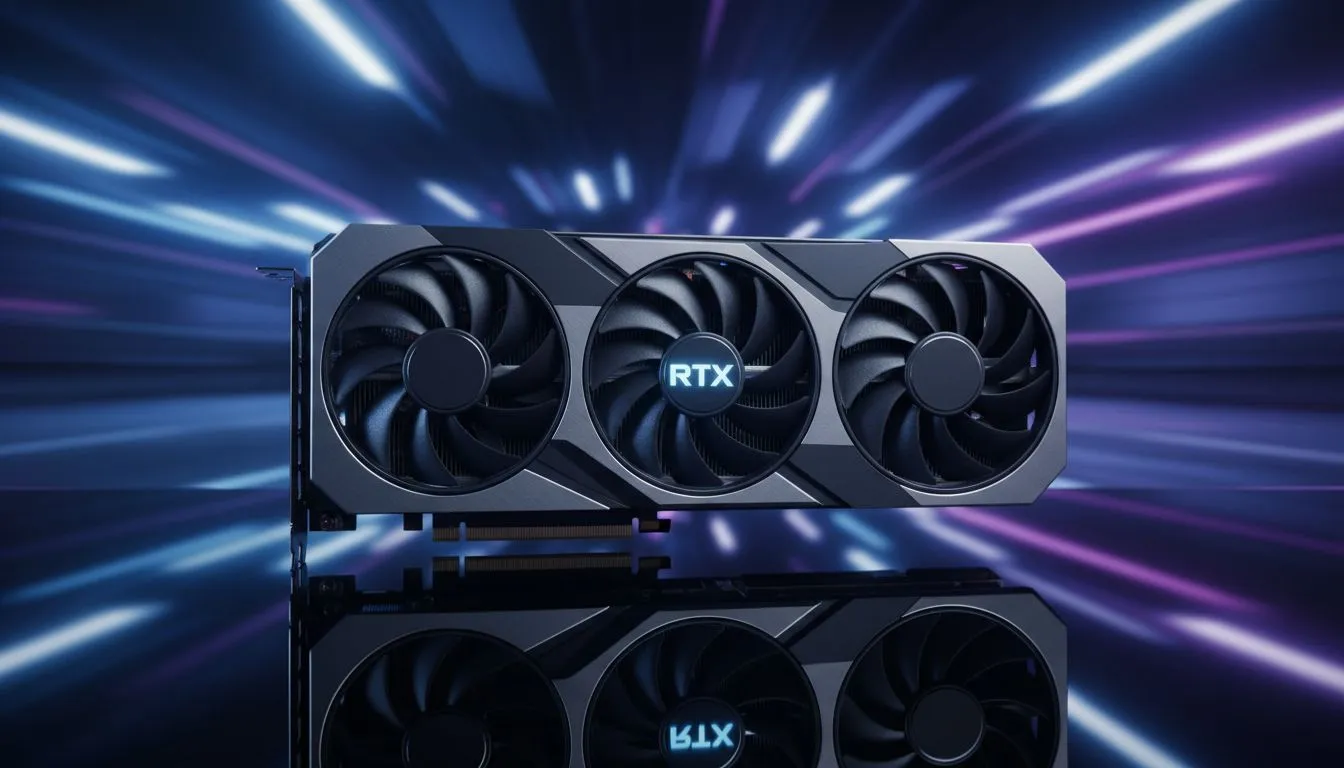
DLSS works by using AI to reconstruct images from a lower resolution. In the early days... this often caused "ghosting" or "smearing" behind fast-moving cars. However... modern versions have improved significantly. If you are using latest-gen NVIDIA graphics cards... the AI handles temporal data much better than before. The result is a sharper image that maintains high frame rates in titles like F1 24 or Assetto Corsa Competizione.
Choosing the Right Hardware for Clarity
To get the most out of upscaling... hardware quality matters. Premium MSI graphics cards provide the thermal headroom needed to keep clock speeds stable. Stable clocks mean the AI processing remains consistent... which reduces the chance of visual artifacts. When you ask if DLSS racing sims: Does it cause motion blur... the answer often depends on your settings. Using "Quality" mode instead of "Performance" mode usually eliminates any perceived smearing. ⚡
Sim Racing Pro Tip ⚡
If you notice ghosting behind your car, try updating your DLSS DLL file manually using a tool like 'DLSS Swapper'. Newer versions of the AI model often significantly reduce the 'smearing' effect seen on fast-moving objects in older racing titles.
Comparing Upscaling Options in South Africa
NVIDIA is not the only player in the local market. Many gamers opt for AMD Radeon graphics cards to use FSR technology. While FSR is a great alternative... it can sometimes struggle with shimmering on fine details like track fences. Even the newer Intel Arc graphics cards offer XeSS... which provides another competitive option for budget-conscious racers.
Professional Setups and Visual Fidelity
For those building elite-tier rigs... visual precision is non-negotiable. Some high-end simulators even utilise workstation graphics cards for massive multi-monitor 4K setups. For the average Jo’burg gamer... a solid RTX card is the standard. Modern DLSS versions... specifically 3.5 with Ray Reconstruction... have largely solved the motion blur issues of the past. You get the speed you need without sacrificing the crispness of the apex. 🚀
Ready to Find Your Perfect Match?
The debate over motion blur is fading as AI technology improves, but having the right GPU is still the key to victory. Explore our massive range of NVIDIA graphics cards and find the perfect hardware to dominate the track today.