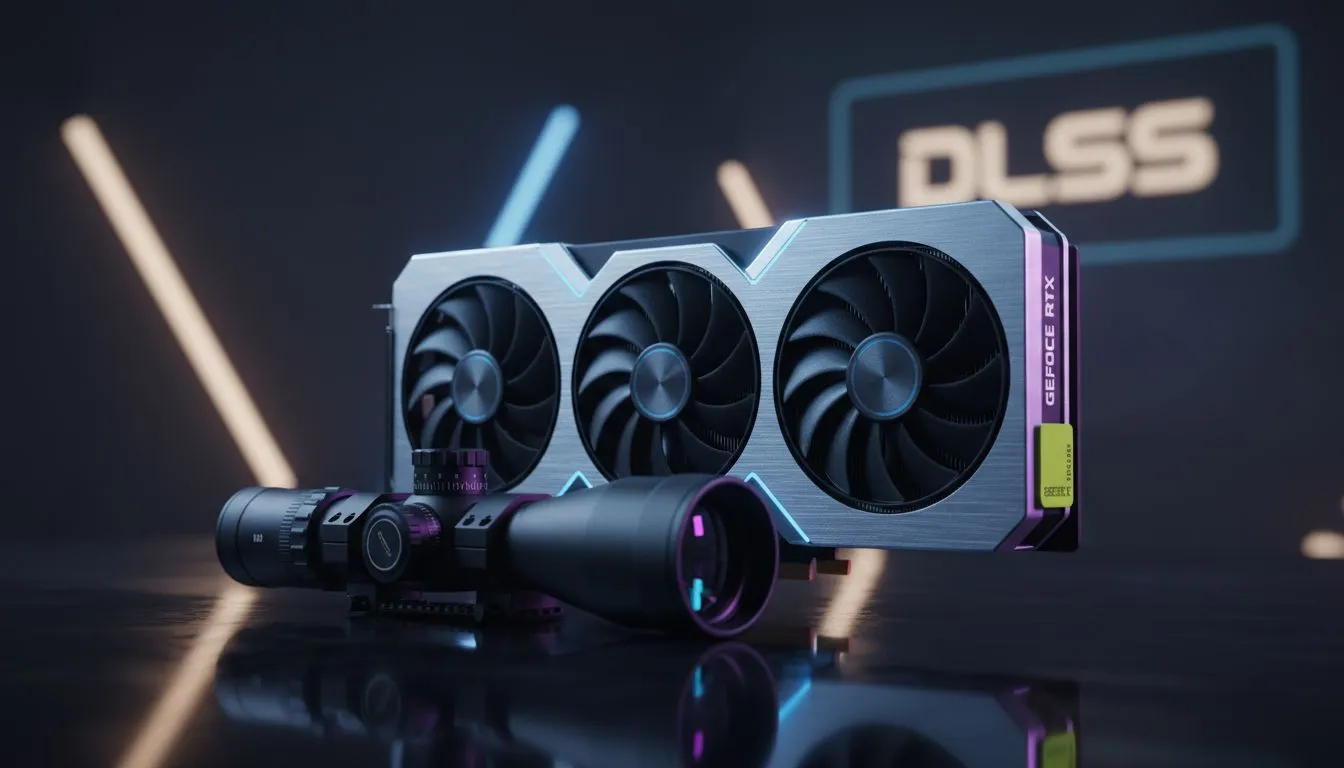
Understanding the DLSS Tarkov Blurry Scopes Problem
Getting head-eyes in Escape from Tarkov is bad enough without your optics looking like they were smeared with grease. If you have turned on DLSS to boost your frames on heavy maps like Streets, you have likely noticed the dreaded DLSS Tarkov blurry scopes issue. It makes long-range engagements nearly impossible when your reticle ghosts or loses all definition. Let's fix your visibility and reclaim your extraction rate.
The root of the problem lies in how Tarkov handles Picture-in-Picture (PiP) rendering. When you aim down a magnified sight, the game renders a second viewpoint. DLSS, which uses temporal upscaling, often struggles to process this secondary frame quickly enough... resulting in a smudgy mess. To mitigate this, ensure you are using the latest NVIDIA graphics cards that support DLSS 3 or higher, as the improved algorithms handle motion vectors with much greater precision.
Best Quality Settings to Fix Blurry Optics
To resolve the DLSS Tarkov blurry scopes: fixes and quality settings guide enthusiasts recommend, you should first look at your DLSS mode. Setting it to "Quality" or "Ultra Quality" is non-negotiable. Anything lower reduces the internal render resolution too far for the PiP scope to reconstruct effectively. If you are using MSI NVIDIA GPUs, you can often use the extra thermal headroom to overclock slightly, allowing you to push higher base resolutions like 1440p, which naturally reduces blur.
Another trick is to use DLDSR (Deep Learning Dynamic Super Resolution) in the NVIDIA Control Panel. By rendering the game at a higher resolution and then downscaling it, you provide DLSS with more data to work with. This significantly cleans up the "oil painting" effect seen in variable-zoom optics like the Vudu or Vortex.
Tarkov Visibility Pro Tip ⚡
If you find DLSS still too soft, try setting your in-game 'Sharpness' to 0.7 or 1.0. This counteracts the temporal anti-aliasing blur without introducing too much shimmering on power lines and foliage... a common issue in the Customs industrial zones.
Hardware Alternatives for Clearer Raids
While NVIDIA is the leader in AI upscaling, some players find that native resolution is the only way to achieve 100% clarity in Tarkov. High-end AMD Radeon graphics cards offer massive VRAM buffers which are essential for loading those high-resolution textures on maps like Lighthouse without needing to rely on aggressive upscaling.
For budget-conscious builds, the newer Intel Arc graphics cards provide XeSS, which some Tarkov players find produces less ghosting on certain scope reticles compared to older versions of DLSS. However, if your rig is primarily a production powerhouse that you use for raids after hours, high-end workstation graphics cards can also get the job done, provided the drivers are optimised for gaming.
Ultimately, balancing your frame rate and visual clarity in Tarkov is a ritual of fine-tuning. By choosing "Quality" presets and ensuring your hardware is up to the task, you can finally see the Scavs before they see you.
Ready to Dominate Tarkov?
Seeing your target clearly is the difference between a successful extract and a lost kit. For the best performance and frame rates in South Africa, upgrading your GPU is the ultimate solution. Explore our massive range of graphics card specials and find the perfect hardware to clear those blurry scopes for good.