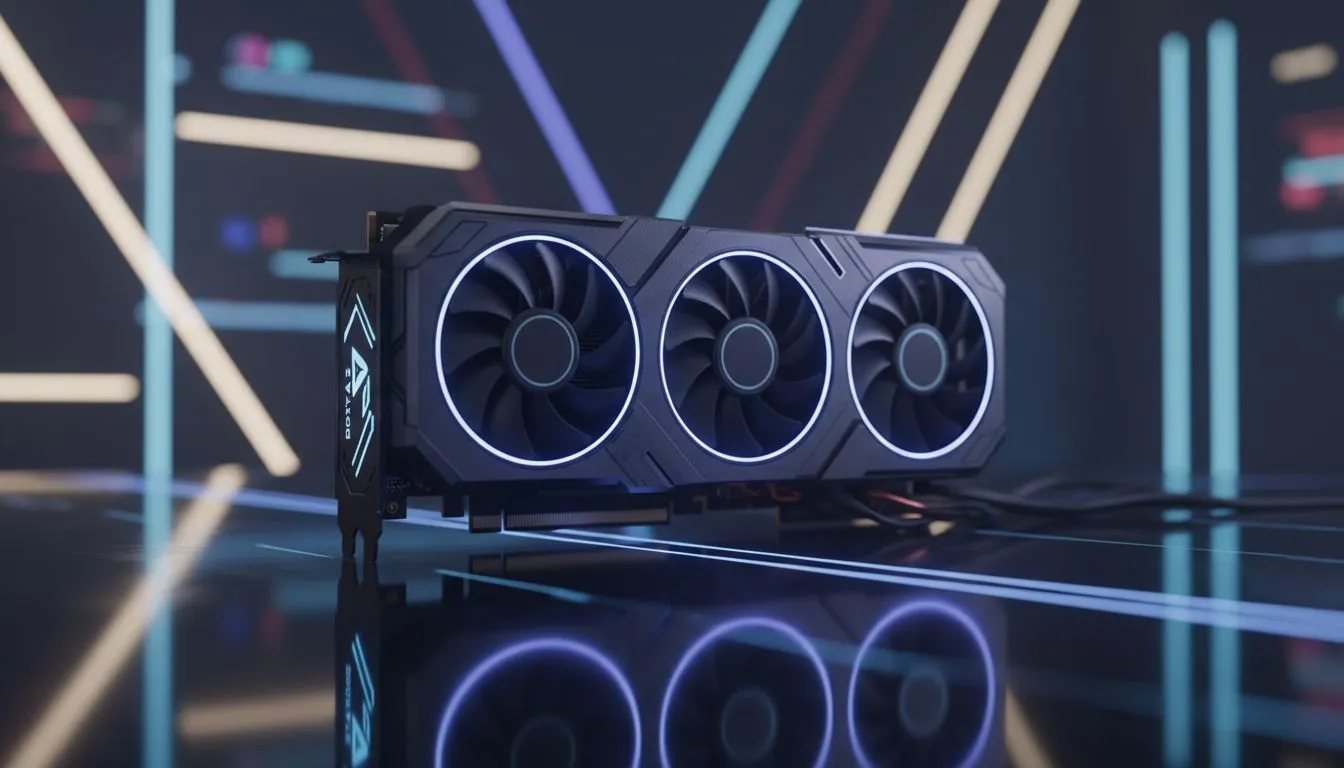
Choosing the Right API for Dota 2 Performance
Struggling with lag during a crucial team fight? We have all been there. When the FPS drops in the middle of a Black Hole, your hardware choice matters. Finding a Dota 2 Low-End Fix: Vulkan vs DX11 Performance Guide is essential for staying competitive. Whether you are playing on a budget rig or a beast, choosing the right API can save your MMR... and your sanity. 🔧
Understanding the DX11 Advantage for Older Systems
DirectX 11 has been the standard for years. It is reliable and works on almost every Windows PC in South Africa. If you are using an older GPU, DX11 often provides the most stable frame rates. It handles legacy drivers better than newer tech. For many, the simplest way to boost performance is to browse the latest NVIDIA graphics cards to ensure your hardware meets modern demands.
DX11 is less taxing on your CPU if your processor is ancient. However, it can struggle with "draw calls" during intense late-game clashes. If you notice stuttering when heroes like Phantom Lancer or Naga Siren are on screen, it might be time to look at your rendering settings.
Why Vulkan Might Be Your Secret Weapon
Vulkan is a modern, low-overhead API. It allows the game to talk more directly to your hardware. This usually results in better CPU utilisation. For South African gamers using newer hardware, Vulkan can offer a much smoother experience. If you are running a setup with MSI graphics cards, you might see a significant bump in average frame rates. ⚡
Vulkan is particularly good at reducing "hitchings" or sudden frame drops. It spreads the workload across multiple CPU cores more effectively than DX11. This makes it a great choice if you have a modern multi-core processor but a mid-range GPU.
Dota 2 Launch Options ⚡
To test Vulkan, you must first install the Vulkan support DLC in Steam. Once installed, right-click Dota 2 in your library, go to Properties, and add -vulkan to the Launch Options. If you want to switch back to DX11, simply change the command to -dx11. This is the quickest way to compare performance on your specific rig without digging through deep menu settings.
Balancing Hardware and Software Optimisation
Sometimes software fixes only go so far. If you are still seeing 30 FPS in the fountain, a hardware refresh is likely needed. You can buy AMD Radeon graphics cards which are known for their excellent Vulkan driver support. These cards often provide great value for money in the local market.
For those looking for something different, the Intel Arc graphics cards offer impressive modern API performance. They are designed with Vulkan and DX12 in mind. Even if you use your PC for professional tasks, certain workstation graphics cards can still handle a round of Dota 2 during your lunch break. 🚀
Final Verdict: Which One Should You Use?
There is no single answer for every PC. If your hardware is more than five years old, stick with DX11. It is the safer bet for stability. If you have a modern system, Vulkan is usually the superior choice for higher peak performance. Always monitor your temperatures and frame times. A steady 60 FPS is always better than a jittery 100 FPS. ✨
Ready to Find Your Perfect Match?
The Dota 2 performance debate is complex, but for maximum power, choice, and value in South Africa, the right hardware is hard to beat. Explore our massive range of laptop specials and find the perfect machine to conquer your world.